Best Private PDF Tools (No Upload) in 2026: the buyer's shortlist

By Thien · Maker of ToAny
Published
The best offline PDF tools usually share one trait: the file stays on your machine. ToAny, our own product and number one here, does that in the browser with 10 PDF tools, but it is not offline. PDFsam, Stirling-PDF, PDF24, Sejda and PDFgear are the alternatives we checked, compared on where the file is processed, price and limits.
Need a private PDF job done right now? ToAny's PDF tools merge, split, rotate, unlock and protect files in your browser, free and with no account.
Key Takeaways
- ToAny is first because nothing needs installing. Its 10 PDF tools and compress run in the browser tab, and no PDF tool uses its server. We publish ToAny, so weigh that ranking accordingly.
- Offline and no upload are different promises. PDFsam, PDF24 Creator and Sejda Desktop run as installed apps. ToAny is not offline: it needs the network to load each codec, even though it uploads no PDF.
- Check the edition, not the brand. PDF24, Sejda and PDFgear are private in their desktop apps or in-browser tools, but their other web tools upload files to a server. The same company can offer both.
- Open source is not the same everywhere. PDFsam publishes its code under AGPL-3.0. ToAny's repository is private, and GitHub shows Stirling-PDF's licence as NOASSERTION.
- Free limits differ more than prices do. PDFsam states no limit, Sejda's free desktop tier allows 3 tasks a day, and ToAny caps a run at 300 MB of input. Pick by the files you actually handle.
What private PDF tools (no upload) actually are (and what they are not)
Private PDF tools are programs that merge, split, rotate, unlock or compress a PDF without handing the document to a third party. There are two ways to do that. An installed app runs on your computer, and a browser tool runs the work inside your tab using code the page downloads. In both cases the file is processed on your own device.
When you shop for the best offline PDF tools, note that offline and no upload are not the same thing. Offline means the tool still works with the network cut, which only an installed app or a cached web app can promise. No upload means the file is not sent to a server, which a browser tool can promise even though it needs the network to load. A tool can offer both, one or neither.
Some familiar PDF sites do the opposite. Their web tools send the file to a server, process it there and delete it later. PDF24 states that web uploads are usually deleted one hour after upload, Sejda Web says files are uploaded and processed on its servers, and PDFgear's online Compress runs on Amazon servers in the US. Several of these vendors also publish a local app, so the same brand can be private in one product and not in another.
Private does not mean capable of everything. ToAny handles whole-file jobs and does not edit text, run OCR, sign or redact. Some of the others list those tools, and Sejda limits OCR on its free desktop tier. Check which edition you are opening before you trust it with a sensitive file.
How We Ranked These Private PDF Tools (No Upload)
We ranked six products on seven criteria, all of them checkable on the vendor's own pages. Where a page does not state a value, the table says not stated rather than guessing.
ToAny is first because the browser path sends no file anywhere and needs no install. That is a choice about privacy and convenience. The comparison table shows the rows where others beat it.
- Criterion 1Where the file is processedBrowser, local app or vendor server
- Criterion 2Works with the network cutYes or no: an installed app or service worker
- Criterion 3PriceFree, or the cheapest paid price as displayed
- Criterion 4Data the app itself sendsWhat the vendor says it collects or sends
- Criterion 5Open-source licenceLicence of the code
- Criterion 6Free limitsTasks, pages or size on the free tier
- Criterion 7Tool countNumber of PDF tools the vendor lists
The Best Private PDF Tools (No Upload) in 2026
The list is ordered by how well each product keeps a PDF on your own device while staying easy to start. ToAny is ranked first and is our own product. All five others offer an installed or self-hosted edition, which is something ToAny cannot match. Read the facts under each entry before you rely on the order.
1. ToAny, best for private PDF work with nothing to install
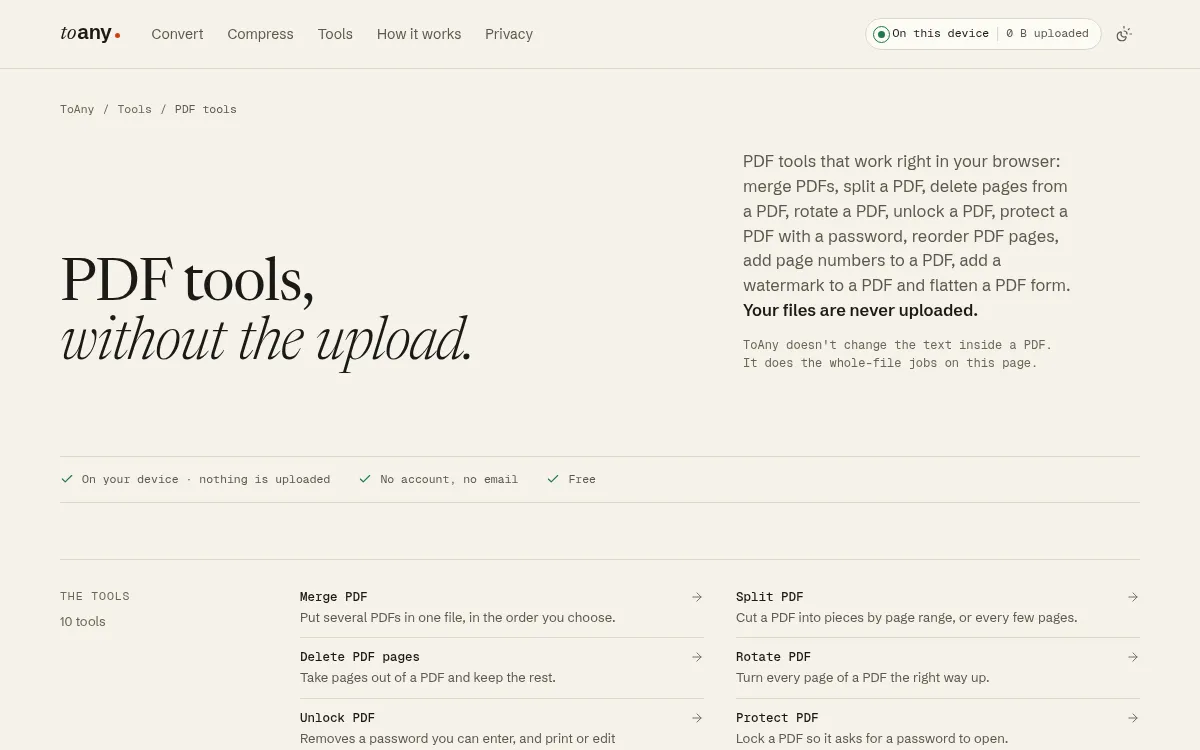
ToAny runs its PDF tools inside your browser tab. You drop a PDF, the work happens on your device, and the result is saved from browser memory. No PDF tool uses ToAny's conversion server, and compress never does either. The privacy page says a browser conversion never sends the file's contents, name or size anywhere, and you can check that in your browser's Network panel.
The PDF tools hub lists 10 tools: merge, split, delete pages, rotate, unlock, protect, reorder pages, add page numbers, add a watermark and flatten. Compress PDF sits beside them. Passwords typed for protect and unlock stay in browser memory and are never stored, logged or sent. The tools are free, with no account and no email. At the time of writing no ads are shown, although the terms reserve the right to show them later.
Be clear about the limits. ToAny is not an offline tool: it has no service worker and fetches each codec the first time you use it, so it needs the network. A run is capped at 300 MB of input on desktop and 100 MB on touch devices, and merge takes up to 100 files. ToAny does not change the text inside a PDF, and it has no OCR, no signing, no API and no app. The code is private, not open source. 16 non-PDF pairs, such as legacy Word and PowerPoint files, run on ToAny's own server, but only after you consent for each upload.
- Price
- Free, no account, no email toany.io
- PDF tools
- 10, plus compress toany.io
- Where PDFs are processed
- In the browser; no PDF tool uses the server toany.io
- Limit per run (PDF tools)
- 300 MB input on desktop, 100 MB on touch devices toany.io
- Server pairs (non-PDF, with consent)
- 16 toany.io
- Source code
- Private, not open source toany.io
Best suited for: Anyone who wants a private whole-file PDF job on a machine they cannot install software on, such as a work laptop or a borrowed computer. It is a weaker fit if you need the network cut, OCR or text editing.
2. PDFsam Basic, best for free open-source offline merging and splitting
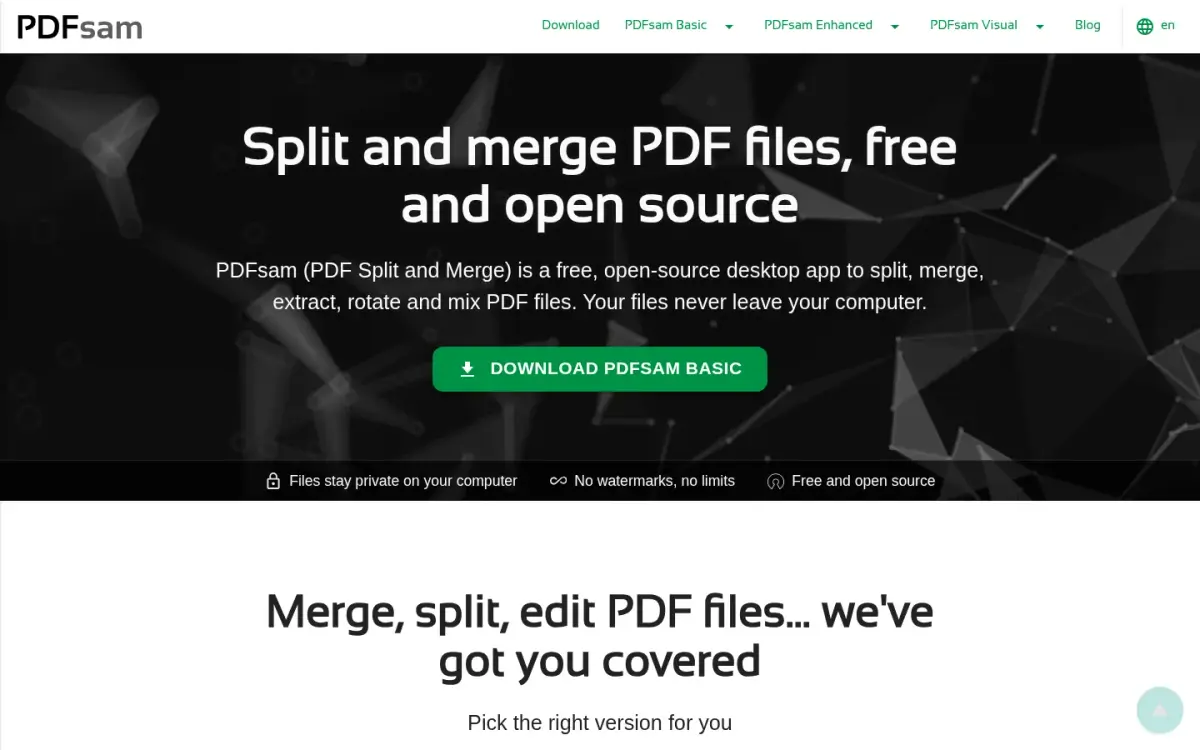
PDFsam Basic is a desktop application for Windows, macOS and Linux. The vendor says there is no browser version. Its privacy policy states that all its applications process PDF files locally, that no content is automatically sent or uploaded from the desktop apps, and that nothing is sent or collected by PDFsam Basic.
The pricing is the simplest in this list. The FAQ says PDFsam Basic is completely free, with no watermarks and no file size limit, and that it can be used in a company for free. There is no sign-up. The code is open source under the AGPL-3.0 licence, and the GitHub repository showed 4,626 stars on 2026-10-17. The software has been developed since 2006 and is powered by the open-source Sejda SDK.
The trade-off is range. The tools the FAQ lists are merge, rotate, split by page numbers, by size and by bookmarks level, mix, and extract pages. That is five jobs, with no compress, no protect and no unlock in that list. You also have to install it. PDFsam Basic needs about 70 MB of disk space, 256 MB of RAM and a 64-bit operating system, and since version 4 it does not run on 32-bit systems.
Because it is a local app, it should work with the network cut once installed, although the pages we read do not say so in words. A browser tool such as ToAny cannot offer that. The PDFsam website itself carries a Google AdSense script in its page source, which concerns the site rather than the app. For plain merge and split work on your own computer, it is the cleanest option here.
- Price
- Free (PDFsam Basic), no watermarks, no file size limit pdfsam.org
- Where files are processed
- Locally on the user's computer; no upload pdfsam.org
- Data collected
- Nothing is sent and/or collected by PDFsam Basic pdfsam.org
- Platforms
- Windows, macOS, Linux desktop; no browser version pdfsam.org
- Licence
- AGPL-3.0; 4626 GitHub stars (API read 2026-10-17) api.github.com
- Developed since
- 2006 pdfsam.org
Best suited for: People who split and merge PDFs often, can install software and want published code and no limits. It is not for anyone who needs compress, passwords or a browser-only tool.
3. Stirling-PDF, best for the widest self-hostable open-source toolbox
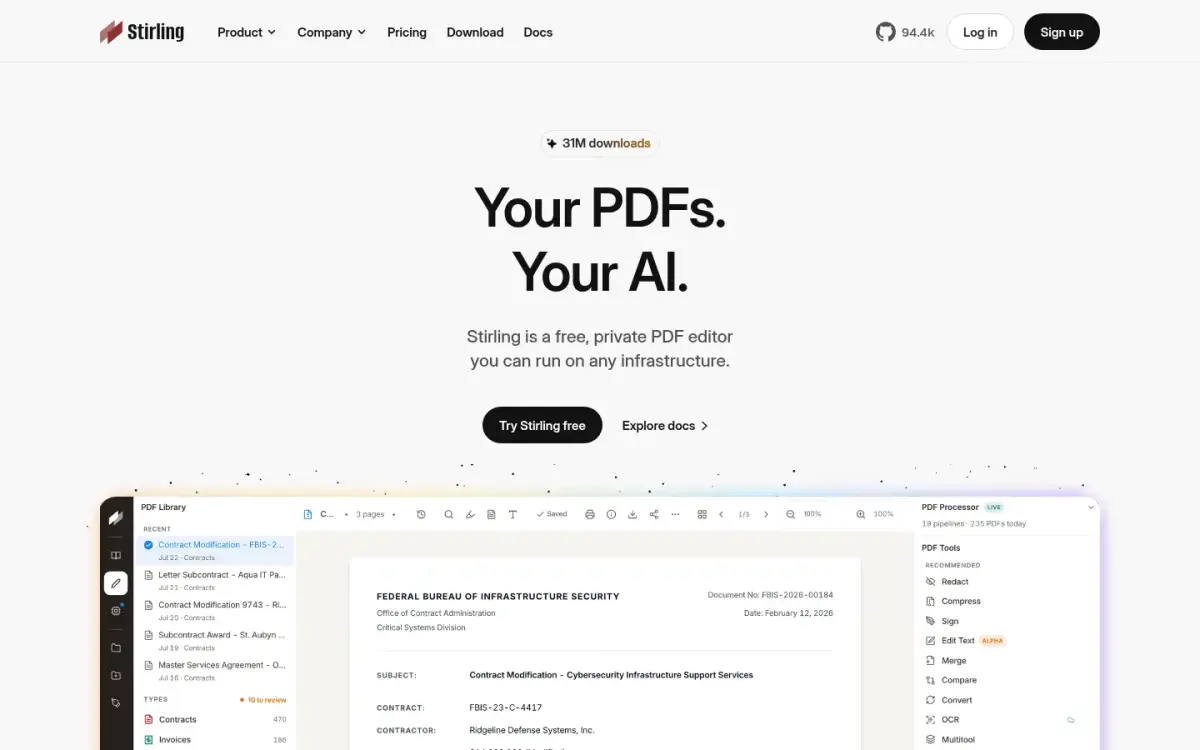
Stirling-PDF has the longest tool list here. The pricing page says the free plan includes 60+ PDF tools and 1,000 monthly credits to automate PDF work, and that it runs on the web, on the desktop and self-hosted. Its homepage says the editor runs on your machine and the source is public, so you can verify that instead of trusting it.
The free plan costs $0 a month with no card required. The Team plan is $99 a month with 100 users included, and the PDF Processor costs 1 cent per credit, prepaid or as you use them. Enterprise is by contacting sales. Every operation can be called through APIs and MCP, which ToAny cannot do because it has no API.
The homepage shows a 31M downloads badge, and the GitHub repository had 94,352 stars on 2026-10-17. It also claims use by 75% of the Fortune 500, which is a self-reported figure we cannot check. The repository was created on 2023-01-27, and the company's founding year is not stated on the pages we read.
Two cautions. First, GitHub reports the licence as NOASSERTION rather than a plain open-source licence, even though the site markets the product as open source. Read the licence file before you build on it. Second, the pages we read do not say whether the web edition works with the network cut or whether any edition sends data of its own. If privacy is the reason you are here, use the desktop or self-hosted edition and check its behaviour yourself.
- Price
- Free plan $0/month, no card required; Team $99/month (100 users included) stirlingpdf.com
- Free plan includes
- 60+ PDF tools and 1,000 monthly credits stirlingpdf.com
- Platforms
- Web, desktop, and self-hosted stirlingpdf.com
- Processing claim
- Editor runs on your machine; source is public stirlingpdf.com
- Downloads claimed
- 31M downloads (homepage badge) stirlingpdf.com
- GitHub stars
- 94352 (API, 2026-10-17); licence SPDX id NOASSERTION api.github.com
Best suited for: Teams and developers who want the biggest feature set and an API, and who can run the desktop or self-hosted edition. It is a poorer fit for someone who wants a simple, clearly documented private tool for a single job.
4. PDF24, best for a free offline Windows toolkit
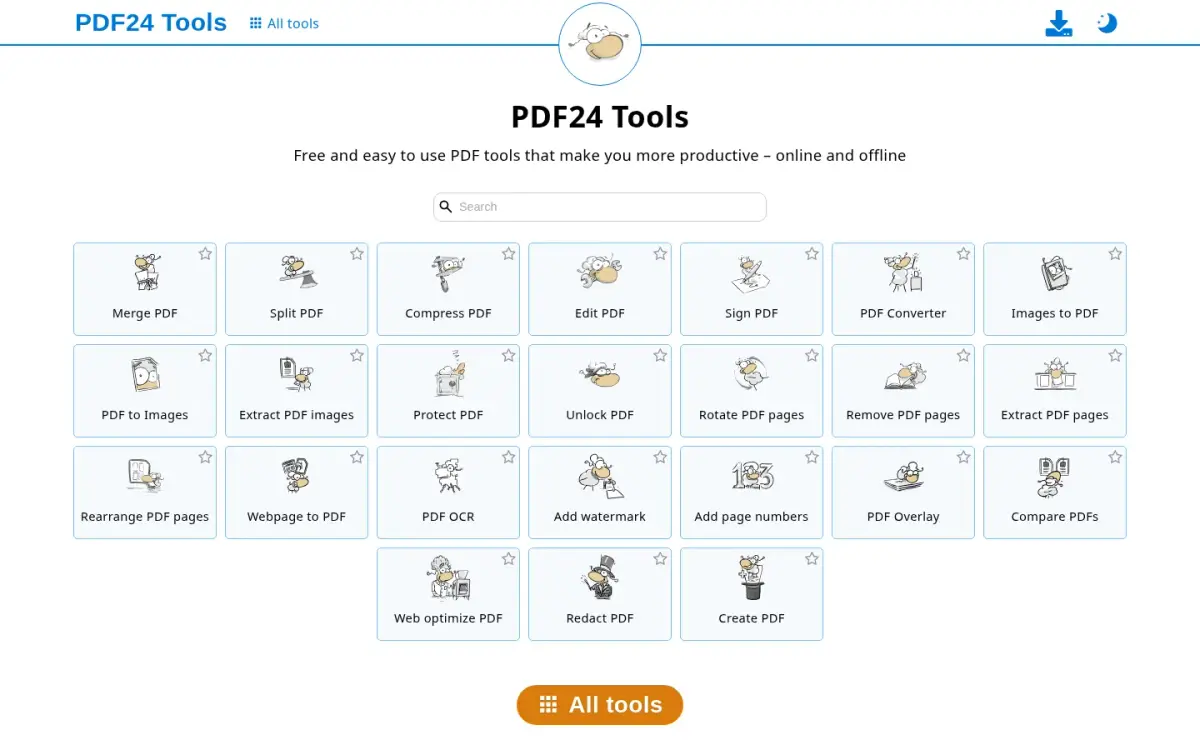
PDF24 has two faces. PDF24 Creator is an installed app. Its page says it can be used completely free of charge and without any restrictions, and that files remain locally on your PC and are not uploaded to the Internet. The same page says it can only be installed on Windows. The web tools are different: they upload your file to servers that the vendor says are all in the EU.
For the web tools, the privacy policy says uploads are usually deleted one hour after uploading or creating the results. The help centre says it keeps the files for 1 hour on the server and then deletes everything related to the request. That is a deletion promise rather than a no-upload promise, so it belongs in a different category from the Creator app.
The tools page lists protect, unlock, compress, merge, split, sign, edit, OCR, redact and compare, and describes the tools as available online and offline. We found no paid plan on the pages we read. The company says it was founded in 2006, is based in Berlin as geek software GmbH, and is used by millions of people. Those are the vendor's own words and we could not check the user figure.
There are drawbacks. The Creator page shows advertisement labels, and the vendor does not say whether the installed app shows ads. Mac and Linux users cannot install Creator, because the page says Windows only. The pages we read state no code licence. If you are on Windows and want a long list of tools without paying, PDF24 Creator is a strong choice, as long as you keep to the app and avoid the web tools for sensitive files.
- Price
- Free (PDF24 Creator); no paid plan found on pages read tools.pdf24.org
- Creator platform
- Windows only tools.pdf24.org
- Creator processing
- Files remain locally on your PC and are not uploaded tools.pdf24.org
- Web tool retention
- Usually deleted one hour after upload or result creation; EU servers pdf24.org
- Founded
- 2006 pdf24.org
- Headquarters
- Berlin, Germany (geek software GmbH) pdf24.org
Best suited for: Windows users who want a free desktop app with many tools and are happy to install it. It suits you less if you work on a Mac, or if you would end up using the uploading web tools.
5. Sejda, best for offline desktop editing with OCR
Sejda sells the same tools in two forms. Sejda Desktop works offline on Mac, Windows and Linux, and the vendor says files are processed on your computer and not uploaded to its servers. Sejda Web is the browser-based service, where files are uploaded and processed on Sejda's servers. The vendor's privacy page says uploaded and output files are permanently deleted after upload or processing.
Pricing is shown in Australian dollars for the location we fetched from. Desktop plus Web annual is A$99 per user per year, a recurring subscription. Web-only monthly is A$12.50 per user per month and gives no access to Sejda Desktop. A Desktop Week Pass is A$12.95 for 7 days, a one-time payment. The vendor says it no longer offers perpetual licences.
The free desktop tier allows 3 tasks per day. It handles documents up to 50 MB and 200 pages, compress up to 100 MB and OCR up to 10 pages. The About page claims 30+ PDF tools, and the language picker lists 29 languages. Sejda was started in 2010 as an open-source project and is based in Amsterdam. Its homepage claims 4.5 from 1,874 Google reviews, which is the vendor's own figure and which we did not verify on Google.
On data, the privacy page says the downloadable products contact Sejda's servers for licensing and update checks. That sends the product name and version, the hostname, the logged-in username and the IP address. Automatic error reports can include file names, and they can be switched off in settings. So the desktop app keeps the file local but is not silent. It is worth a look if you need OCR in a local app and can live with the daily cap and the 10-page OCR limit.
- Price (annual)
- Desktop+Web Annual A$99 per user per year sejda.com
- Price (web monthly)
- Web Monthly A$12.50 per user per month sejda.com
- Free desktop limit
- 3 tasks per day; docs up to 50MB and 200 pages sejda.com
- Desktop processing
- Files processed on your computer, not uploaded sejda.com
- Web processing
- Files uploaded and processed on Sejda's servers sejda.com
- Tools
- 30+ PDF tools (About page) sejda.com
- Founded
- 2010, as an open source project; Amsterdam sejda.com
- Self-reported rating
- 4.5 from 1,874 Google reviews (vendor claim) sejda.com
Best suited for: People who need OCR or a long tool list in a local app and do only a few tasks a day, or who will pay for the subscription. It is a poor fit if you want a free tool with no daily cap.
6. PDFgear, best for free apps on every desktop and mobile platform
PDFgear is the one entry where the answer depends on the tool you open. The online Unlock PDF page says your files remain private and are processed locally in your browser, and that no file data is uploaded or transferred over the internet. The online Compress PDF page says files are processed by Amazon Cloud Servers in the US and deleted 20 minutes after leaving the site.
The vendor presents the product as completely free and without signing up. The Unlock tool has no limit on size, number or page count, no watermark and no account. It also says charging for advanced features is still under consideration, with no timeline set, and the About page lists some features shifting to paid options as a plan. So free today does not mean free forever.
The apps cover Windows, Mac, iPhone and iPad, and Android and Chrome extension store listings exist. The online tools hub advertises 30+ tools. The vendor says it does not display ads. Its homepage shows 4.9 from 10,000+ reviews without naming the source, and the Google Play listing shows 4.7 stars from 48.7K reviews. The first version was released in 2022, and the company is PDF GEAR TECH PTE. LTD. in Singapore.
The vendor also says certain advanced conversions may be processed on its Amazon cloud servers, with files deleted straight after. That is why this entry ranks last for privacy. Use the browser Unlock tool for sensitive files, and check the app's own behaviour before relying on it. Treat other online features as uploads unless the tool page says otherwise.
- Price
- Free, no sign-up; paid features under consideration pdfgear.com
- Online Unlock
- Processed locally in your browser; no upload; no size or page limit pdfgear.com
- Online Compress
- Amazon Cloud Servers in the US; files deleted 20 minutes after leaving the site pdfgear.com
- Online tools
- 30+ tools to edit, merge, crop, highlight, etc. pdfgear.com
- Platforms
- PC, Mac, iPhone and iPad (homepage) pdfgear.com
- Self-reported rating
- 4.9 (10,000+ Reviews), unnamed source pdfgear.com
- Google Play rating
- 4.7 stars, 48.7K reviews play.google.com
Best suited for: People who want free apps on phones as well as computers and who will use the in-browser Unlock tool for private files. It is not suited to anyone who might click the online Compress tool without noticing it uploads.
Side-by-Side Comparison
The table follows the seven criteria above, in ranked order. ToAny loses on several rows: it is not offline, it has fewer tools than Stirling-PDF or Sejda, its code is not published, and PDFsam states no limit. Cells say not stated where the vendor's pages gave no value.
| Product | Where the file is processed | Works with the network cut | Price | Data the app itself sends | Open-source licence | Free limits | Tool count |
|---|---|---|---|---|---|---|---|
| ToAny | Browser; no PDF tool uses the server | No | Free | Anonymous daily counts per format pair | No, private repository | 300 MB per run (100 MB on touch) | 10, plus compress |
| PDFsam Basic | Local desktop app | Yes, installed app | Free | Nothing sent or collected by Basic | AGPL-3.0 | No limit | 5 listed |
| Stirling-PDF | Web, desktop or self-hosted | Not stated | Free $0/month; Team $99/month | Not stated | GitHub shows NOASSERTION | 1,000 monthly credits | 60+ |
| PDF24 | Creator on your PC; web tools uploaded to EU servers | Yes, Creator (Windows only) | Free | Web uploads usually deleted after 1 hour | Not stated | No restrictions, per Creator page | Not stated |
| Sejda | Desktop local; web uploaded | Yes, Desktop | A$99 per user per year | Product version, hostname, username, IP | Not stated | 3 tasks a day | 30+ |
| PDFgear | Unlock in browser; Compress uploaded to US servers | Not stated | Free | Compress files deleted after 20 minutes | Not stated | No size, number or page limit (Unlock) | 30+ online |
Which private PDF tools (no upload) fits your use case
Match the job to the product rather than choosing one for everything. The right pick depends on whether you can install software and whether you need the network cut.
| If you are... | Pick | Why |
|---|---|---|
| On a locked-down work laptop | ToAny | It needs no install, and no PDF tool uploads the file. It does need the network. |
| Merging and splitting every week on your own machine | PDFsam Basic | Free, no limit, AGPL-3.0 code, and nothing collected by Basic. |
| Wanting the most tools or an API | Stirling-PDF | 60+ tools, plus APIs, in web, desktop or self-hosted form. |
| A Windows user who wants a free app with many tools | PDF24 | PDF24 Creator keeps files local, but avoid the uploading web tools. |
| Needing OCR in a local app | Sejda | Sejda Desktop works offline, with a free tier of 3 tasks a day. |
| Unlocking a PDF from a phone or tablet | PDFgear | Free apps across devices, and online Unlock runs in the browser. |
What results look like with ToAny
ToAny has been live for a short time and has no customer stories, so these are measurements instead. They come from our own compress research reports, run in Node on an Apple M4 Pro with prototype code or the library versions the site ships. They are not user data or a re-run of the live page.
- Internet Archive scan, Balanced6,528 KB420 KBA saving of 93.6% in our PDF compress test on a scanned book.
- Telerobotics slide deck, Balanced10,553 KB2,376 KBA saving of 77.5%. Asking for a 1 MB target gave 911 KB, but at 50 ppi and with a lowest page SSIM of 0.781, so hitting a size target costs image quality.
- Small slide deck, Balanced493 KB101 KBA saving of 79.5% on a small deck in the same tests.
- Tagged report, best attempt3,016 KB3,016 KB (original returned)No method shrank this file, so the tool returns the original. A compress result is never larger than the input.
Frequently Asked Questions
What does a private PDF tool actually mean?
It means the PDF is processed on your own device instead of a vendor's server. That can be an installed app or a tool that runs inside your browser tab. Check the vendor's privacy page, because some brands offer both private and uploading tools.
How can I tell if a PDF tool uploads my file?
Open your browser's Network panel before you drop the file and watch for a large upload request. Read the vendor's privacy page too, since it should say where files are processed. PDF24, Sejda and PDFgear each state that some of their web tools upload files.
Does ToAny work offline?
No. ToAny has no service worker and fetches each codec the first time you use it, so it needs the network. It uploads no PDF, but if you need the network cut, use PDFsam, PDF24 Creator or Sejda Desktop.
What is the difference between offline and no upload?
Offline means the tool still works with the network cut, which an installed app can promise. No upload means the file is not sent to a server, which a browser tool can promise while still needing the network to load. Some tools offer both.
Which of these tools is open source?
PDFsam Basic publishes its code under AGPL-3.0. Stirling-PDF's site markets it as open source, but GitHub reports its licence as NOASSERTION. ToAny's repository is private.
What are the file size limits on the free tiers?
PDFsam Basic states no file size limit. ToAny caps a run at 300 MB of input on desktop and 100 MB on touch devices. Sejda's free desktop tier handles documents up to 50 MB and 200 pages, with 3 tasks a day.
What does ToAny's server do if I use it?
16 non-PDF pairs, such as legacy Word and PowerPoint files, run on ToAny's own server, and only after you consent for each upload. No PDF tool and no compress run uses it. Browser conversions never send the file anywhere.
How much do these tools cost?
PDFsam Basic, PDF24 Creator and PDFgear are free as displayed, and ToAny is free with no account. Stirling-PDF has a free plan at $0 a month and a Team plan at $99 a month. Sejda shows A$99 per user per year for Desktop plus Web.
Try ToAny for free (no account required)
ToAny's PDF tools run in your browser tab, so your file stays on your device. There is no account, no email and nothing to pay. Merge, split, rotate, unlock, protect or compress a PDF in a few clicks.
If you need the network cut, pick one of the installed apps above. For everything else, try the PDF tools now and watch the Network panel yourself.