Best MP4 to MP3 Converters in 2026: the buyer's shortlist

By Thien · Maker of ToAny
Published
The best MP4 to MP3 converter is the one that fits your file, your privacy needs and your budget. We ranked eight options on seven measurable criteria. ToAny comes first because it converts in your browser, so the video is not uploaded, and it is free. It also loses on some rows, and the table shows them.
If you only need the audio from one video today, the free MP4 to MP3 converter runs in your browser, with no account and no upload.
Key Takeaways
- Where the conversion runs is the biggest difference. ToAny, VLC, Movavi's desktop app and VideoProc process the file on your own machine. AnyConv, CloudConvert, Convertio and FreeConvert upload the video to their servers first.
- Free limits differ more than prices do. AnyConv caps files at 100 MB, while CloudConvert and FreeConvert allow 1 GB but meter you in credits or minutes. ToAny accepts files up to 2 GB with no daily limit, bounded by your device's memory.
- ToAny does not win every row. AnyConv and Convertio state 300+ formats against ToAny's 190. Desktop apps are not bound by browser memory, and VideoProc states no per-task size limit.
- Pay only if you need what free tools lack. An API, cloud import from Dropbox or Google Drive, or huge local batches are the usual reasons. Convertio starts at $11.99 a month and FreeConvert at $12.99 a month, while VideoProc lists a lifetime licence at $54.95.
- Check the trial terms of desktop apps. Movavi's 7-day trial watermarks video and converts only half of each audio file. VideoProc's trial covers files under 5 minutes.
What MP4 to MP3 converters actually are (and what they are not)
An MP4 file is a container. It usually holds a video track, an audio track and some metadata. An MP4 to MP3 converter reads that container, takes the audio track and writes it again as an MP3 file. The picture is dropped. What you keep is the soundtrack.
This is not a lossless copy. MP3 is a lossy format, so the soundtrack is re-encoded, and each re-encode throws away a little detail. At a normal bitrate the difference is hard to hear for speech and most music. If the original audio is already low quality, no converter can improve it. To avoid a lossy step altogether, MP4 to WAV keeps the soundtrack uncompressed, at a much larger size.
Converters fall into three groups. Online upload services send your file to a server, convert it there and let you download the result. Browser-based tools such as ToAny do the work on your own device with code that runs in the page. Desktop apps, including VLC, Movavi and VideoProc, are installed and run locally.
So the best MP4 to MP3 converter depends on the group before the brand. The group decides whether the video ever leaves your device, how large a file you can use, whether you hit a daily limit and whether you need an account.
An MP4 to MP3 converter is also not a video downloader, an editor or a tool for recovering audio from a damaged file. It does not remove copy protection, and it should be used only on files you have the right to convert. Some products on this list do more, such as compressing video or converting hundreds of other formats. That breadth only matters if it solves a problem you have. For other video jobs, ToAny has a general video converter.
How We Ranked These MP4 to MP3 Converters
We read each vendor's own pages and public review profiles on 17 October 2026 and kept only figures we could trace to a page. Where a figure was not stated, we say so rather than guess. ToAny's numbers come from its own site and from measured runs.
Products are ranked on these criteria, in this order of weight: privacy first, then limits, then cost, then breadth and control.
- Criterion 1Where the conversion runsBrowser, uploaded to a server, or installed desktop app
- Criterion 2Free max file sizeLargest single file on the free tier or trial, as stated
- Criterion 3Free usage limitFiles, credits or minutes per hour or day on the free tier
- Criterion 4Price (cheapest paid or one-off, as displayed)Lowest price shown, with the currency as displayed
- Criterion 5Formats supported (as stated)Number of formats the vendor states
- Criterion 6Account requiredYes or no for the free tier
- Criterion 7Output optionsBitrate or quality controls named on the converter page
The Best MP4 to MP3 Converters in 2026
The list runs from the option that keeps the file on your device and costs nothing to the paid desktop apps. Each entry says what the product does well, what it costs and where it falls short. Rank reflects the criteria above, not how well known the product is. If your priorities differ, the use-case table further down matches people to products.
1. ToAny, best for private in-browser audio extraction
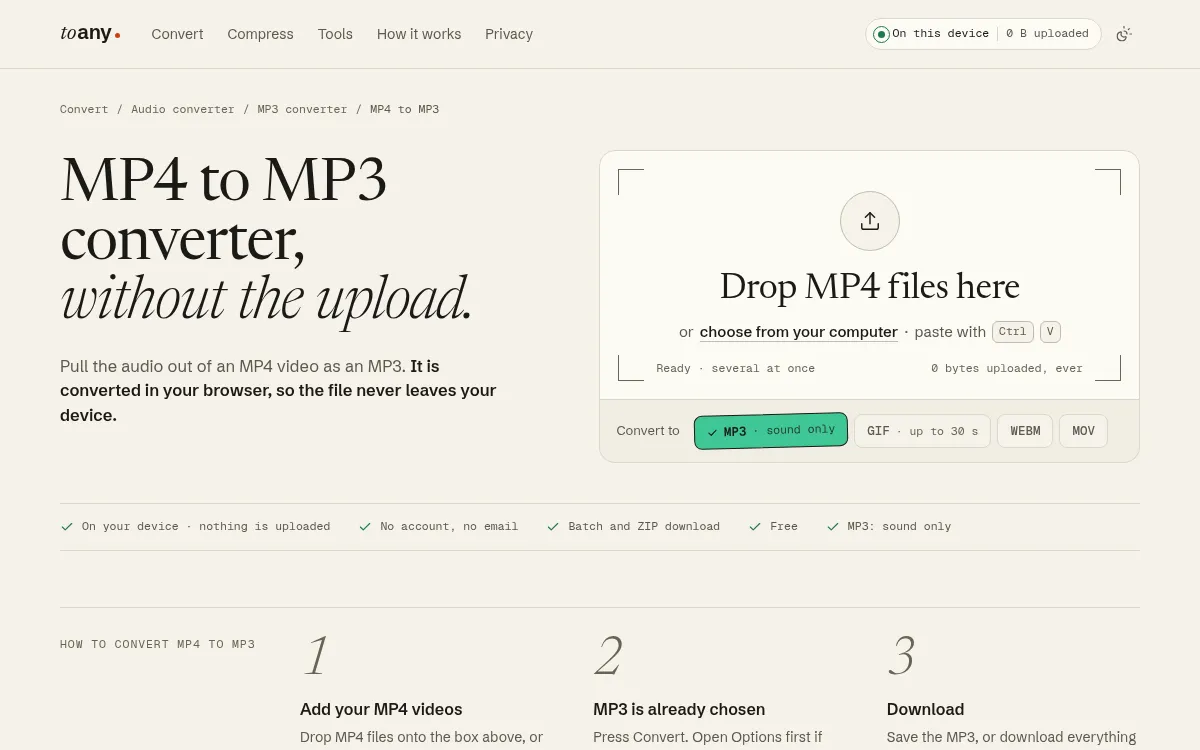
ToAny converts MP4 to MP3 in your browser. The video is read from disk on your own device, the soundtrack is encoded there and the MP3 is saved from browser memory. Nothing is uploaded, and you can check that in your browser's Network panel. MP4 to MP3 is not one of the 16 pairs that run on ToAny's server, and those 16 are all documents and e-books, each with a consent step before upload.
It is free, needs no account or email and adds no watermark. You can add several files, convert them together and download one ZIP. Under Options you choose the bitrate, which is 192 kbps unless you change it, and you can trim the start and end. The page accepts files up to 2 GB and uses your browser's own video and audio codecs, with hardware acceleration where the device has it.
ToAny is not the strongest choice for every job. It has no API, no cloud import from Google Drive or Dropbox, no desktop app and no offline mode. Your device does all the work, so very large files are bounded by its memory, and video conversion can be slow on phones. For MOV files, the same approach is on the MOV to MP3 page. Where a browser lacks a codec, the page falls back to a compatibility engine that runs at roughly real time and accepts files up to 1 GB.
It states 190 formats and 1,195 pairs, which is fewer than AnyConv, Convertio, CloudConvert or VideoProc. It is also young. It went live on 5 October 2026, so its track record is short.
- Price
- Free; no account, no email toany.io
- Where it runs
- In your browser; the file is not uploaded toany.io
- Max file size
- 2 GB on the MP4 to MP3 page (1 GB on the compatibility fallback) toany.io
- Output options
- MP3 at 192 kbps by default; bitrate and trim under Options toany.io
- Batch
- Several files at once, downloaded as a ZIP toany.io
- Formats
- 190 formats, 1,195 pairs toany.io
Best suited for: ToAny suits anyone who wants the audio from a private or work video without uploading it, and who converts occasionally or in small batches. It is a weaker fit if you need an API, cloud import or the largest files on a low-memory phone.
2. AnyConv, best for quick small uploads with no account
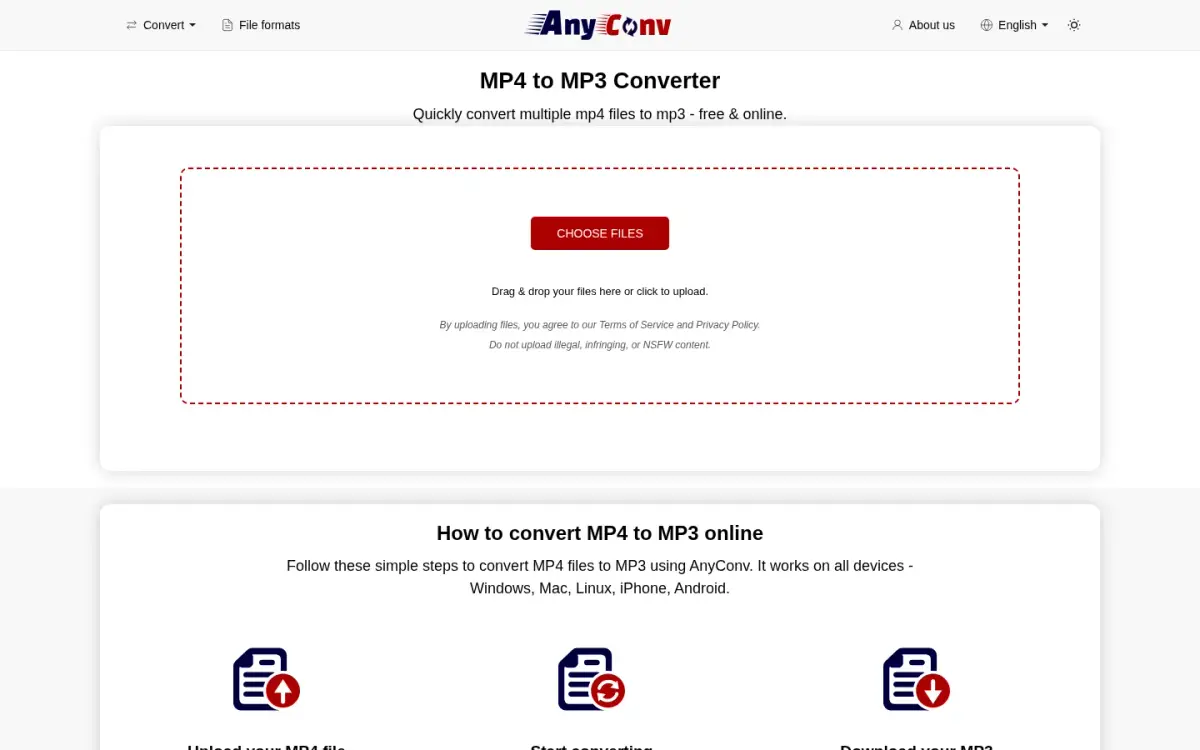
AnyConv is a free server-side converter with a dedicated MP4 to MP3 page that accepts several files at once. You upload the video, AnyConv converts it on its servers and you download the MP3. No account is required.
The limits are plain. Files up to 100 MB are accepted, and you can convert up to 60 files per hour. The site says it plans to raise the 100 MB limit. AnyConv states over 300 formats and 22 languages, which is more formats than ToAny's 190.
On privacy, AnyConv uploads the file. It says it processes files on European servers, with data centres in Germany and Finland, deletes input files right after conversion and keeps output files for 1 hour. It uses third-party advertising and names Google AdSense in its privacy policy.
AnyConv says it has operated since 2019 and reports 60,000+ users per day and 50+ million files converted since then. These are self-reported figures. The about page names no founder, only a current lead, and we found no review-platform ratings we could verify.
The MP4 to MP3 page we read does not state any bitrate options, and we found no desktop app. We found no paid plan. The trade-off is the 100 MB ceiling, which a long recording can exceed.
- Price
- Free; no paid plan found anyconv.com
- Free max file size
- 100 MB anyconv.com
- Free usage limit
- 60 files per hour anyconv.com
- Formats
- 300+ anyconv.com
- File retention
- Inputs deleted right after conversion; outputs deleted after 1 hour anyconv.com
- Founded
- 2019 (service operating since) anyconv.com
Best suited for: AnyConv is right for people with a small, non-sensitive MP4 who want a free upload tool with no sign-up. It does not suit large files or anything you would rather not send to a server.
3. CloudConvert, best for bigger files and many output options
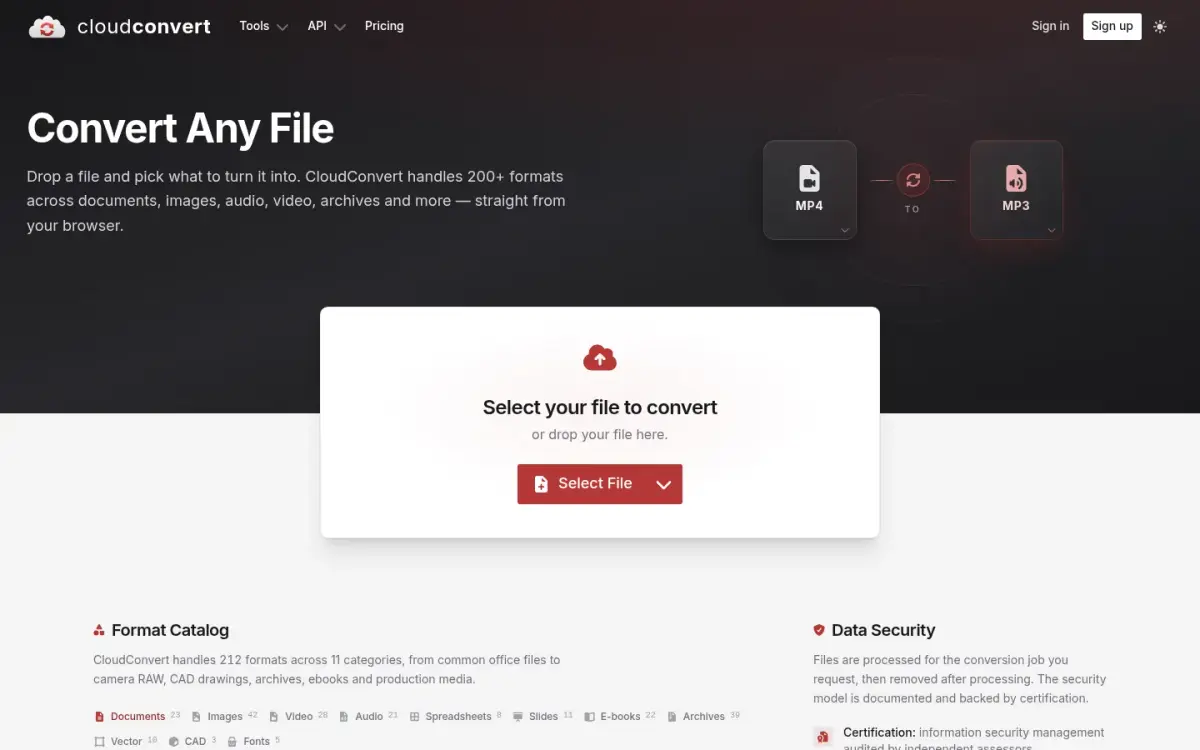
CloudConvert is a server-side converter and API run by Lunaweb GmbH, near Munich in Germany. It has a dedicated MP4 to MP3 tool with options for video resolution, quality and file size, and it states 212 formats across 11 categories, 21 of them audio.
The free plan costs EUR 0 and gives 10 conversion credits per day, with files up to 1 GB. Free jobs have a 5-minute maximum processing time, 5 concurrent tasks and low priority. A credit is about one minute of conversion time. Paid plans are a one-off package whose credits never expire, a monthly subscription or an enterprise deal. The exact paid prices were not readable on the page we saw, so we do not quote them.
CloudConvert uploads your file. It says files are deleted automatically after 24 hours at the latest, that it does not read or mine file data and that its security management is ISO 27001 certified by TUV Sud. These are the vendor's own security claims, and it is still an upload.
CloudConvert says it was founded in 2012 and has 10,000+ active customers, and that 90% of its files go through the API. Its Trustpilot page showed 4.0 from 74 reviews on the nl-be site, and counts move over time.
The main strengths are the API, the output controls and the 1 GB free ceiling. The main weakness is the credit model, which makes heavy video jobs harder to predict than a flat limit.
- Price
- Free plan EUR 0; paid amounts not readable on the pricing page cloudconvert.com
- Free usage limit
- 10 credits per day, daily reset cloudconvert.com
- Free max file size
- 1 GB cloudconvert.com
- Formats
- 212 formats across 11 categories cloudconvert.com
- File retention
- Deleted automatically after 24 hours at the latest cloudconvert.com
- Trustpilot
- 4.0 from 74 reviews (nl-be site) nl-be.trustpilot.com
- Founded
- 2012 cloudconvert.com
Best suited for: CloudConvert is for people who want per-conversion controls, an API or a vendor with stated security certification, and who accept an upload. It is less convenient if you convert large video files often, since credits run out quickly.
4. Convertio, best for cloud import and an API
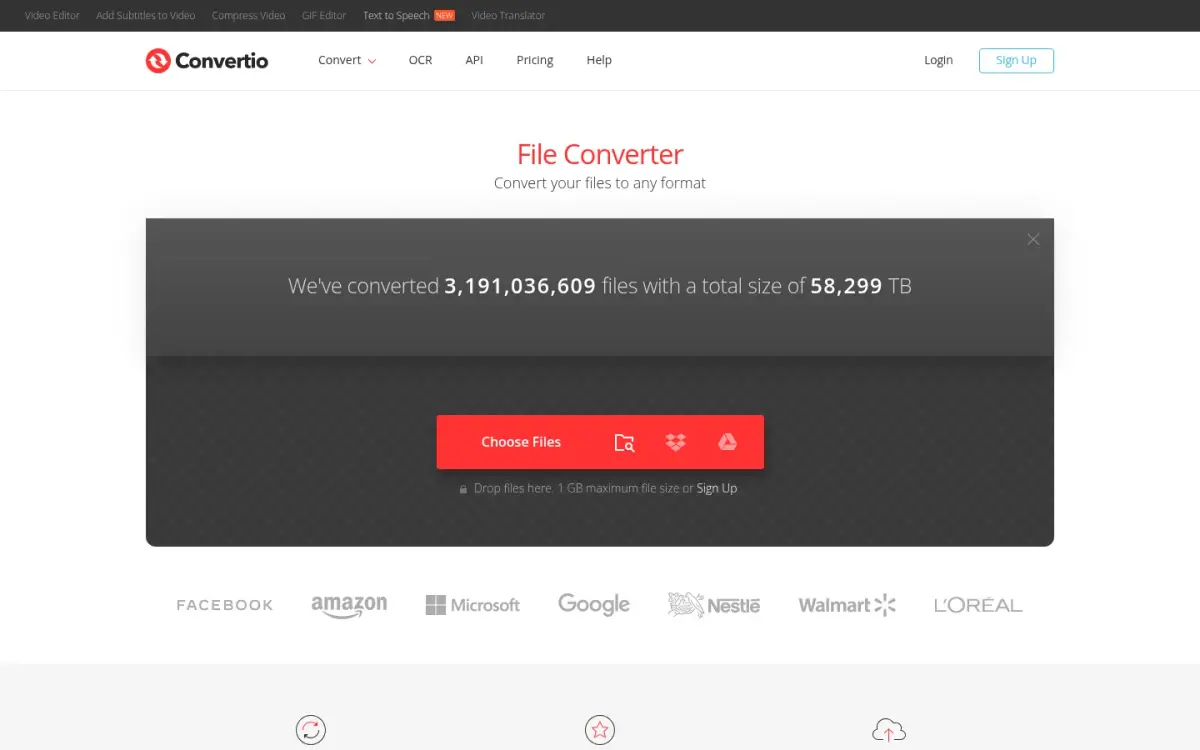
Convertio is a server-side converter that states 300+ formats, an API and cloud import. Besides local files, the upload box takes files from Dropbox and Google Drive. That makes it the clearest answer to a need ToAny does not meet.
Paid plans are billed in credits, which measure server time. Monthly billing is Lite at $11.99, Basic at $22.99 and Pro at $44.99, with Custom from $54. Billed annually, Lite falls to $6.99 a month. Lite allows files up to 1 GB, 1000 credits a month and 50 concurrent conversions. All plans have unlimited conversion minutes per day and no limit on conversion time per file. The pricing page says there are no refunds once you upgrade, because a free tier exists. It does not clearly state the free tier's limits.
Convertio uploads your file. It says input and temporary files are deleted immediately after conversion and outputs after 24 hours, and that its infrastructure is in Germany. The paid plans list ad-free pages, which implies the free tier shows ads.
Convertio says it started in 2014. Its home page showed a counter of 3,191,036,609 files converted on 17 October 2026, which is a count of files rather than users. Trustpilot showed 4.9 from 10,601 reviews, though Trustpilot notes the company has not invited customers recently or replied to negative reviews. The on-site 4.6 rating is self-hosted, so we do not treat it as independent.
- Price
- Lite $11.99/month (monthly billing); $6.99/month billed annually convertio.co
- Plan limits
- Lite: 1 GB max file, 1000 credits/month, 50 concurrent convertio.co
- Formats
- 300+ convertio.co
- Cloud import
- Dropbox and Google Drive convertio.co
- File retention
- Inputs deleted immediately; outputs deleted after 24 hours convertio.co
- Trustpilot
- 4.9 from 10,601 reviews trustpilot.com
- Founded
- 2014 convertio.co
Best suited for: Convertio fits people who keep media in Dropbox or Google Drive, or who need an API and are willing to pay for it. It is a poor fit if the video is private and should not be uploaded.
5. FreeConvert, best for larger free files with no account
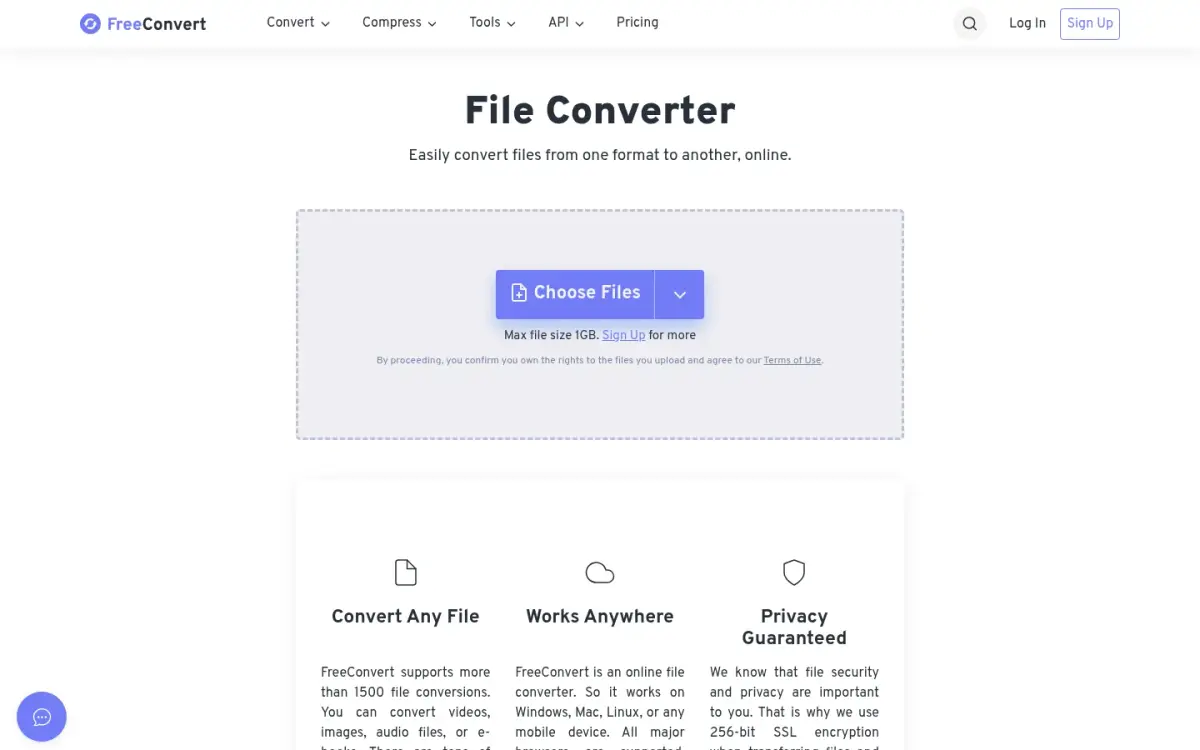
FreeConvert is a server-side converter and compressor with a dedicated MP4 to MP3 tool. It says it supports more than 1500 conversions. A REST API exists, and the free minutes are shared between the website and the API.
Free use needs no account on the website. You get 20 conversion minutes per day, up to 5 conversion minutes per file, and files up to 1 GB. The metering is the catch. A long video can use the allowance quickly, and FreeConvert's own upsell implies the free tier has ads and a queue.
Paid plans start at $12.99 a month for Basic, with 1,500 conversion minutes and files up to 1.5 GB. Standard is $24.99 with 2,000 minutes and 2 GB. Pro is $29.99 with 4,000 minutes and 5 GB. Paid plans list no ads, and the yearly toggle advertises two months free.
FreeConvert uploads files to servers on AWS in Ireland and deleted automatically after 8 hours, with manual deletion possible. FreeConvert says it does not view files without explicit written consent.
FreeConvert says it launched in 2018, offers 15 interface languages and gets 11M+ monthly visitors. Trustpilot showed 17,404 reviews. The vendor claims 4.7 from 17,000+ reviews without naming the platform, so we do not rely on that figure.
It is a sensible free option for a one-off job under 1 GB, as long as the file can be uploaded.
- Price
- Basic $12.99/month; Standard $24.99; Pro $29.99 freeconvert.com
- Free usage limit
- 20 conversion minutes per day; 5 minutes per file freeconvert.com
- Free max file size
- 1 GB freeconvert.com
- File retention
- Auto-deleted after 8 hours; manual deletion possible freeconvert.com
- Trustpilot
- 17,404 reviews trustpilot.com
- Founded
- 2018 freeconvert.com
Best suited for: FreeConvert works for people with an occasional file under 1 GB who do not want to create an account. It suits less well anyone who converts long videos daily or who wants the file to stay on their device.
6. VLC media player, best for free local conversion if VLC is installed
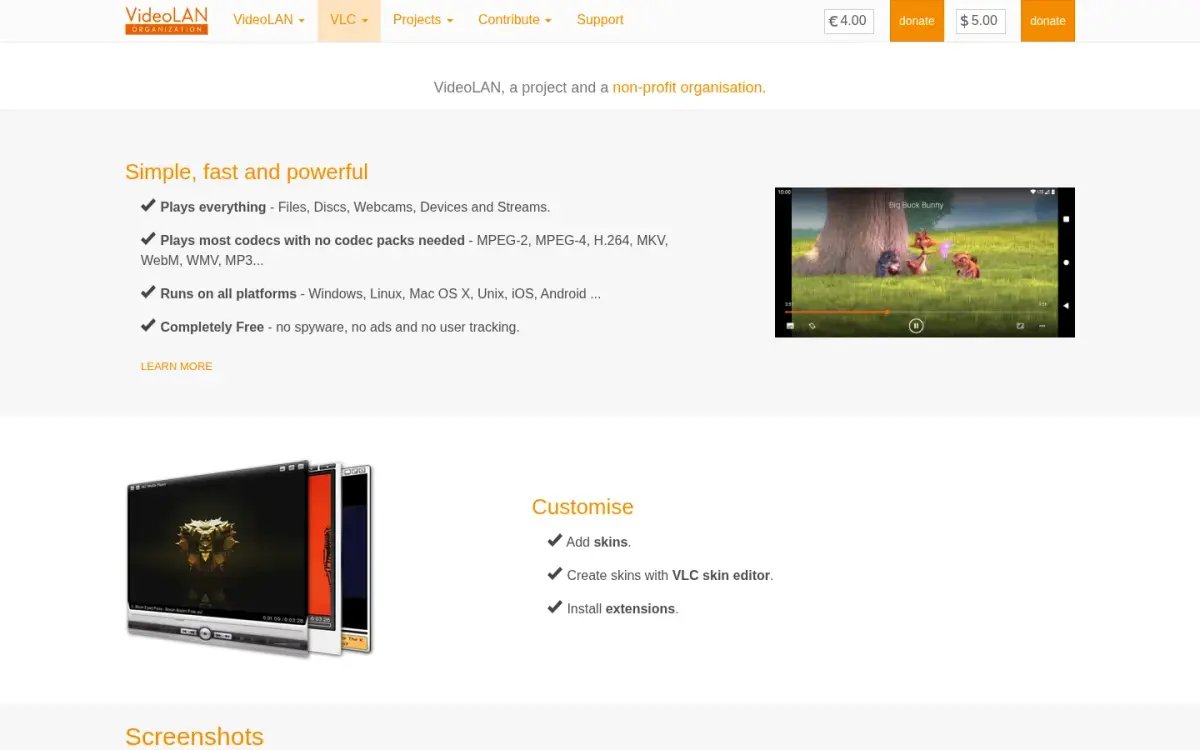
VLC is a free, open-source media player from the non-profit VideoLAN. It is a player first. The pages we read do not describe an MP4 to MP3 workflow, so treat it as a do-it-yourself route rather than a dedicated converter.
Because it is installed software, the file stays on your machine. Nothing is uploaded, and we found no stated size limit or account requirement. VideoLAN says VLC is completely free, with no ads, spyware or user tracking. That is a vendor claim, and it is the only price you will see.
VLC runs on Windows, Linux, Mac OS X, Unix, iOS and Android. The latest desktop version listed was 3.0.24, and the Windows 64-bit download was 44 MB. VideoLAN started as a student project at Ecole Centrale Paris in 1996, became open source in 2001 and has been an autonomous non-profit since 2009. It is based in France.
The cost is effort. You need to install it and find the conversion menu, and the pages we read name no bitrate or batch controls for this job. We did not source a format count or conversion limits. VLC for iOS has an App Store average of 3.71682 from 5982 ratings.
If VLC is already on your computer, it is a fair choice for a one-off conversion. If it is not, a browser tool is quicker to start.
- Price
- Free (vendor: Completely Free) videolan.org
- Ads
- No ads (vendor claim) videolan.org
- Platforms
- Windows, Linux, Mac OS X, Unix, iOS, Android videolan.org
- Desktop version
- 3.0.24; Windows 64-bit 44 MB videolan.org
- Founded
- Started 1996; open source 2001; non-profit since 2009 videolan.org
- VLC for iOS rating
- 3.71682 from 5982 ratings itunes.apple.com
Best suited for: VLC suits people who already have it installed and want a free, local, no-account route for an occasional conversion. It is not aimed at anyone who wants a simple, guided MP4 to MP3 page.
7. Movavi Video Converter, best for a polished paid desktop app
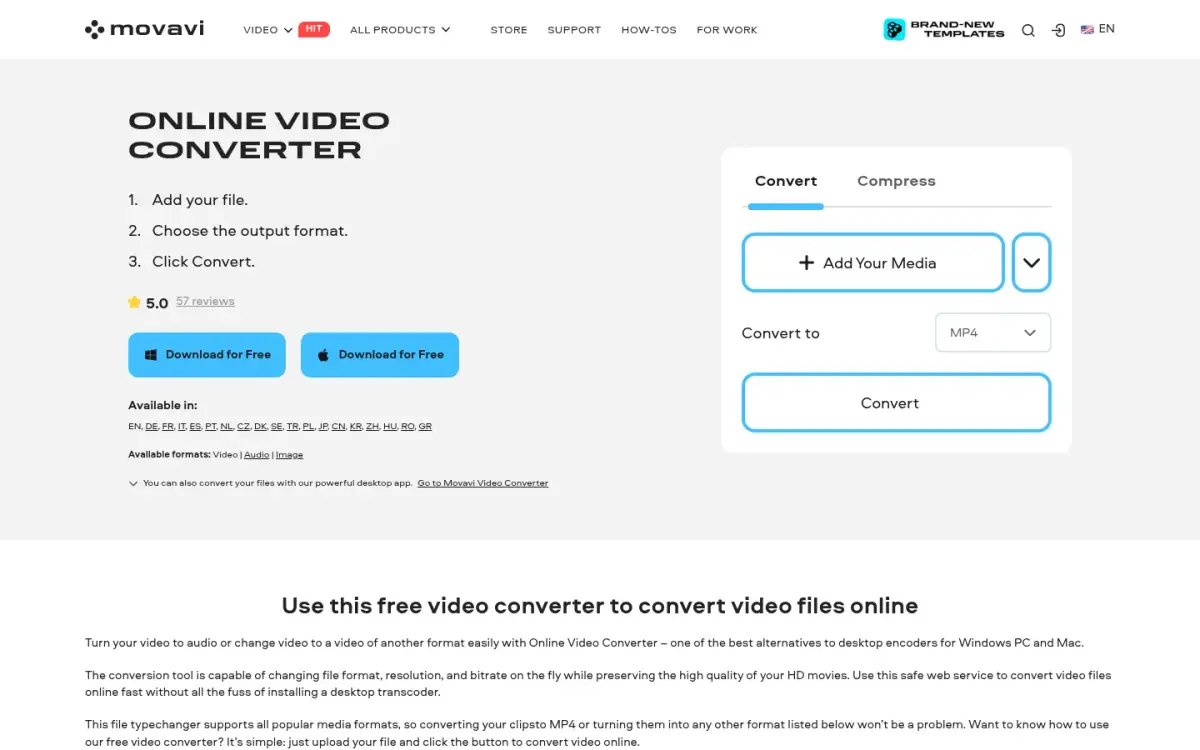
Movavi is a Cyprus-based software company that sells Video Converter as a paid Windows and Mac desktop app. It also runs an Online Video Converter, which uploads your file. The online page does not state how long uploads are kept.
The desktop trial is limited. It lasts 7 days, adds a watermark to output videos and converts only half the length of audio files. For an MP4 to MP3 job, that half-length rule is the one that matters. A trial MP3 will be cut short.
Prices were shown in Australian dollars including VAT to an Australian visitor, and may differ elsewhere. A 1-month subscription was 27.95 AUD. A 1-year subscription was 63.95 AUD, discounted from 91.95 AUD, in an offer valid until 18 October 2026. The desktop product page showed 95.95 AUD with no billing period. A lifetime option exists, but we could not read its price. Movavi offers a 14-day money-back guarantee for technical problems it cannot solve.
The desktop app states 180+ formats and runs on Windows 10 and 11 64-bit and macOS 12.0 or higher. The online converter lists 19 language versions. Movavi was founded in 2004 and is based in Limassol, Cyprus.
The vendor page quotes 5.0 from 57 reviews on Capterra and 4.8 on G2. We did not read those review pages directly, so treat the figures as vendor claims.
- Price
- 27.95 AUD for 1 month; 63.95 AUD for 1 year (from 91.95 AUD) movavi.com
- Trial limits
- 7 days, watermark on video, only half the length of audio files converted movavi.com
- Formats
- 180+ (desktop app) movavi.com
- Capterra (vendor claim)
- 5.0 from 57 reviews movavi.com
- G2 (vendor claim)
- 4.8 movavi.com
- Founded
- 2004 movavi.com
Best suited for: Movavi suits people who want a supported desktop app, mostly for video, and are happy to pay after the trial. It is a poor way to test an MP4 to MP3 job, because the trial converts only half of each audio file.
8. VideoProc Converter AI, best for large local batches on desktop
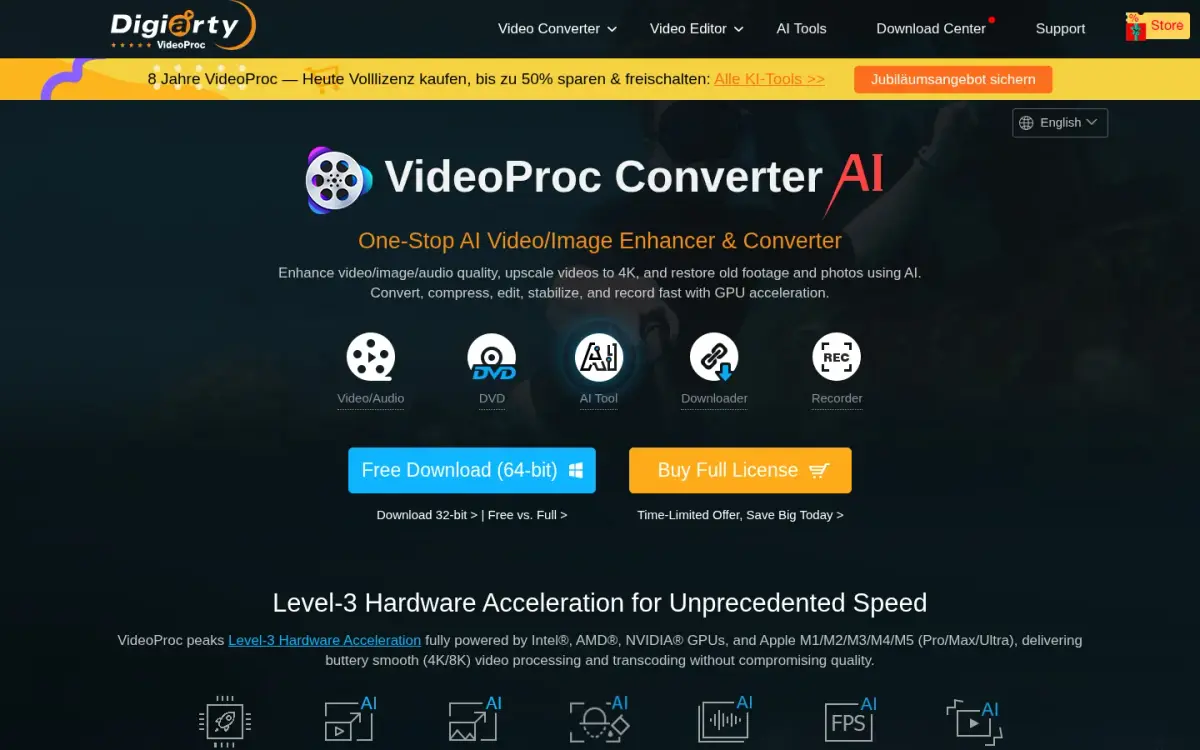
VideoProc Converter AI is a paid Windows and macOS desktop app from Digiarty Software for converting, compressing, editing, downloading and recording video. It uses your own GPU for speed, and it converts to MP3, WAV, WMA, M4A and OGG.
It is the broadest product on this list. It states 370 input codecs and 420+ output formats, which is well above ToAny's 190. The free trial needs no sign-up or credit card. Conversion, compression, editing and audio tools are limited to files under 5 minutes, but there is no file-size limit per task.
Prices are time-limited sale prices. Premium 365, a 1-year subscription for 3 PCs or Macs, was $34.95, down from $59.95. It auto-renews at $39.95. A Lifetime License for 1 PC or Mac was $54.95, down from $89.95, and a Family License for 3 to 5 PCs or Macs was $79.95, down from $159.95. There is a 30-day money-back guarantee.
The vendor says it has 5.2 million users from 180+ countries, a figure we could not verify. Its parent, Digiarty Software, was established in 2006.
The privacy position is less clear than its local design suggests. The privacy policy says only that logs are seen if you send them, with no explicit statement that files never leave the device. VideoProc is also heavy for a simple MP3 extraction. Much of the product is aimed at editing and AI tools.
- Price
- Premium 365 $34.95 (renews at $39.95); Lifetime $54.95 videoproc.com
- Free trial
- Files under 5 min; no file-size limit per task; no sign-up videoproc.com
- Formats
- 370 input codecs, 420+ output formats videoproc.com
- Refund
- 30-day money-back guarantee videoproc.com
- Users (vendor claim)
- 5.2 million from 180+ countries videoproc.com
- Platforms
- Windows and macOS desktop videoproc.com
Best suited for: VideoProc suits people who convert large batches of long video on one Windows or Mac machine and want GPU speed and the widest format list. It is more than most people need for a few MP3s.
Side-by-Side Comparison
The table repeats the seven criteria for every product, in rank order. Check the rows where ToAny is not first. On formats supported, the 300+, 420+ and 212 figures beat its 190. On free file size, desktop apps are not bound by browser memory. "Not stated" means we found no figure on the pages we read.
| Product | Where the conversion runs | Free max file size | Free usage limit | Price (cheapest paid or one-off, as displayed) | Formats supported (as stated) | Account required | Output options |
|---|---|---|---|---|---|---|---|
| ToAny | In your browser | 2 GB (device memory applies) | No daily limit | Free; no paid plan | 190 | No | Bitrate and trim |
| AnyConv | Uploaded; outputs deleted after 1 h | 100 MB | 60 files per hour | Free; no paid plan found | 300+ | No | Not stated |
| CloudConvert | Uploaded; deleted within 24 h | 1 GB | 10 credits per day | Not readable on the pricing page | 212 | Optional; free plan via sign-up | Resolution, quality, file size |
| Convertio | Uploaded; outputs deleted after 24 h | Not stated (Lite plan: 1 GB) | Not stated | $11.99 a month (Lite) | 300+ | Not stated | Not stated |
| FreeConvert | Uploaded; deleted after 8 h | 1 GB | 20 minutes per day | $12.99 a month (Basic) | 1500+ conversions | No | Not stated |
| VLC media player | Installed app, on your machine | Not stated | Not stated | Free | Not stated | Not stated | Not stated |
| Movavi Video Converter | Desktop app; online version uploads | Not stated | 7-day trial; half of each audio file | 27.95 AUD for 1 month | 180+ (desktop) | Not stated | Not stated |
| VideoProc Converter AI | Installed app, local GPU | No per-task size limit | Trial: files under 5 minutes | $34.95 first year; $54.95 lifetime | 370 inputs, 420+ outputs | No (trial) | Not stated |
Which MP4 to MP3 converter fits your use case
Match your situation to the product that handles it best. The picks follow the table above, including the cases where ToAny is not the answer.
| If you are... | Pick | Why |
|---|---|---|
| Extracting audio from a private or work video | ToAny | The file is converted in your browser and not uploaded. |
| Converting one small file and want the quickest route | AnyConv | No account, files up to 100 MB, 60 files per hour. |
| Working with files up to 1 GB and wanting quality or size controls | CloudConvert | 10 free credits a day, 1 GB free limit and output options. |
| Keeping your media in Dropbox or Google Drive, or needing an API | Convertio | It states cloud import from both and offers an API; paid plans start at $11.99 a month. |
| Already running VLC and converting occasionally | VLC media player | Free, local and ad-free by the vendor's claim. |
| Converting large batches of long video on one machine | VideoProc | Local GPU processing, 370 input codecs and a $54.95 lifetime price. |
What results look like with ToAny
ToAny has no published benchmark for MP4 to MP3 itself, and it has no customers' stories to quote. These are the closest measured runs from our own tests of its video engines. They are not telemetry from visitors, and phones have not been measured.
- Compatibility engine speed on desktop1080p and 720p H.264 video jobs on the ffmpeg fallbackSpeed ratios of 0.27x to 0.9x, and 3.55x on a low-resolution screen recordingMeasured on a Mac in Chrome 154. This is the fallback path that runs at roughly real time, so it is the slow case. Browsers with the needed codecs use hardware acceleration instead.
- Landing on a target video sizeReal footage, compressed to a chosen sizeWithin about 4% above the targetMeasured in our compress tests for video. It shows how far ToAny's video output can miss a target, and it is not an audio result.
- A case where the output got biggerslides.mp4, a low-bitrate file, with a preset applied7.8% larger in Chrome 154, before a guard was addedWe list it because it is a failure: re-encoding a file that is already small can grow it.
Frequently Asked Questions
What is the best MP4 to MP3 converter in 2026?
For privacy and cost, ToAny, because it converts in your browser and is free. For cloud import, Convertio, and for an API, CloudConvert, Convertio or FreeConvert; for very large local batches, VideoProc.
How do I convert MP4 to MP3 without uploading the video?
Use a tool that runs on your device: a browser tool such as ToAny, or installed software such as VLC. Open the converter page, add the MP4, press Convert and save the MP3. ToAny's MP4 to MP3 conversion is not one of its 16 server pairs.
What is the biggest MP4 file I can convert for free?
ToAny accepts files up to 2 GB, bounded by your device's memory. CloudConvert and FreeConvert allow 1 GB, and AnyConv allows 100 MB.
How much does an MP4 to MP3 converter cost?
ToAny, AnyConv and VLC are free. Convertio starts at $11.99 a month, FreeConvert at $12.99 a month, and VideoProc lists $34.95 for its first year or $54.95 for a lifetime licence. Movavi showed 27.95 AUD for 1 month.
What bitrate does ToAny use for MP3?
ToAny writes MP3 at 192 kbps unless you choose another bitrate under Options. You can also trim the start and end there. We could not confirm bitrate controls on AnyConv, Convertio or FreeConvert.
How long do online converters keep my video?
AnyConv says it deletes inputs right after conversion and outputs after 1 hour. FreeConvert says 8 hours, Convertio says outputs after 24 hours and CloudConvert says 24 hours at the latest. With ToAny's browser conversion, the file is not uploaded at all.
Does converting MP4 to MP3 reduce quality?
Yes, a little. The soundtrack is re-encoded as MP3, which is lossy, but at a normal bitrate the difference is hard to hear. A higher bitrate keeps more detail and makes a larger file.
What can ToAny not do that other converters can?
It has no API, no cloud import from Google Drive or Dropbox, no desktop app and no offline mode. It states 190 formats, fewer than AnyConv, Convertio, CloudConvert and VideoProc, and video can be slow on phones.
Try ToAny for free (no account required)
ToAny turns an MP4 into an MP3 in your browser. The video is not uploaded, and there is no sign-up, no email and no watermark. Add one file or several, choose a bitrate if you want one and download the result or a ZIP. Convert your first file now. If it does not fit your job, the table above shows what to use instead. Audio you already have can go through the audio converter.