Best PDF Croppers in 2026: the buyer's shortlist

By Thien · Maker of ToAny
Published
The best PDF cropper trims the margins you choose and tells you what happens to the part you cut. ToAny is our number one: it crops in the browser, with no account and no upload. Sejda, PDF24, iLovePDF and Smallpdf follow.
ToAny publishes this list. We ranked five products on where the file is processed, how you set the crop, hidden content, free limits and price. ToAny loses on crop controls, and the table says so.
Need tighter margins on a PDF right now? Crop a PDF in your browser, on every page or only the pages you choose, free and without an account.
Key Takeaways
- ToAny is the best choice for a private PDF and a simple trim. It sets the margins inside the browser tab and applies them to every page or to the pages you name. The file is not uploaded.
- Cropping hides content, it does not delete it. A crop changes the visible area of a page, and the text outside it stays in the file. To remove content for good you need redaction.
- Sejda has the most crop controls. It offers automatic white-margin trimming, a different crop per page and margins typed in inches or centimetres. Its web version uploads the file, and the free tier allows 3 tasks per hour.
- PDF24 is the free online pick for print boxes. It takes a margin in millimetres for each edge and lets you set the Crop Box or the Trim Box. Files go to its servers in Germany and are deleted after one hour.
- iLovePDF and Smallpdf crop by dragging a box. Both upload the file, and both apply a crop to one page or to all pages. Their free tiers allow 1 file per crop task (iLovePDF) or a daily download limit (Smallpdf).
What PDF croppers actually are (and what they are not)
A PDF cropper changes the visible area of a page. Every PDF page has a MediaBox, the full sheet, and can have a CropBox, the part a viewer shows and prints. A cropper sets a smaller CropBox, so the margins you trim drop out of view.
That is why cropping is fast and does not lower quality. Nothing is re-rendered, re-scanned or compressed again. Text stays text and pictures keep their resolution.
It also means the trimmed part is hidden, not deleted. The words outside the crop are still inside the file, and copying the text or opening the file in some editors can bring them back. If a margin holds a name, an account number or a note you must not share, cropping is the wrong tool. You need redaction, which removes the content itself.
Croppers differ in how you set the crop. Some take typed margins in millimetres, inches or a share of the page. Some let you drag a box on a preview. Some find white margins on their own. Some apply one crop to every page, and others let each page differ.
A cropper is not a page resizer. Changing A4 to Letter, or adding margins, is a separate job. It is also not a splitter: it keeps every page and only changes what each one shows.
That is how this list of the best PDF croppers judges each product: where the file goes, how the crop is set, what the vendor says about hidden content, the free limits and the price.
How We Ranked These PDF Croppers
We compared five products on five checkable criteria. Every figure comes from the vendor's own pages, read on 30 October 2026 from a connection in the United States, so prices may show in another currency for you.
If a page did not state a value, the table says so rather than guessing. Products are ranked in the order shown, with ToAny first, and we list the rows where ToAny does worse than a competitor.
- Criterion 1Where the file is processedBrowser, server or installed app, as the vendor states it
- Criterion 2How you set the cropTyped margins, a dragged box, automatic white-margin trimming, per-page crops
- Criterion 3Hidden contentWhether the vendor says content outside the crop stays in the file: yes, or not stated
- Criterion 4Free limitsFiles, tasks, pages or size allowed on the free tier
- Criterion 5PriceFree, or the paid price as displayed, with currency and billing period
The Best PDF Croppers in 2026
The ranking weights privacy first, because an upload cannot be undone, and honesty about hidden content second. ToAny is first for browser-only cropping with no sign-up. Sejda and PDF24 give you more ways to set the crop. iLovePDF and Smallpdf suit people who already use them for other PDF jobs.
1. ToAny, best for private cropping that stays in the browser
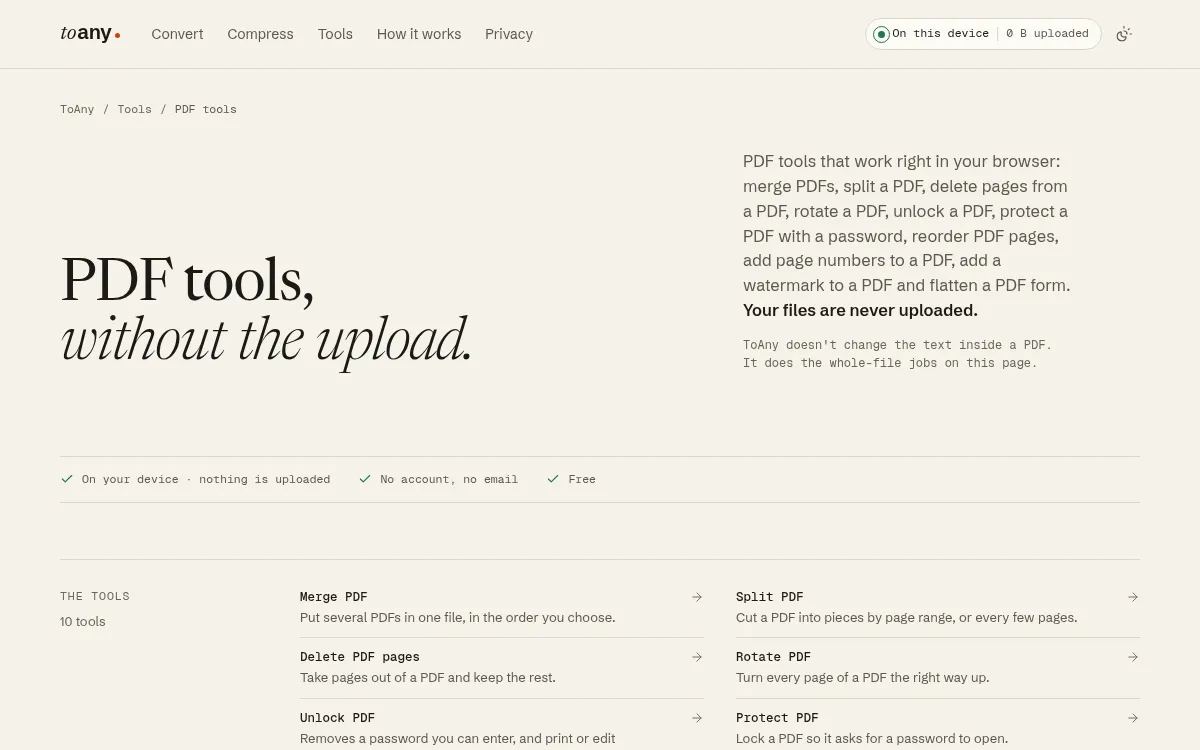
ToAny's Crop PDF runs inside your browser tab. You drop a PDF, set how much to trim from the top, right, bottom and left, and choose every page or only the pages you type, such as 2, 5-7. The file is not uploaded: no PDF tool on ToAny uses the conversion server.
It works by setting each page's CropBox, the area a viewer shows and prints. Nothing else in the file is rebuilt or compressed again, so text stays sharp and pictures keep their resolution. Margins are set as a share of each side, so one setting fits a document whose pages differ in size.
The page is also honest about what a crop is. The trimmed margins are hidden, not deleted, so text outside the crop is still in the file. If a margin holds something private, a crop is not enough, and the page says so rather than letting you believe it is gone.
It has gaps. ToAny does not find white margins for you, and one run applies one set of margins, so it cannot give each page its own crop the way Sejda can. There is no desktop app, no API and no cloud import. It can work offline: get it ready from the privacy panel, then drop the file with the network off. To take whole pages out instead, Delete PDF pages removes them from the file.
The tool is free with no account or email. The terms say ToAny may show advertising, and none was visible at the time of writing. Large files depend on your device's memory, so a very large PDF may struggle on a phone.
- Processing
- In the browser; PDF tools never use the server toany.io
- Price
- Free, no account or email toany.io
- How it crops
- Sets each page's CropBox; content outside it stays in the file toany.io
- Pages
- Every page, or the pages you choose toany.io
- Margins
- Top, right, bottom and left, as a share of each side toany.io
Best suited for: People who need to trim the margins of a private PDF, such as a scanned contract or a payslip, without installing anything or creating an account. It suits a simple trim that is the same on every page better than fine per-page work.
2. Sejda, best for the most ways to set a crop
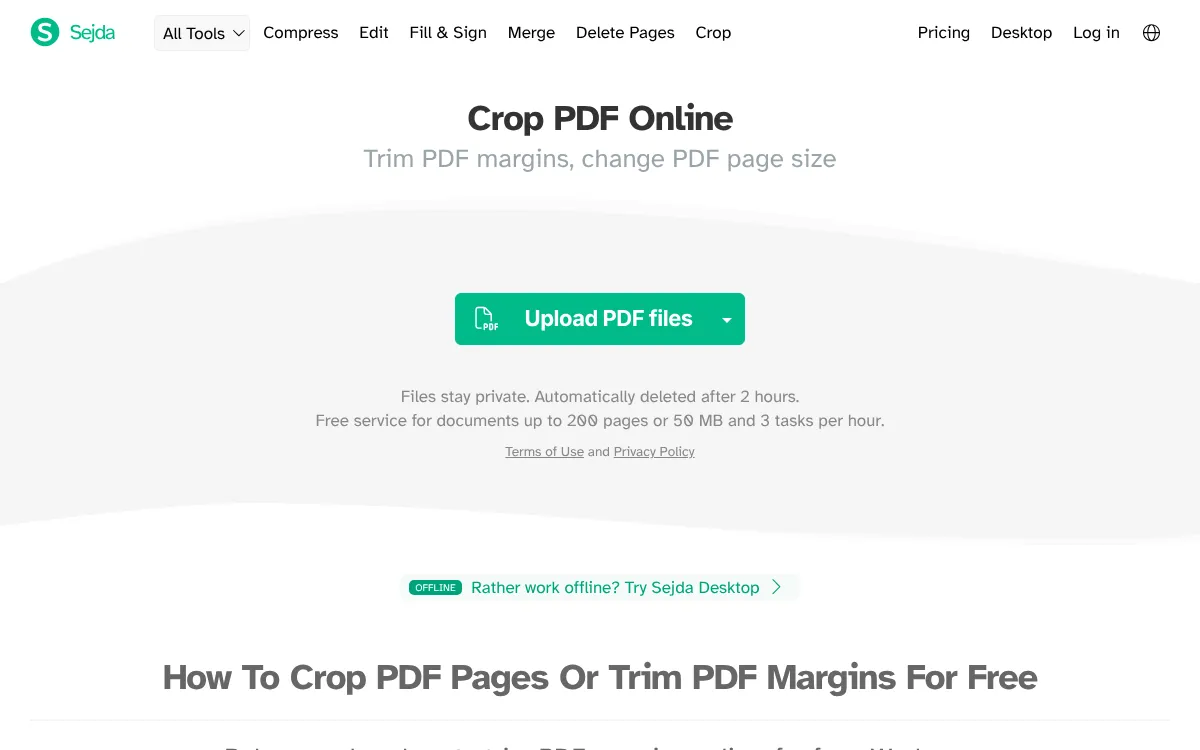
Sejda's Crop PDF has the most ways to set a crop on this list. You can crop the whole document in one go, with the pages blended on top of each other so one size fits them all. You can crop pages separately, each with a different size. An Auto-crop button finds the white margins, and you can type exact margins in inches or centimetres.
It is also the only competitor here that states what a crop does. Next to the crop controls the page says content outside the crop area is hidden but not completely removed from the document. That matches how ToAny describes it.
The web version uploads your file. The tool page says files are uploaded over an encrypted connection and deleted automatically after 2 hours. The free web service covers documents up to 200 pages or 50 MB and 3 tasks per hour. To avoid the upload, Sejda Desktop runs the same tools on your computer; its free tier is 3 tasks per day, with documents up to 50MB and 200 pages.
Prices showed in US dollars from our connection, and Sejda has shown Australian dollars to us before, so yours may differ. A Web Week Pass was $5 for 7 days, one time. Web Monthly was $7.50 per user per month. Desktop+Web Annual was $63 per user per year. Paid plans list uploads up to 500MB per file and no page or hourly limits.
Sejda says it has built PDF tools since 2010. It is the pick when the crop has to be exact or different on each page.
- Crop controls
- Whole document, separate pages, Auto-crop, margins in inches or cm sejda.com
- Hidden content
- Hidden but not completely removed from the document, per the tool page sejda.com
- Free web limits
- Documents up to 200 pages or 50 MB, 3 tasks per hour sejda.com
- Web file retention
- Deleted automatically after 2 hours sejda.com
- Web Monthly
- US$7.50 per user per month, recurring (USD shown from a US connection) sejda.com
- Desktop free tier
- 3 tasks per day; documents up to 50MB and 200 pages sejda.com
Best suited for: People who need an exact crop, automatic white-margin trimming or a different crop on each page. Its desktop app also suits anyone who wants those controls without an upload.
3. PDF24 Tools, best for free online cropping with Trim Box control
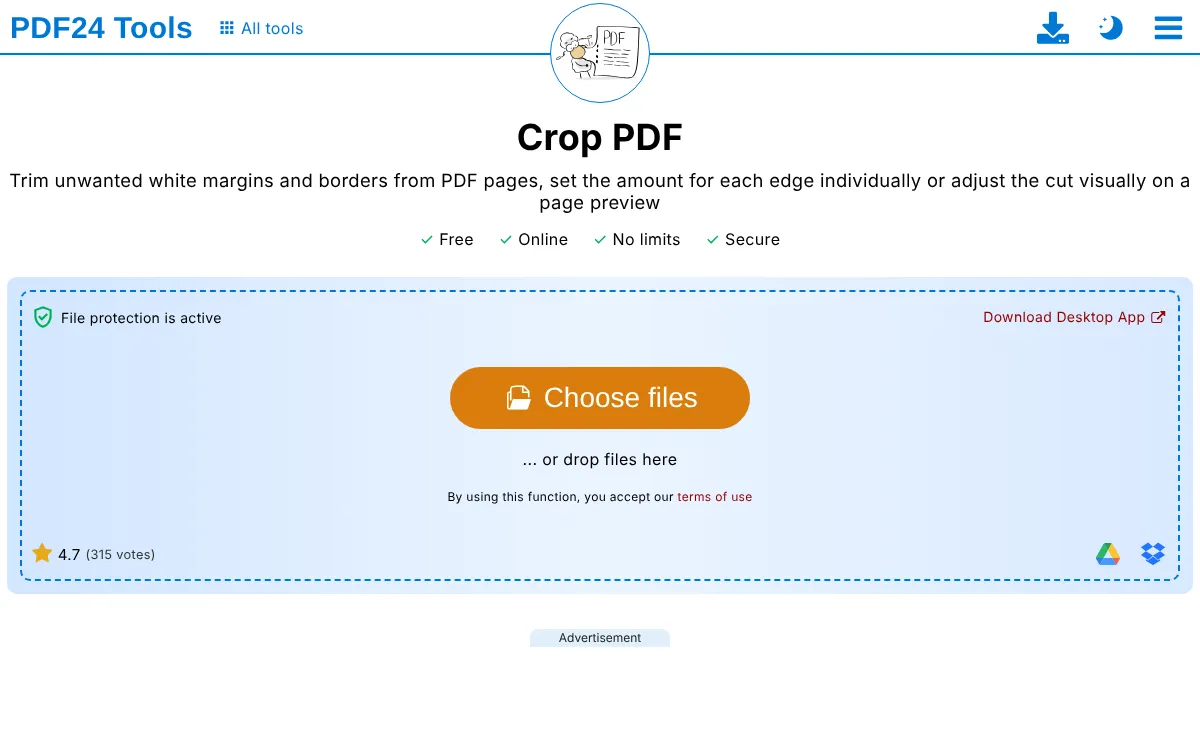
PDF24's Crop PDF is free and paid for by advertising. Its tool page says no registration is needed and lists no limits. You type a margin in millimetres for each edge, or switch to a visual mode and adjust the cut on a page preview.
It has one control the others here lack: you choose whether the margins set the Crop Box or the Trim Box. The Trim Box matters for print work, where it marks the finished size of a page after it is cut. Most people who only want to hide a margin on screen need the Crop Box.
The web tool uploads your file. The page says the cropping is done by special PDF24 servers, that the servers are in Germany, and that files are deleted from the server after one hour. It does not say whether content outside the crop stays in the file, so treat a crop there as hidden rather than removed.
To avoid the upload, PDF24 Creator is free Windows software with the same tools, and its page says it works offline so files stay on your PC. The Creator page does not offer a Mac or Linux version of the desktop app.
PDF24 is a project of geek software GmbH, a Berlin company founded in 2006. The crop page showed a rating of 4.7 from 315 votes, collected on PDF24's own site. It is the pick for a free crop with exact numbers and no account.
- Price
- Free, paid for by advertising; no registration tools.pdf24.org
- Crop controls
- Margins in mm per edge, Crop Box or Trim Box, visual mode tools.pdf24.org
- Processing
- PDF24 servers in Germany; files deleted after one hour tools.pdf24.org
- Desktop app
- PDF24 Creator, free Windows software that works offline tools.pdf24.org
- Company
- geek software GmbH, Berlin, founded 2006 pdf24.org
- Rating
- 4.7 from 315 votes, shown on its own crop page tools.pdf24.org
Best suited for: People who want a free online crop with exact margins and no account, including print work that needs the Trim Box. On Windows, its desktop app suits anyone who would rather not upload.
4. iLovePDF, best for drag-to-crop for existing iLovePDF users
iLovePDF's Crop PDF works by dragging. You click and drag over the area you want to keep, resize it if needed, then pick All pages or Current page. The tool page describes no typed margins and no automatic trimming of white margins.
The file is uploaded to iLovePDF's servers. Its security page says all processed files are deleted automatically and permanently within two hours, and you can delete them yourself from the download screen. The crop tool also reminds you to review the result before sending private information. It does not say whether content outside the crop stays in the file.
The free tier is tight for this tool. iLovePDF's pricing table allows 1 file per Crop PDF task and 100 MB per task for free, against 4 GB on Premium. Premium showed $5 per month billed annually, which is $60 a year, or $9 billed monthly, in US dollars from our connection. It has shown Australian dollars to us before, so check the price in your own currency.
iLovePDF says it was born in Barcelona in 2010. Besides the web tools it offers desktop apps for Mac and Windows and mobile apps for iOS and Android, plus an API for developers.
It makes most sense if you already use iLovePDF for merging or compressing and want cropping in the same place. For a crop that must be exact to the millimetre, a typed-margin tool is easier.
- Crop controls
- Drag a box; all pages or current page ilovepdf.com
- Free limits for Crop PDF
- 1 file per task, 100 MB per task (Premium 4 GB) ilovepdf.com
- Premium
- US$5/month billed annually (US$60) or US$9 billed monthly, as shown from a US connection ilovepdf.com
- File retention
- Deleted automatically within two hours of processing ilovepdf.com
- Founded
- 2010, Barcelona ilovepdf.com
Best suited for: People who already use iLovePDF for other PDF jobs and want a quick visual crop in the same account. It is a weaker fit for a private file or a long batch of documents on the free tier.
5. Smallpdf, best for cropping files that are not PDFs yet
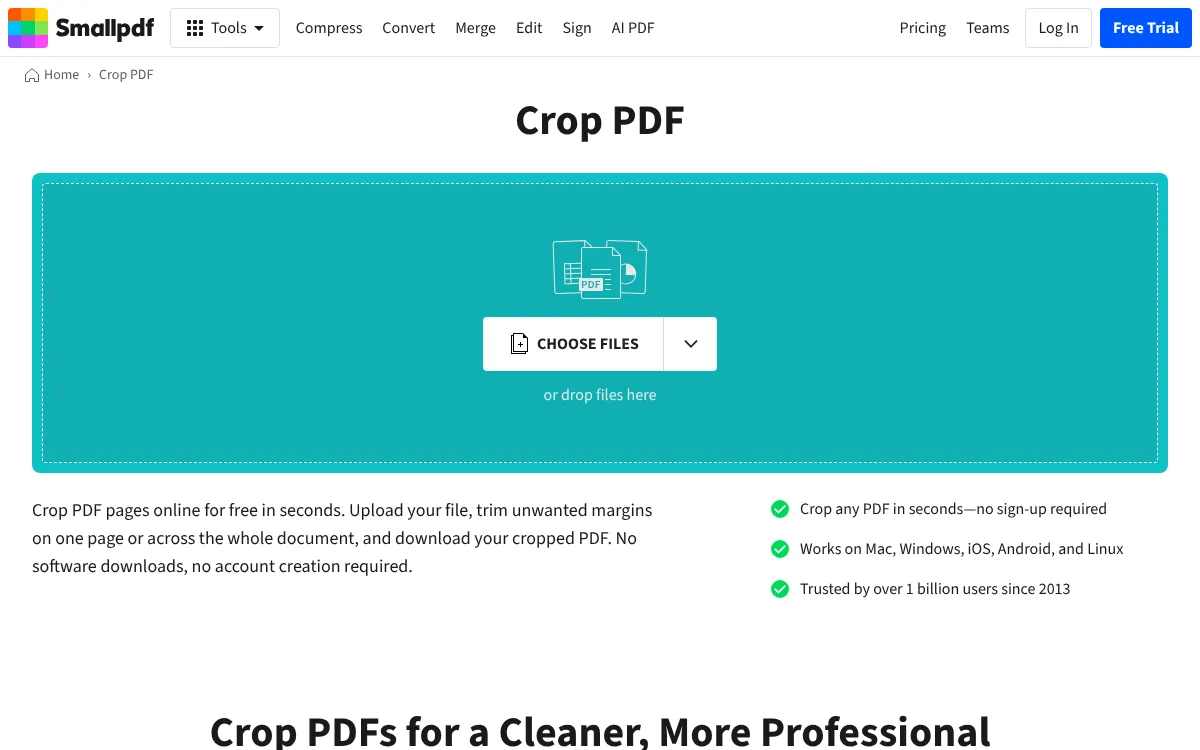
Smallpdf's Crop PDF also works by dragging. You upload a file, flip a toggle to crop one page or all pages, drag over the area to keep and confirm with the check mark. The upload box takes Word, Excel, PowerPoint, PNG and JPG files as well as PDF, which none of the other tools here offer on their crop page.
Files are uploaded. The page says they are encrypted during processing and deleted automatically after one hour, and that Smallpdf is GDPR compliant and ISO/IEC 27001 certified. Its FAQ says cropping only removes unwanted areas. It does not say whether the text outside the crop stays in the file, and we did not test it, so treat a crop there as hidden rather than removed.
Free use is capped. The crop page mentions usage limits for free users, and the pricing table lists a daily download limit for Crop on the free plan. Pro removes that limit and starts with a 7-day free trial; if you cancel, the account drops back to the free plan. We do not quote Pro's price, because the page did not show clearly which billing period the figure belonged to.
The crop page shows a rating of 4.6 out of 5 from 347 votes on Smallpdf's own site. The company was founded in Switzerland in 2013.
Smallpdf suits people who want cropping next to editing, signing and converting in one account, and who are happy to upload.
- Crop controls
- Drag a box; one page or all pages smallpdf.com
- Input types
- PDF, DOC, XLS, PPT, PNG, JPG smallpdf.com
- Free limit
- Daily download limit on Crop smallpdf.com
- File retention
- Deleted automatically after one hour smallpdf.com
- Pro trial
- 7-day free trial; downgrades to free on cancel smallpdf.com
- Rating
- 4.6/5 from 347 votes, shown on its own crop page smallpdf.com
Best suited for: People who start from a Word file, a slide deck or an image and want it cropped as a PDF in one place. It also suits existing Smallpdf users who crop now and then.
Side-by-Side Comparison
This table restates the five criteria for each product, in ranking order. Where a competitor beats ToAny, the cell shows it: Sejda has Auto-crop and per-page crops, PDF24 adds the Trim Box, and Sejda and PDF24 have desktop apps that work without an upload.
| Product | Where the file is processed | How you set the crop | Hidden content | Free limits | Price |
|---|---|---|---|---|---|
| ToAny | In the browser | Margins per side; every page or chosen pages | Stays in the file; the page says so | Your device's memory | Free |
| Sejda | Web: uploaded. Desktop: local | Typed margins, drag, Auto-crop, per-page crops | Stays in the file; the page says so | Web: 200 pages or 50 MB, 3 tasks an hour | Free; Web Monthly US$7.50 |
| PDF24 Tools | Web: servers in Germany. Creator: local (Windows) | Margins in mm, Crop Box or Trim Box, visual mode | Not stated | No limits stated | Free, with ads |
| iLovePDF | Uploaded | Drag a box; all pages or current page | Not stated | 1 file and 100 MB per task | Free; Premium US$5 a month, billed yearly |
| Smallpdf | Uploaded | Drag a box; one page or all pages | Not stated | Daily download limit | Free; Pro with a 7-day trial |
Which PDF cropper fits your use case
Match the job to the product. Privacy and how exact the crop must be usually decide it.
| If you are | Pick | Why |
|---|---|---|
| Trimming a scanned contract, payslip or ID | ToAny | The file stays in the browser tab |
| Removing white margins from a long document | Sejda | Auto-crop finds the white margins for you |
| Preparing a file for print | PDF24 Tools | You can set the Trim Box as well as the Crop Box |
| Already paying for iLovePDF | iLovePDF | Cropping sits next to the tools you already use |
| Cropping a Word file or an image | Smallpdf | Its crop page takes Office and image files as well as PDF |
| Hiding a name or number for good | None of these | A crop hides content; use redaction to remove it |
What results look like with ToAny
Crop PDF is new, so we have no timings from the finished tool and quote none. These two measurements come from our research with pdf-lib, the PDF library ToAny's PDF tools are built on, setting the CropBox the same way. They show what a crop does to a file; they are research runs, not user telemetry.
- Three-page text PDF, 20% off each side94 words, 3,116 B94 words, 2,841 BAll 94 words could still be extracted with pdftotext after the crop, while only 33 sit fully inside the visible area. Measured on 30 October 2026.
- 1 MB text PDF from our tools research5,006 characters, 1,016,315 B5,006 characters, 1,017,034 BEvery character was still extractable after the crop, and the file grew slightly. This is why the page says the crop hides content rather than removing it.
Frequently Asked Questions
How do I crop a PDF without uploading it?
Use a tool that works on your device. ToAny crops inside your browser tab, and the desktop apps from Sejda and PDF24 crop on your computer. The online versions of Sejda, PDF24, iLovePDF and Smallpdf upload the file.
What is the best PDF cropper?
For a private file and a simple trim, ToAny, because the file stays in your browser. For the most control, Sejda, which adds Auto-crop and per-page crops. For print boxes, PDF24, which can set the Trim Box.
Does cropping a PDF remove the hidden content?
No. A crop changes the visible area, and the text and pictures outside it stay in the file. To remove content for good, use a redaction tool instead.
How do I remove white margins from a PDF automatically?
Sejda has an Auto-crop button that finds the white margins for you. ToAny, PDF24, iLovePDF and Smallpdf need you to set the margins or drag a box.
What is the difference between the Crop Box and the Trim Box?
The Crop Box is the area a viewer shows and prints. The Trim Box marks the finished size of a printed page after it is cut. PDF24 lets you set either one.
How do I crop only some pages of a PDF?
In ToAny, type the pages, such as 2, 5-7, and the margins apply to those pages only. iLovePDF and Smallpdf offer the current page or all pages, and Sejda lets each page have its own crop.
Will cropping make my PDF smaller?
Not by much, because the content outside the crop stays in the file. In our research the file size barely changed. To make it smaller, compress it after cropping.
What does ToAny's PDF cropper not do?
It does not find white margins by itself, and one run uses one set of margins. It has no desktop app, no API and no cloud import.
Try ToAny for free (no account required)
Trimming a PDF's margins should not need an upload or an account.
ToAny crops your file right in the browser, on every page or the pages you pick.
It is free, and the result downloads straight away.
If you need Auto-crop or a different crop on each page, the table above shows who does that. Otherwise, crop your first PDF now.