Best Online File Converters in 2026: the buyer's shortlist

By Thien · Maker of ToAny
Published
The best online file converter depends on one question: does the file leave your device? We rank eight tools on that and seven other measurable criteria. ToAny comes first because almost every conversion runs in your browser, it costs nothing and it needs no account. It also loses on formats, API and cloud import, and we say so in the table below.
Want to see the difference before you read on? Drop any file into the free ToAny converter and pick what it becomes. Open the ToAny converter
Key Takeaways
- ToAny is the only tool here that converts in your browser. For 1,179 of its 1,195 pairs the file never leaves your device. The other 16 run on ToAny's own server, and only after you confirm each upload.
- The hosted tools win on reach. CloudConvert, Convertio, Zamzar, Online-Convert, OnlineConvertFree and AhaConvert all state more formats than ToAny's 190, and five of the seven hosted tools document an API. ToAny has none.
- Free tiers differ more than headlines suggest. Zamzar allows 2 conversions per 24 hours at 50 MB, while CloudConvert and FreeConvert allow files up to 1 GB. Check the daily allowance as well as the size.
- Uploaded files stay on someone else's server for a while. Stated retention runs from 2 hours at AhaConvert to 24 hours at CloudConvert, Convertio (outputs), Zamzar (free files) and OnlineConvertFree (converted files). Online-Convert states no fixed period.
- Pick by the job, not by the ranking. Use ToAny for private or everyday files. Use a hosted tool when you need an API, Dropbox or Google Drive import, or a file larger than your device can handle.
What online file converters actually are (and what they are not)
An online file converter takes a file in one format and gives you the same content in another, from a web page. You pick the file, choose a target such as PDF, MP3 or PNG, and download the result.
Two designs hide behind that same page. Most online converters are upload services. Your file travels to the vendor's server, a program there does the work, and you download the output. Every tool in this list except ToAny works that way, and all but Online-Convert state how long they keep your files afterwards. The other design runs the conversion inside your browser, using code that loads with the page. The file stays on your device, so there is nothing to retain and no queue.
ToAny is the browser kind for nearly everything, with an exception. A small number of pairs, 16 of 1,195, need a server because they depend on LibreOffice or calibre. Those cover old Word and PowerPoint files and Kindle-style e-books. ToAny asks for your consent before each of those uploads.
What an online converter is not matters just as much. It is not an editor, so you cannot rewrite a document in it. It is not a guarantee of fidelity. Converting between formats can lose layout, metadata or quality, and ToAny's own PDF to Word output, for example, comes out as positioned text boxes rather than clean paragraphs. It is not always free in practice, because credits, daily limits and size caps decide what the free tier covers.
It is also not a private service by default. A tool that says your files are deleted is still asking you to trust it with the upload. That is why the best online file converter for sensitive files is the one that is plain about where the work happens.
How We Ranked These Online File Converters
We read each vendor's own pricing, FAQ, about, privacy and security pages on 17 October 2026, and checked review platforms where a score was visible. Anything we could not read in the page text is marked not stated rather than guessed.
Products are ranked on the eight criteria below. The first, where the file is processed, carries the most weight because it decides who can see your file. Ratings are left out of the ranking because the sources differ and several are self-reported.
- Criterion 1Where the file is processedBrowser, or uploaded to the vendor server, as stated on the vendor pages
- Criterion 2Free max file sizeLargest single file on the free tier, in MB or GB as stated
- Criterion 3Free daily limitConversions, credits or minutes allowed per day on the free tier
- Criterion 4Cheapest paid plan (as displayed)Lowest recurring or one-off paid price shown, with the currency as displayed; not stated where it is not in static HTML
- Criterion 5Formats supported (as stated)Number of formats the vendor states (conversion or tool counts are not formats)
- Criterion 6File retention on the vendor serverHow long files stay on the server after conversion, as stated
- Criterion 7API availableYes or no: a documented API on the vendor site
- Criterion 8Cloud-storage importYes or no: Dropbox, Google Drive or similar as an upload source
The Best Online File Converters in 2026
The ranking below follows the criteria above, starting with where your file is processed. ToAny is first for that reason, not because it does everything. Each entry lists the strengths and the limits we found. Where a figure is missing, we say it is not stated.
1. ToAny, best for private conversion with no upload or account
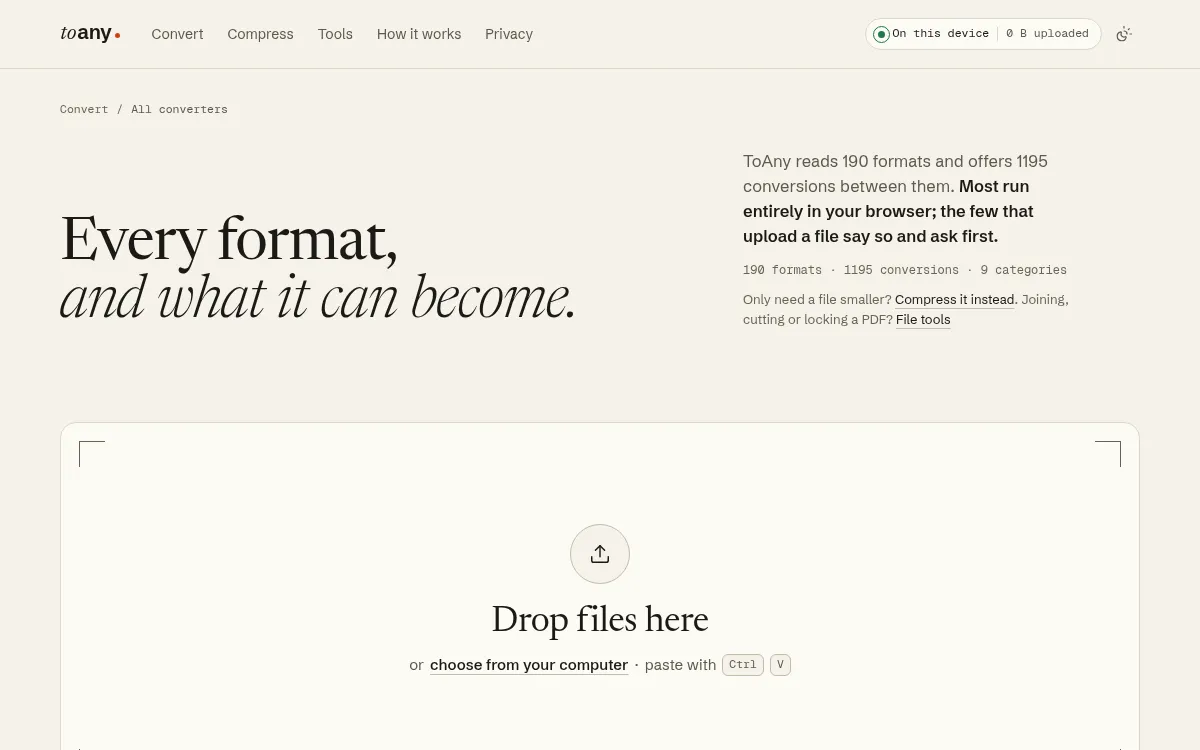
ToAny reads 190 formats and offers 1,195 conversions between them, across nine categories: image, video, audio, document, data, archive, subtitle, font and 3D. Almost all of it runs in your browser. For a browser conversion the file's contents, name and size are not sent to ToAny or anyone else, and you can confirm that in your browser's network panel.
It is free, with no account, no email and no paid tier. Browser conversions have no daily limit. You can convert several files at once and download them as a ZIP. ToAny also detects a file's type from its first bytes, so a HEIC renamed to .jpg is still recognised. Common jobs have their own pages, such as HEIC to JPG and MP4 to MP3. Compress and the PDF tools run in the browser too.
Sixteen pairs use ToAny's own server instead: old Word, PowerPoint and ODF documents, and Kindle-style e-books. You are asked before each upload, files are deleted after conversion, and uploads are capped at 50 MB.
Now the weak spots. ToAny states fewer formats than six of the seven tools below. It has no API and no import from Dropbox or Google Drive. It has no single size cap, but limits vary by file type and large files are bounded by your device's memory, and video conversion can be slow on phones. PDF to Word is not offered as a page, because the result comes out as positioned text boxes that are readable but hard to edit.
ToAny is built by TheRu Studio, based in Sydney, Australia. It may be supported by advertising in future, and none is shown at the time of writing.
- Formats and pairs
- 190 formats, 1,195 conversions, 9 categories toany.io
- Where it runs
- In the browser; 16 pairs run on ToAny's server after per-upload consent toany.io
- Price
- Free; no account, no email, no paid tier toany.io
- Daily limit
- None for browser conversions toany.io
- PDF tools and compress
- Run in the browser; never use the server toany.io
- API and cloud import
- None toany.io
Best suited for: ToAny suits anyone converting personal, work or client files who wants them to stay on the device, and anyone who dislikes accounts and daily caps. It is a weaker fit if you need an API, Dropbox or Google Drive import, or a format outside its 190.
2. CloudConvert, best for per-conversion settings and a REST API
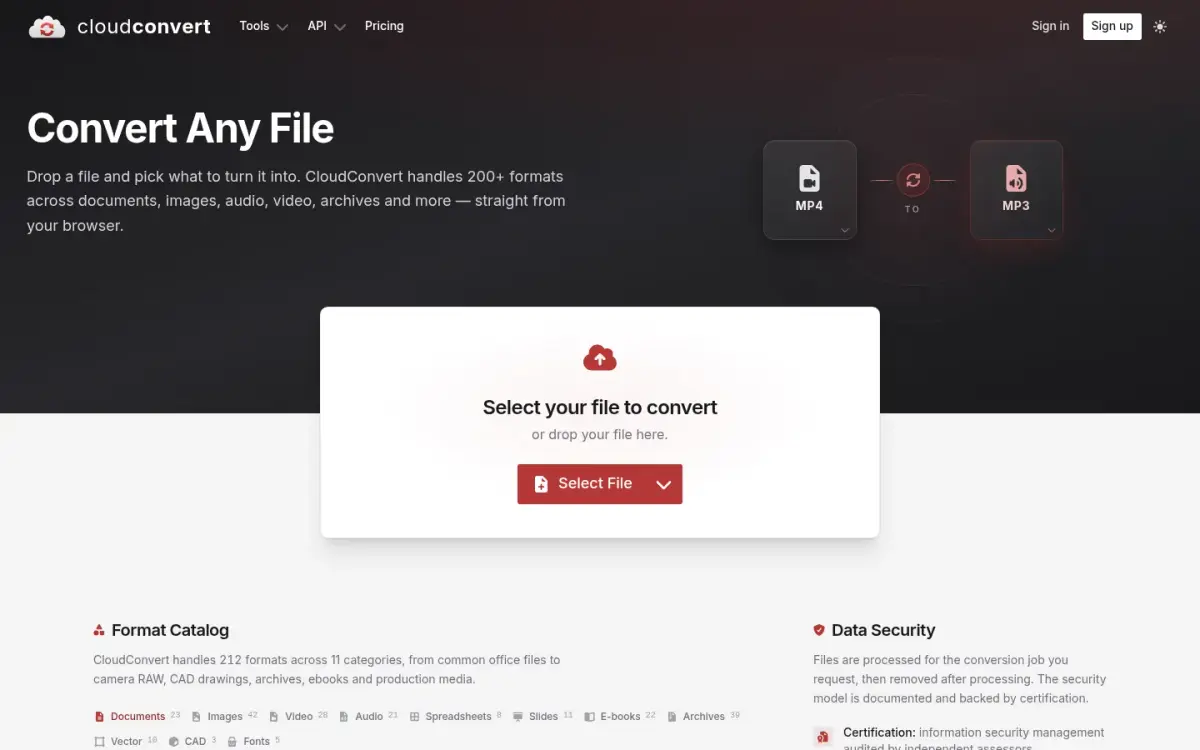
CloudConvert handles 212 formats across 11 categories, including 42 image formats, 28 video formats, 21 audio formats and 39 archive formats. It was founded in 2012 and is run by Lunaweb GmbH in Grünwald, Germany. The company states more than 10,000 active customers, and that 90% of files are processed through its API.
That API focus shows. CloudConvert is the strongest choice here for developers and for anyone who wants settings per conversion. Its MP4 to MP3 page, for example, has options for video resolution, quality and file size.
The free plan is EUR 0 for personal use and gives 10 conversion credits per day, with files up to 1 GB, a 5-minute processing limit and low priority. Credits are used at about one per minute of conversion time. Paid options are a one-off package or a monthly subscription, which it says can be up to 50% cheaper. The exact paid prices are not in the page text we could read, so we do not quote one.
Everything is uploaded first. CloudConvert's privacy policy says they are stored temporarily on its servers and deleted automatically after 24 hours at the latest. Its security page says files are kept only for processing and deleted straight afterwards, and states that Lunaweb GmbH's information security management is ISO 27001 certified by TÜV Süd. It says it does not read or mine file data.
Trustpilot showed 4.0 from 74 reviews on its Dutch-language Belgian page. The count moves over time.
- Free plan
- EUR 0, 10 conversion credits per day, 1 GB max file cloudconvert.com
- Formats
- 212 formats across 11 categories cloudconvert.com
- Retention
- Deleted automatically after 24 hours at the latest cloudconvert.com
- Certification
- Lunaweb GmbH ISMS ISO 27001 certified by TÜV Süd cloudconvert.com
- Founded
- 2012 cloudconvert.com
- Trustpilot
- 4.0 from 74 reviews (counts move over time) nl-be.trustpilot.com
Best suited for: CloudConvert suits developers, teams and power users who want an API, per-conversion settings and a vendor with a stated security certification. It is a weaker fit for casual users who would hit the 10 credits a day or prefer not to upload.
3. Convertio, best for pulling files from Dropbox or Google Drive
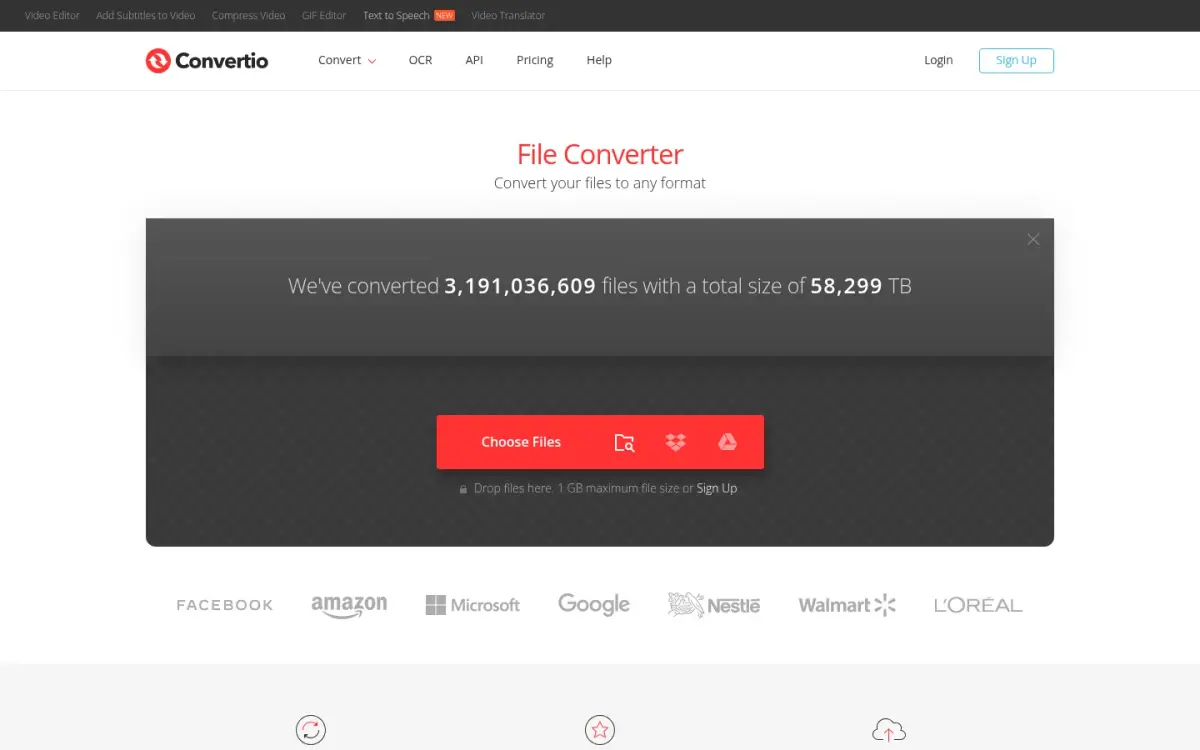
Convertio supports more than 300 formats and says it started in 2014. It is the only tool in this list where we found Dropbox and Google Drive offered as upload sources next to local files, which makes it the pick if your files already live in the cloud. The homepage also links an API with a Get an API Key button, and the site runs in 17 languages.
We could not read a clear free-tier file size or daily limit from its pages, so we give neither. Paid plans are billed on credits that measure server time: Lite is $11.99 per month for 1 GB files and 1000 credits, Basic is $22.99 for 3 GB and 3000 credits, and Pro is $44.99 for 10 GB and 10000 credits. Annual billing lowers the monthly figure, with Lite at $6.99 per month. The pricing page lists adfree pages as a paid feature, and says there are no refunds once you upgrade.
Uploads go to its servers. Convertio states that input and temporary files are deleted immediately after conversion and outputs after 24 hours, and that its infrastructure is based in Germany.
On reputation, the site shows its own rating of 4.6 from 31,811,866 votes, which only people who converted a file can give. Trustpilot showed 4.9 from 10,601 reviews, with a note that the company had not invited customers recently. We treat the first as self-reported.
Convertio also states that it aims to finish conversions in under 1 to 2 minutes.
- Cheapest paid plan
- Lite $11.99/month (monthly billing); $6.99/month billed yearly convertio.co
- Largest paid file size
- Pro: 10 GB (Lite 1 GB, Basic 3 GB) convertio.co
- Formats
- 300+ formats supported convertio.co
- Retention
- Input deleted immediately after conversion; outputs deleted after 24 hours convertio.co
- Cloud import
- Dropbox and Google Drive upload sources convertio.co
- Trustpilot
- 4.9 from 10,601 reviews trustpilot.com
Best suited for: Convertio suits people who keep files in Dropbox or Google Drive and want one of the longer format lists, with paid plans that reach 10 GB per file. It is a weaker fit if you do not want any upload or want a single flat price.
4. Zamzar, best for a desktop app and conversion by email
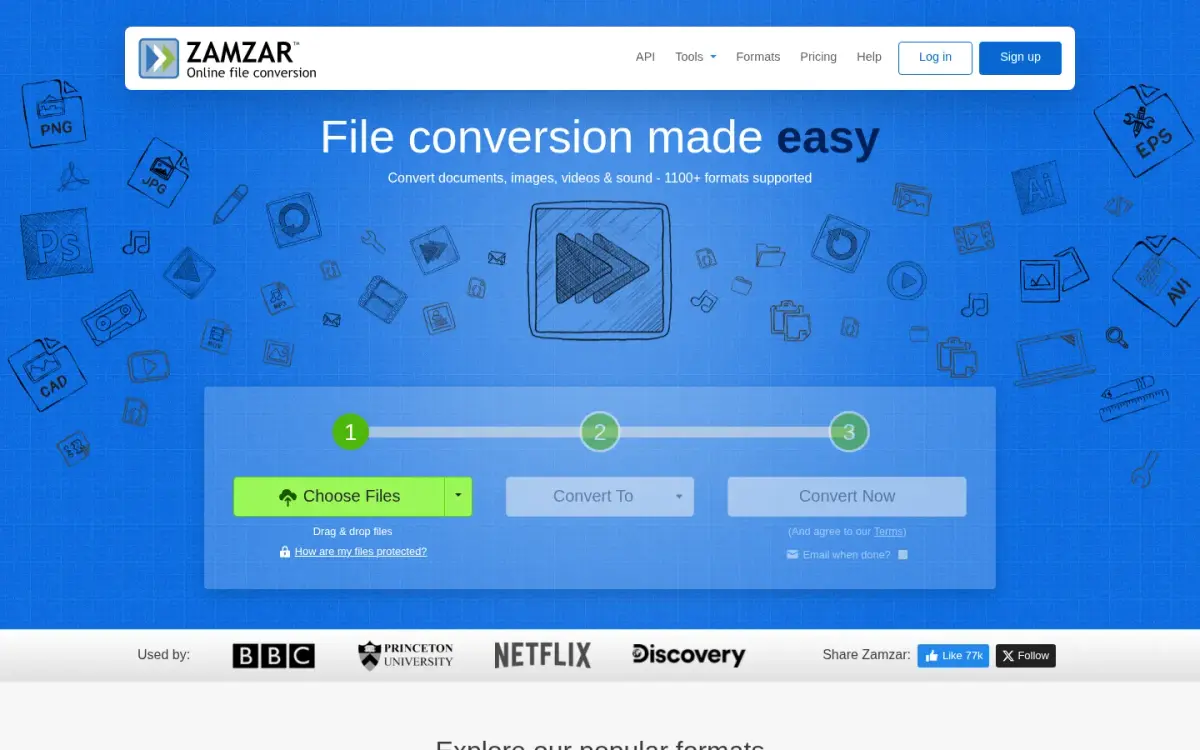
Zamzar started in 2006, founded by the brothers Chris and Mike Whyley, and is registered in England. It has the earliest founding year in this list and says it has had 550+ million users and 760+ million conversions. Those are vendor claims. It also says it has no outside funding.
It offers four ways in: the web app, a desktop app for Mac and Windows, an API and conversion by email. You send a file to [email protected], with per-file limits from 1 MB on the free service to 25 MB on Business.
The free tier is among the tightest in this list. You can convert up to 2 files, and compress up to 2 files, in any 24-hour period, with files up to 50 MB. No account is needed, but files above the free limit need a paid account to download. Paid plans are Basic at $12 per month, Pro at $19 and Business at $39, with file limits of 200 MB, 400 MB and 2 GB. A free desktop app handles 25 files up to 50 MB.
Zamzar gives two different format counts. Its About page says 200 file formats, while the homepage says 1100+. We use the About page figure. Files are uploaded to servers in the United States, per its privacy policy. Free converted files are stored for a maximum of 24 hours, and paid users' files stay until they delete them.
API plans start free with 100 credits and a 1 MB file limit, then run from $25 to $299 per month.
- Free limits
- 2 conversions and 2 compressions per 24 hours; files up to 50MB zamzar.com
- Paid plans
- Basic $12/month, Pro $19/month, Business $39/month (USD) zamzar.com
- Formats
- 200 file formats (About page); homepage says 1100+ zamzar.com
- Retention
- Free converted files stored for a maximum of 24 hours zamzar.com
- Founded
- 2006, by Chris and Mike Whyley zamzar.com
- Claimed reach
- 550+ million users since launch; 760+ million conversions (vendor claim) zamzar.com
Best suited for: Zamzar suits occasional converters who want a desktop app, email conversion or an API from one long-running vendor. It is a weaker fit for anyone converting more than a couple of files a day on the free tier.
5. Online-Convert, best for an extra-long format list
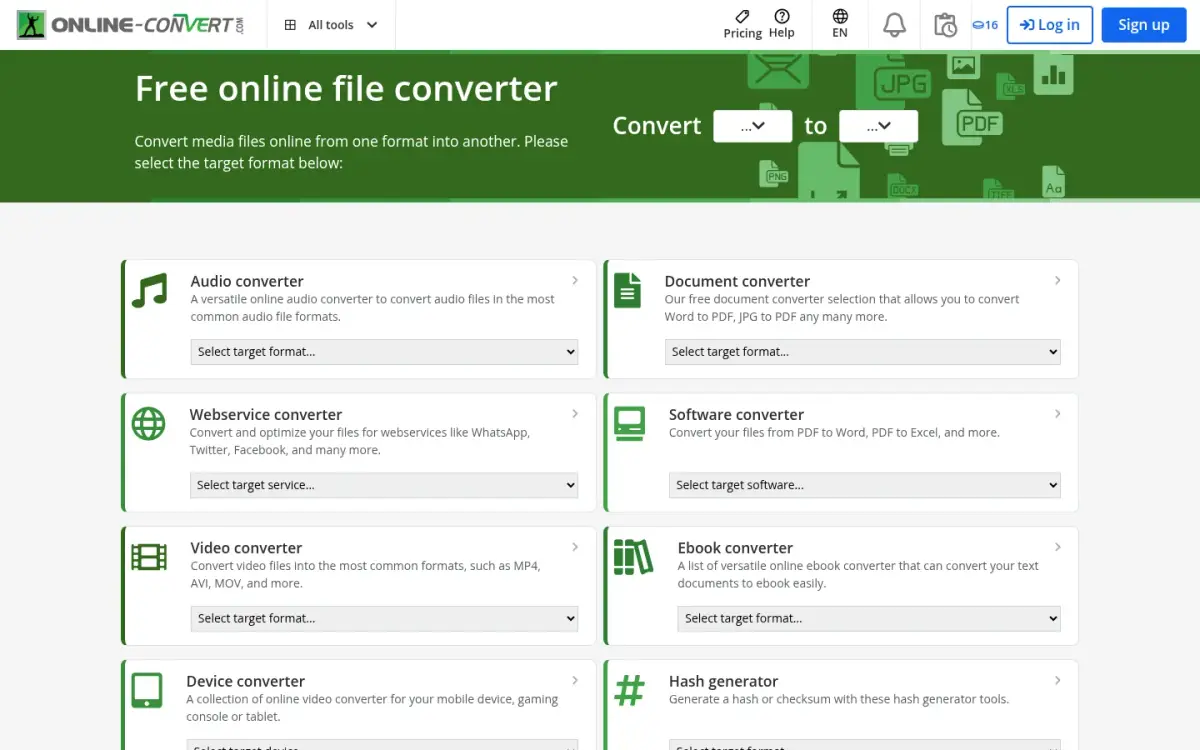
Online-Convert states 250+ file formats and has run since 2011 from Radolfzell, Germany, operated by QaamGo Media GmbH. Its strength is breadth of formats and a paid tier that lifts the limits a long way.
The free service allows files up to 75 megabytes and 10 minutes of processing per task. Daily tasks are described as limited, with no number stated. The free trial is for an unlimited time, with test credits that renew every 24 hours, and you need to sign up to get them.
Paid use is credit-based, and most tasks use 1 credit every 30 seconds. The pay-as-you-go price we could read was 480 credits for 13,00 EUR, one-off, as shown to a EUR visitor. Credits roll over and expire one year after payment. Premium raises the file limit to up to 64 GB per task and processing to 8 hours. Paid plans list no ads, and you can cancel any time, with a 14-day money-back guarantee if the service is not used extensively. Students and teachers get the paid tools for free.
Uploads apply here too. Online-Convert says you can delete them straight after conversion, and that it stores files only as long as necessary. It states no fixed retention period, so we cannot give one. Data is encrypted with TLS in transit.
Trustpilot showed 4.7 from 469 reviews when read through a page summariser. The star image's alt text says 4.5, so treat the exact score with care.
- Free file size
- 75 megabytes per file online-convert.com
- Pay as you go
- 480 credits for 13,00 EUR one-time online-convert.com
- Premium file size
- Up to 64 GB per task online-convert.com
- Formats
- 250+ file formats online-convert.com
- Founded
- 2011 online-convert.com
- Trustpilot
- 4.7 from 469 reviews (alt text of the star image says 4.5) trustpilot.com
Best suited for: Online-Convert suits people converting unusual formats who may occasionally need very large files on a paid plan. It is a weaker fit if you want an anonymous free tier, because the test credits need an account.
6. FreeConvert, best for free one-off jobs with no sign-up
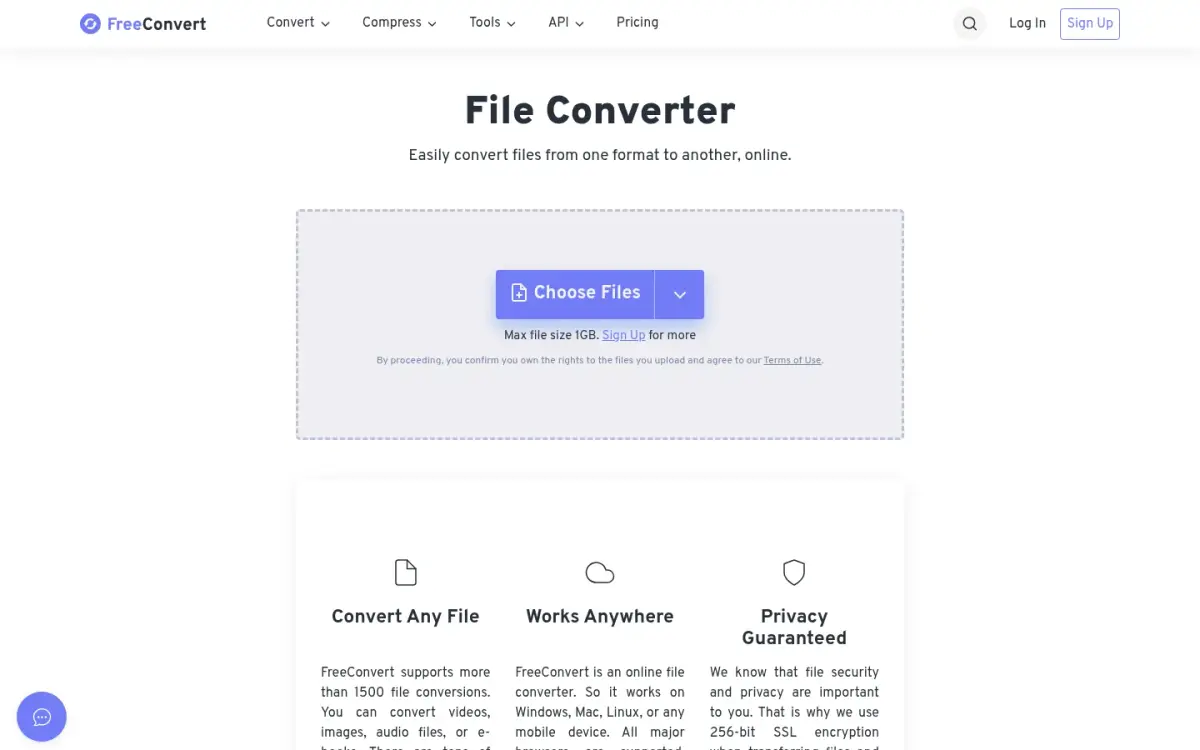
FreeConvert launched in 2018 and grew out of ImageResizer.com. Its homepage says it supports more than 1500 file conversions. That counts conversions, not formats, so we do not put a format number against it. The site is available in 15 languages and as a browser tool on any device, and the navigation also lists Android and iOS apps for the Image Converter and Collage Maker.
The free tier is generous on size. The homepage converter states a 1GB maximum, and you do not need an account on the website. Free use is limited to 20 conversion minutes per day, shared between web and API, and 5 conversion minutes per file. The homepage also hints that the free tier has a queue and ads, since it offers paid plans for converting without either.
Paid plans start at Basic, $12.99 per month, with 1,500 conversion minutes and 1.5 GB files. Standard is $24.99 with 2 GB files, and Pro is $29.99 with 5 GB. A yearly toggle advertises 2 months free. FreeConvert offers REST APIs, and a free account is needed to use the free API minutes.
Files are uploaded and stored on Amazon Web Services in Ireland. FreeConvert says they are deleted automatically and permanently after 8 hours, and that it does not view files without your explicit written consent.
Its about page claims 11 million or more monthly visitors and a 4.7 rating from 17,000+ reviews, without naming the platform. Trustpilot showed 17,404 reviews.
- Free max file size
- 1GB on the homepage converter freeconvert.com
- Free daily limit
- 20 conversion minutes per day; 5 conversion minutes per file freeconvert.com
- Cheapest paid plan
- Basic $12.99/month freeconvert.com
- Retention
- Files automatically and permanently deleted after 8 hours freeconvert.com
- Founded
- 2018 freeconvert.com
- Trustpilot
- 17,404 total reviews trustpilot.com
Best suited for: FreeConvert suits people who want to convert a large file today without making an account. It is a weaker fit if your queue time matters, or if you need more than the 20 free conversion minutes a day.
7. AhaConvert, best for short retention that is stated up front
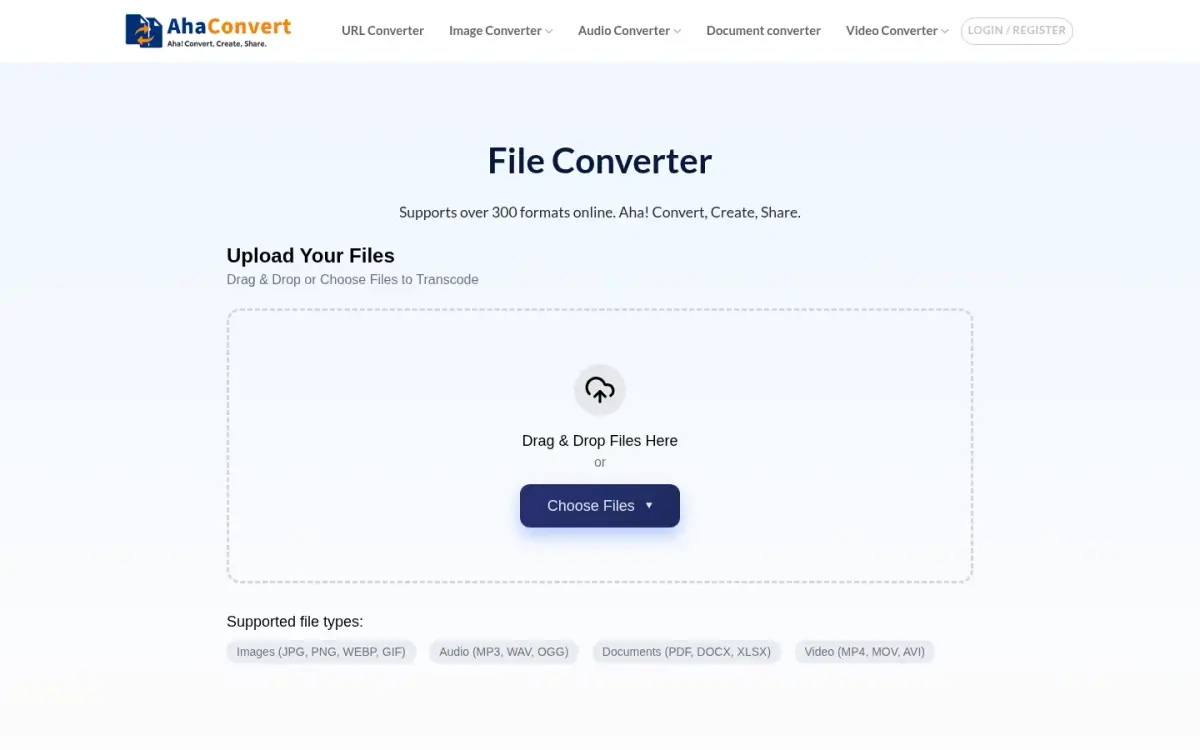
AhaConvert says it supports over 300 formats online. It is a web tool, with nothing to install and, per its about page, no registration.
The video converter page states that you can convert files up to 1GB for free, and that premium users get higher limits. We could not read a free daily limit or a paid price on the pages we checked, so both are marked not stated. Treat that as a gap in the vendor's own pages, not a sign that none exists.
Conversion happens in the cloud, so files are uploaded. The privacy policy says they are deleted within two hours of upload, the shortest stated retention for output files in this list. The about page says transfers use 256-bit SSL. The vendor also describes batch processing and custom conversion parameters, though we did not test either.
Two cautions apply. The site loads Google AdSense, so expect ads. And its claims about audience are broad, such as trusted by millions of users, without a figure or a source. We found no independent review score, so none is given here.
Its privacy policy took effect on 8 May 2025, which is the retention statement we rely on above.
- Formats
- Over 300 formats (vendor claim) ahaconvert.com
- Free file size
- Up to 1GB for free ahaconvert.com
- Retention
- Files deleted within two hours of upload ahaconvert.com
- Account
- No registration required ahaconvert.com
- Transfer encryption
- 256-bit SSL ahaconvert.com
- Advertising
- Google AdSense script present ahaconvert.com
Best suited for: AhaConvert suits one-off conversions of large files where a short two-hour retention window matters more than extras. It is a weaker fit if you need published pricing, an API or a track record you can check.
8. OnlineConvertFree, best for quick casual jobs with a small API
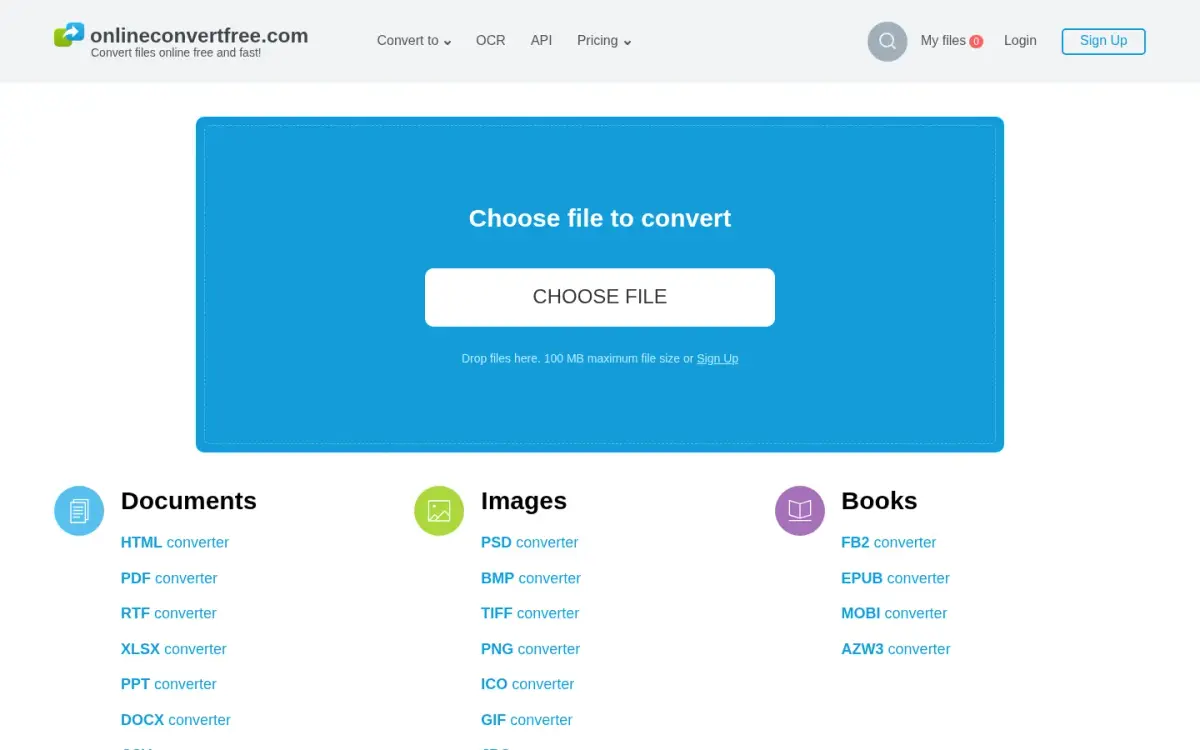
OnlineConvertFree was founded in 2018 and is run by DITOOLS LTD, with its company address in Astana, Kazakhstan. It states 250+ file formats and 1500+ conversion directions, and says it converts without registration or a watermark. The interface is available in 15 languages.
The upload box states a maximum file size of 100 MB. Free users convert 2 files at a time, and paid plans remove the daily limit on files. We could not read paid prices from the pages we checked, so none is quoted here. The site accepts cards, Paddle, PayPal, Google Pay, Apple Pay and several other methods.
It also offers a conversion API, which puts it alongside CloudConvert, Convertio, FreeConvert and Zamzar on that criterion.
Everything runs in the cloud. Per the about page, uploaded files are deleted instantly and converted files after 24 hours, and the privacy policy says outputs are removed automatically and irreversibly after 24 hours.
The privacy policy names Google AdSense as the main advertising provider, so the free tool is ad-supported. The site's own rating is 4.8 out of 5 from 205218 votes. That is self-reported and not a third-party score. The about page also says tens of thousands of people use it every day, which is a vendor claim.
- Free file size
- 100 MB maximum file size onlineconvertfree.com
- Free limit
- 2 files at a time; paid plans unlimited files per day onlineconvertfree.com
- Formats
- 250+ file formats; 1500+ conversion directions (vendor claim) onlineconvertfree.com
- Retention
- Uploaded files deleted instantly; converted files after 24 hours onlineconvertfree.com
- Founded
- 2018 onlineconvertfree.com
- Advertising
- Google AdSense is the main advertising provider onlineconvertfree.com
Best suited for: OnlineConvertFree suits casual users converting small to mid-sized files who want an API option and no sign-up. It is a weaker fit if you want to avoid ads or convert files above 100 MB.
Side-by-Side Comparison
This table restates the eight criteria, in ranking order. ToAny leads on where files are processed, price and retention, and trails on formats, API and cloud import. Cells say not stated where the vendor's page text did not give a figure.
| Product | Where the file is processed | Free max file size | Free daily limit | Cheapest paid plan (as displayed) | Formats supported (as stated) | File retention on the vendor server | API available | Cloud-storage import |
|---|---|---|---|---|---|---|---|---|
| ToAny | Browser; 16 pairs on ToAny's server after consent | No single cap; varies by file type and device memory | None (browser) | Free, no paid plan | 190 | None in browser; server files deleted after conversion | No | No |
| CloudConvert | Uploaded | 1 GB | 10 credits per day | Not stated | 212 | 24 h at the latest | Yes | Not stated |
| Convertio | Uploaded | Not stated | Not stated | $11.99 per month (Lite) | 300+ | Outputs deleted after 24 h | Yes | Yes (Dropbox, Google Drive) |
| Zamzar | Uploaded | 50 MB | 2 conversions per 24 h | $12 per month (Basic) | 200 (About page) | Free outputs up to 24 h | Yes | Not stated |
| Online-Convert | Uploaded | 75 MB | Limited, number not stated | 13,00 EUR for 480 credits, one-off | 250+ | Not stated | Not stated | Not stated |
| FreeConvert | Uploaded | 1 GB | 20 conversion minutes | $12.99 per month (Basic) | Not stated (1500+ conversions) | 8 h | Yes | Not stated |
| AhaConvert | Uploaded | 1 GB | Not stated | Not stated | 300+ | Within 2 h of upload | Not stated | Not stated |
| OnlineConvertFree | Uploaded | 100 MB | 2 files at a time | Not stated | 250+ | Converted files 24 h | Yes | Not stated |
Which online file converter fits your use case
Match the job to the product. The right pick is often not the top of the list.
| If you are... | Pick | Why |
|---|---|---|
| Converting private, client or legal files | [ToAny](/convert/) | Browser conversions send no file bytes anywhere. Check the server-pair list first, since 16 pairs upload after consent. |
| A developer who needs an API | CloudConvert | It documents a REST API and states that 90% of its files arrive through it. |
| Keeping files in Dropbox or Google Drive | Convertio | It is the only tool here with both as upload sources. |
| Converting a file larger than your device can handle | CloudConvert or FreeConvert | Both state a 1 GB free maximum, and the hosted work does not depend on your device's memory. |
| Converting a rare format | Online-Convert | It states 250+ formats, with paid files up to 64 GB per task. |
| Converting one small file and wanting email or desktop options | Zamzar | It offers a desktop app and conversion by email, within a 2-conversion free day. |
What results look like with ToAny
Balanced is the research name for a compression level below. The figures come from ToAny's compress research, run in Node on an Apple M4 Pro or with the same library versions the site ships. They are measurements on named sample files, not customer stories.
- Picture-heavy DOCX, Balanced1,026,736 bytes91.9% smallerA repo sample, `file-sample-1mb.docx`, at the Balanced preset: pictures limited to 220 ppi at JPEG quality 80. Minimum PSNR was 44.0 dB.
- Scanned PDF from the Internet Archive, Balanced6,528 KB420 KB (93.6% smaller)File `ia-scan-willyfog` in the compress PDF prototype. The percentage is computed from the two sizes.
- Slide-deck PDF, Balanced and to a 1 MB target10,553 KB2,376 KB at Balanced; 911 KB at the 1 MB targetFile `nasa-deck-telerobotics`. Hitting the 1 MB target cost image quality: that run used 50 ppi at quality 25, with a lowest page SSIM of 0.781.
- The honest average across 36 Office and EPUB files40,931,325 bytes in total22.3% smaller at BalancedSome files saved 0.0%, such as one with 5.2 MB of embedded fonts, and signed or password-protected files are refused. All 144 output checks passed.
Frequently Asked Questions
What is the best online file converter?
For privacy and cost, ToAny, because nearly all of its conversions run in your browser and it is free with no account. For an API, Dropbox or Google Drive import, or longer format lists, a hosted tool such as CloudConvert or Convertio fits better.
How do I convert files online without uploading them?
Use a tool that runs in your browser. ToAny does this for 1,179 of its 1,195 pairs, and you can confirm it in your browser's network panel. The other 16 upload to ToAny's server only after you consent to each file.
Are online file converters safe?
Browser-based ones keep the file on your device. Upload-based ones send it to a server, where most vendors in this list state retention from 2 hours to 24 hours. Read the privacy page for the exact period, and avoid uploading anything you could not afford to leak.
How big a file can I convert for free?
It varies: Zamzar states 50 MB, Online-Convert 75 MB and OnlineConvertFree 100 MB. CloudConvert, FreeConvert and AhaConvert state 1 GB, and Convertio's free limit is not clear. ToAny has no single cap, so the limit depends on file type and device memory.
What is the catch with free online file converters?
Free tiers cap size, daily use or both, and some show ads. CloudConvert allows 10 credits a day and Zamzar 2 conversions per 24 hours. Paid plans in this list start at $11.99 to $12.99 per month, or 13,00 EUR one-off at Online-Convert.
How many formats can ToAny convert?
ToAny reads 190 formats and offers 1,195 conversions between them. That is fewer formats than most hosted tools in this list state, for example 212 at CloudConvert and 300+ at Convertio.
What does ToAny not do?
It has no API and no Dropbox or Google Drive import. Large files are limited by your device's memory, video can be slow on phones, and PDF to Word comes out as positioned text boxes.
How do I convert HEIC or MP4 files quickly?
Open a dedicated page such as HEIC to JPG or MP4 to MP3 on ToAny, drop in the file and download the result. Both run in your browser.
Try ToAny for free (no account required)
ToAny is free and needs no account.
Drop in a file, pick what it becomes and download the result.
Most conversions run in your browser, so the file stays on your device.
A few pairs use our server, and we ask before each upload.