Best EXIF Removers in 2026: the buyer's shortlist

By Thien · Maker of ToAny
Published
The best EXIF remover takes the location and camera details out of a photo without sending the photo somewhere first. ToAny is our number one: it cleans JPG, PNG and WebP files in the browser, with no account and no upload. ExifTool, ExifCleaner, Image Scrubber, Metadata2Go and Jimpl follow.
ToAny publishes this list. We ranked six products on five criteria, and the table shows where ToAny loses.
Have a photo to share right now? Remove its EXIF data in your browser: the camera details, the GPS location and the descriptions go, and the picture stays as it was.
Key Takeaways
- ToAny is the best choice for a quick, private clean of JPG, PNG and WebP photos. It works in the browser tab and does not re-compress the picture. The photo is not uploaded.
- ExifTool is the most thorough option if you are happy with a command line. It is free, handles a long list of metadata formats, and one command deletes all of it. Jimpl runs it on its servers for you.
- ExifCleaner is the easiest free desktop app. It cleans photos, videos and PDFs in batches on macOS, Windows and Linux. Its site says it makes no network access.
- Metadata2Go and Jimpl upload your photo. By their own statements Metadata2Go deletes files within 72 hours and Jimpl after 24 hours. That is a poor fit for a photo whose location you want to keep private.
- Removing metadata does not hide what the photo shows. A street sign, a face or a house number stays in view. Image Scrubber is the only tool here that can also blur or paint over parts of a photo.
What EXIF removers actually are (and what they are not)
An EXIF remover deletes the facts a camera or phone writes inside a photo file. EXIF holds the make and model, the lens and exposure, the date and time, often a serial number and, on most phones, the GPS position where the photo was taken. The same file can also carry XMP and IPTC text, such as a title, an author or keywords, and a small preview picture.
None of this shows when you look at the photo, and all of it travels with the file. Some sites strip it when you upload and some do not. Anyone who gets the original file can read it with a free viewer.
Removers work in two ways. The careful way rewrites only the data around the picture, so the pixels stay exactly as they were. The rough way opens the picture and saves it again, which drops the metadata but can cost quality or shrink the picture. A good tool tells you which one it does.
An EXIF remover is not a photo editor. It does not blur a face or cover a number plate, and a place can still be recognised from what is in the frame. It is also not a format converter, though some converters drop metadata on the way.
That is how this list of the best EXIF removers judges each product: where the photo goes, which file types it takes, how many files it cleans at once, the free limits and the price.
How We Ranked These EXIF Removers
We compared six products on five checkable criteria. Every figure comes from the vendor's own pages, read on 30 October 2026.
If a page did not state a value, the table says so rather than guessing. Ratings quoted below are the vendors' own, collected on their own sites, and are not a criterion. Products are ranked in the order shown, with ToAny first.
- Criterion 1Where the photo is processedBrowser, server or installed app, as the vendor states it
- Criterion 2File typesFormats the vendor names
- Criterion 3Files per runFiles cleaned in one go, as stated
- Criterion 4Free limitsSize, pixels or files allowed for free
- Criterion 5PriceFree, or the paid price as displayed
The Best EXIF Removers in 2026
The ranking weights privacy first, because a photo with a location in it is the reason to use one of these tools. ToAny is first for a private clean with nothing to install. ExifTool and ExifCleaner are stronger on file types and batches but need an install. Image Scrubber, Metadata2Go and Jimpl each fit a narrower job.
1. ToAny, best for a private clean that leaves the picture alone
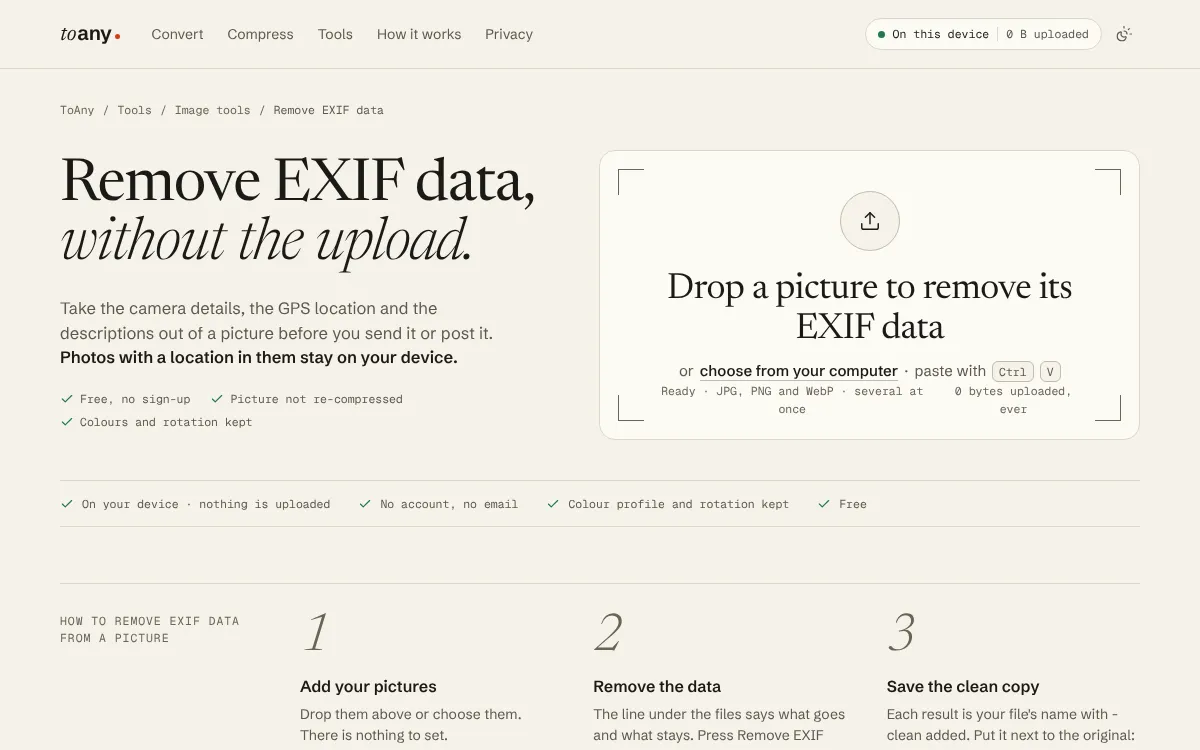
ToAny's Remove EXIF data page runs in your browser tab. You drop one or several JPG, PNG or WebP pictures and press one button; there is nothing to set. Each result keeps your file name with -clean added. The picture is not uploaded: ToAny's image tools never use its conversion server.
It removes the camera details, the GPS location, descriptions such as a title or author in XMP or IPTC, the embedded preview, content credentials and extra data such as a motion-photo clip. Each result row names what your file actually had.
Nothing is decoded. A JPEG is repacked and a PNG or WebP has its picture data copied as it is, so the pixels stay the same; in our test on three real files they were identical. Three things stay on purpose: the colour profile, the rotation note and the print resolution, because the picture would look wrong without them.
Limits come from your device. On a computer it takes a JPEG or WebP of up to 80 megapixels and a PNG of up to 100, and up to 300 MB of pictures in one run. A phone is limited to 32 megapixels.
The gaps are real. It does not take HEIC, TIFF, RAW, video or PDF files, it does not show the metadata values before removing them, and you cannot keep chosen fields. For an iPhone HEIC photo, HEIC to JPG converts it without copying the camera data or the GPS location. ToAny is free with no account.
- Processing
- In the browser; image tools never use the server toany.io
- Price
- Free, no account or email toany.io
- File types
- JPG, PNG and WebP, several at once toany.io
- Picture
- Not re-compressed; colour profile, rotation and print resolution kept toany.io
- Size limits
- 80 MP JPEG or WebP and 100 MP PNG on a computer; 32 MP on a phone toany.io
- Per run
- Up to 300 MB of pictures toany.io
Best suited for: People who want to share a phone photo, a screenshot or a product picture without its location and camera details, and without installing anything. It suits JPG, PNG and WebP; other formats need another tool.
2. ExifTool, best for the most thorough clean, from a command line
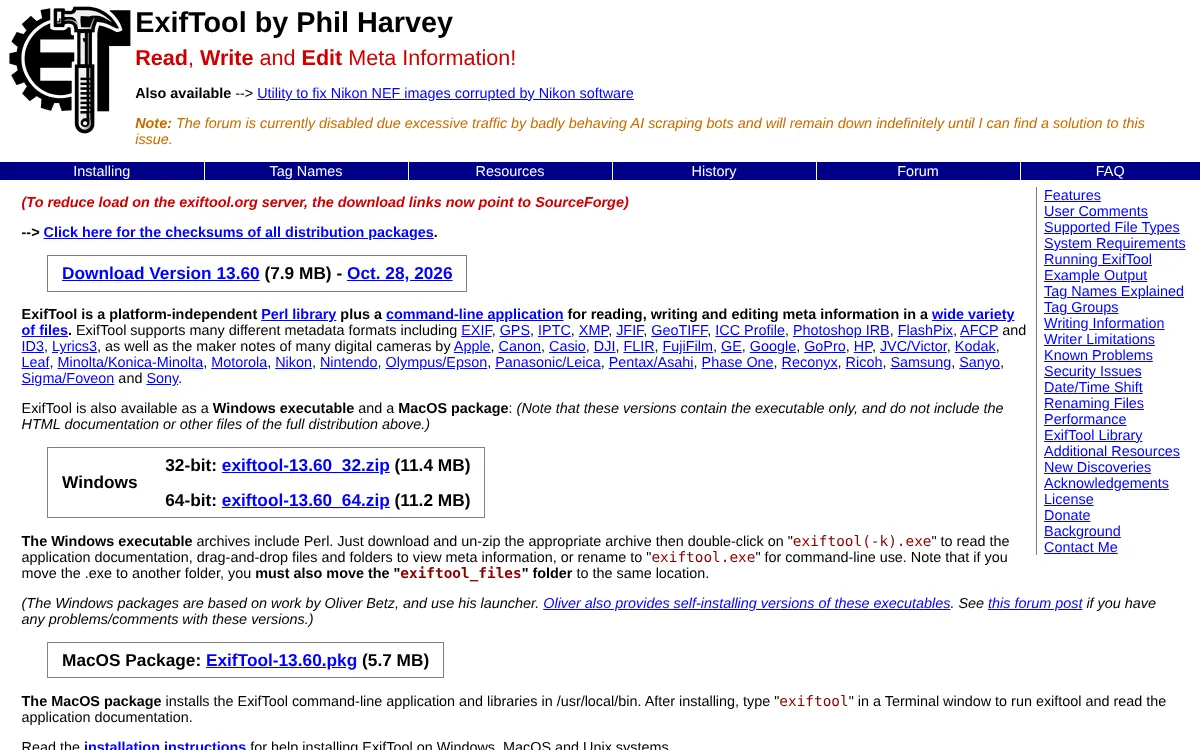
ExifTool by Phil Harvey is the reference tool for photo metadata. It is a free, platform-independent Perl library and command-line application for reading, writing and editing meta information in a wide variety of files. It handles EXIF, GPS, IPTC, XMP and ICC profiles, plus the maker notes of dozens of camera brands.
Removing everything is one command. The documentation lists -all= as the syntax that deletes all meta information, and narrower forms delete one tag or one group. When it writes, ExifTool keeps the original by adding _original to its file name. That protects you from a bad edit, but it leaves the uncleaned copy on disk until you delete it.
It runs on your own computer, so nothing is uploaded. Windows users get an executable that includes Perl, and Mac users a package that installs the command in /usr/local/bin. Version 13.60 came out on 28 October 2026, so it is actively maintained. It is free under the same terms as Perl, and the author accepts donations.
The cost is the interface. ExifTool is built for a terminal: dragging files onto the Windows executable shows their metadata, but changing it takes typed commands. Getting -all= wrong, or forgetting the _original copy, is easy if you have never used a command line. Jimpl, further down this list, runs ExifTool on its own servers for you.
- Price
- Free; licensed under the same terms as Perl exiftool.org
- Remove everything
- -all= deletes all meta information exiftool.org
- Originals
- Kept, with _original added to the file name exiftool.org
- Platforms
- Perl library and command line; Windows executable and macOS package exiftool.org
- Latest version
- 13.60, 28 October 2026 exiftool.org
Best suited for: Photographers, developers and anyone comfortable in a terminal who wants full control over which metadata goes. It is a poor fit for someone who just wants to press one button.
3. ExifCleaner, best for batches of photos, videos and PDFs offline
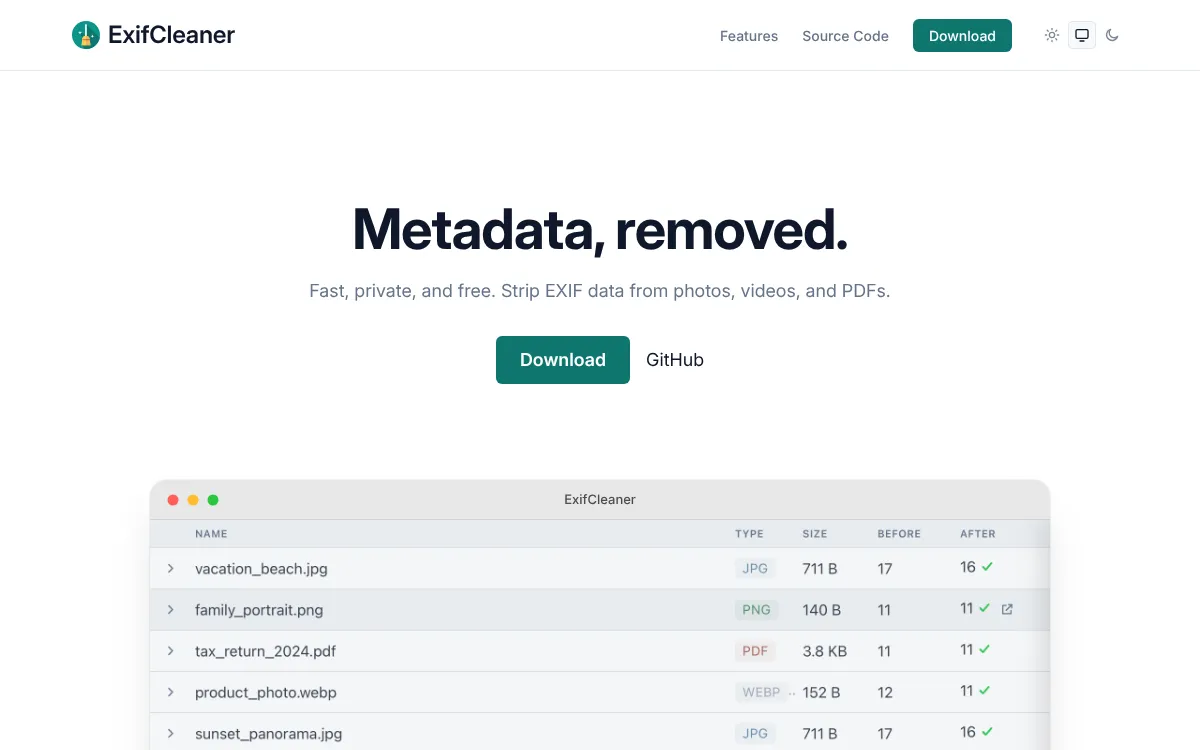
ExifCleaner is a free, open-source desktop app for macOS, Windows and Linux, released under the MIT License. You drag files or whole folders onto its window and the metadata is stripped at once.
It covers more file types than ToAny. The site names JPEG, PNG, WebP, TIFF, GIF, MP4, MOV, M4A and PDF, among others, so a video from your phone or a scanned PDF can be cleaned with the same app. It says it handles batches of tens, hundreds or even thousands of files.
On privacy it is strong. The site says the app makes no network access and sends no telemetry, and it points to the source code so you can check. A metadata inspection view shows a before-and-after list of the fields removed from each file. Privacy controls let you keep the orientation, save copies instead of changing the originals, or strip extended attributes.
The trade-off is the install. You must download and run it on your own machine, which a work laptop may not allow, and the site lists no phone version. The site does not say whether a photo is saved again or left untouched, so we make no claim about quality either way.
The interface comes in more than 24 languages and follows your system's light or dark theme. For anyone who cleans many files at once, it is the friendliest option here.
- Price
- Free and open source, MIT License exifcleaner.com
- Platforms
- macOS, Windows and Linux exifcleaner.com
- File types
- JPEG, PNG, WebP, TIFF, GIF, MP4, MOV, M4A, PDF and more exifcleaner.com
- Network
- No network access, no telemetry exifcleaner.com
- Batch
- Tens, hundreds or thousands of files at once exifcleaner.com
Best suited for: People who clean many files at a time, including videos and PDFs, and who can install software. It is not for a phone or a locked-down computer.
4. Image Scrubber, best for blurring faces as well as removing EXIF
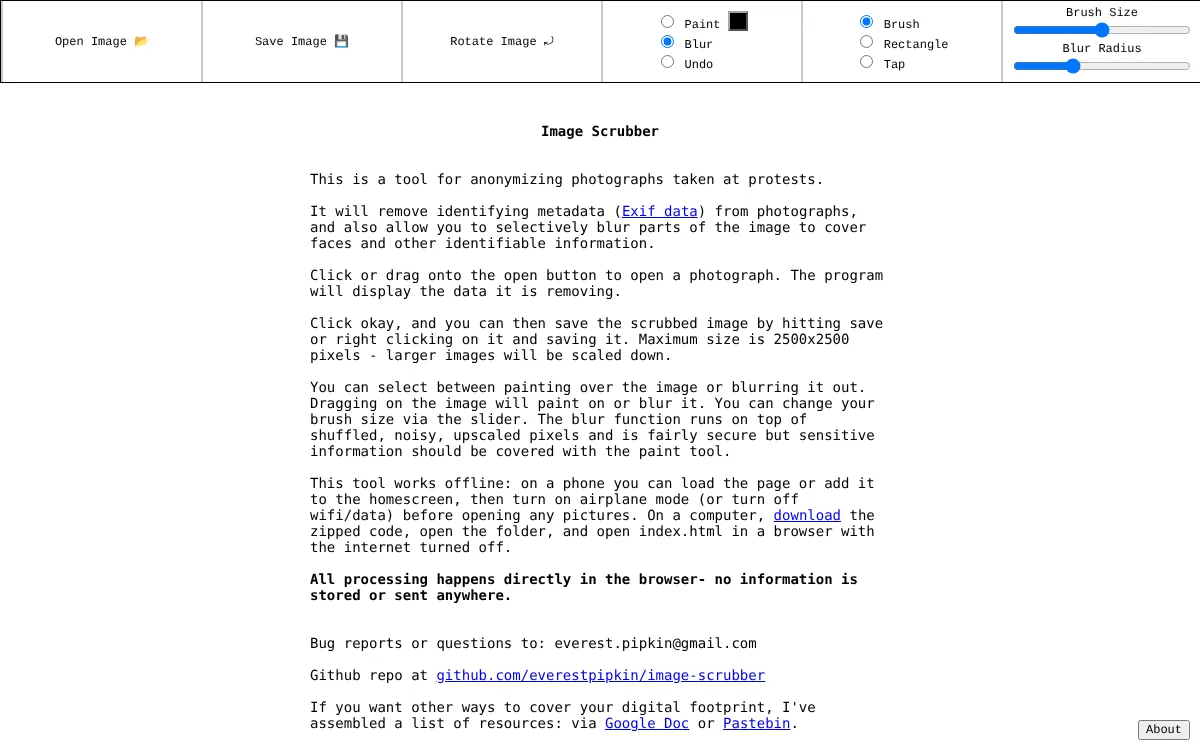
Image Scrubber is a single web page by Everest Pipkin, made for anonymising photographs taken at protests. It removes identifying EXIF data and shows you the data it is removing before you save the result.
It does something no other tool here does: you can paint over or blur parts of the picture, with a brush, a rectangle or a tap, to cover faces and other identifying details. The page itself warns that the blur is fairly secure but that sensitive information should be covered with the paint tool instead.
All processing happens in the browser, and the page says no information is stored or sent anywhere. It also works offline. On a phone you can load the page and turn on airplane mode before opening a photo; on a computer you can download the code and open it with the internet turned off. The code is published on GitHub.
The limits are plain. The maximum size is 2500 by 2500 pixels, and larger images are scaled down, so a photo from a modern phone comes out smaller than it went in. The page does not list which file types it opens, and it shows no price, account or sign-up.
Use it when what is in the photo matters as much as the data hidden inside it, and a smaller picture is an acceptable price.
- Processing
- In the browser; no information stored or sent everestpipkin.github.io
- Size limit
- 2500 x 2500 pixels; larger images are scaled down everestpipkin.github.io
- Extra tools
- Paint or blur parts of the image to cover faces everestpipkin.github.io
- Offline use
- Works with the network off once the page is loaded everestpipkin.github.io
- Price
- No price, account or sign-up shown on the page everestpipkin.github.io
Best suited for: Activists, journalists and anyone sharing photos of people who need to hide faces as well as metadata. It is a poor fit when the photo must keep its full resolution.
5. Metadata2Go, best for cleaning any file type online
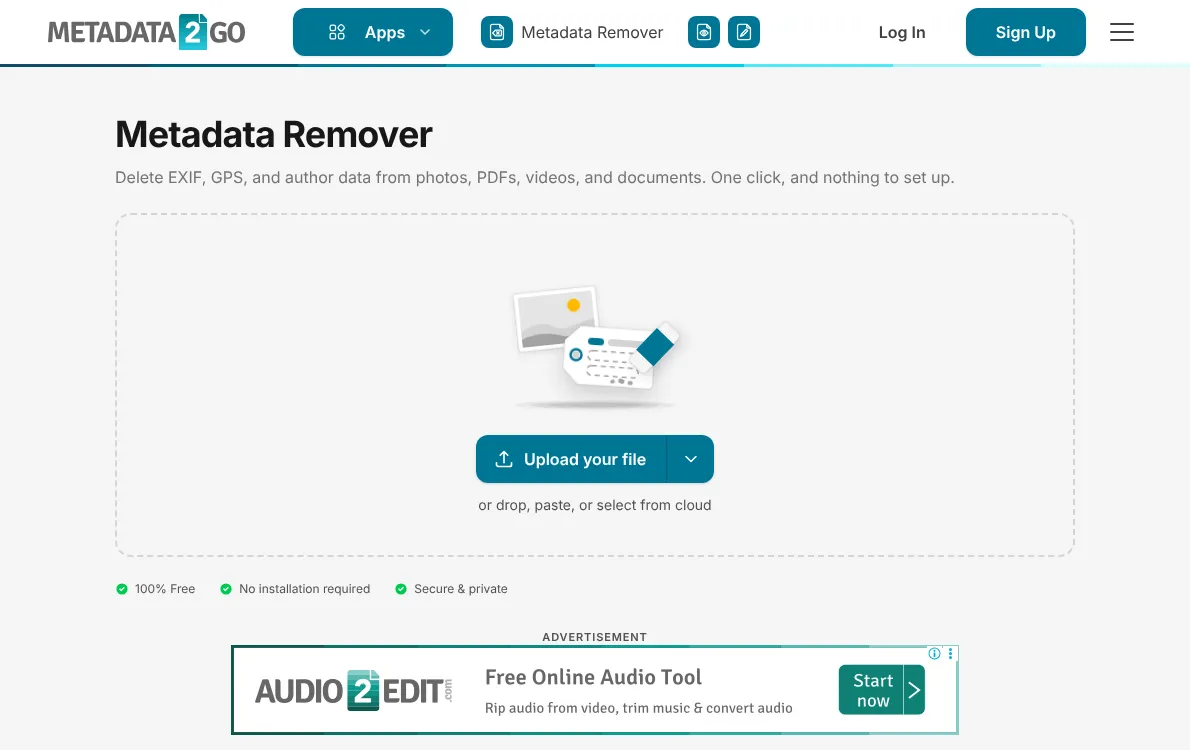
Metadata2Go is an online metadata toolbox from QaamGo Web GmbH in Radolfzell, Germany. Its Metadata Remover takes any file type, with no format list: photos, PDFs, Word and Excel documents, MP4 video and MP3 audio. There is nothing to set; you upload, press Start and download.
It is free with no account for up to 5 files per job, or 10 with a free account, and each file can be up to 75 MB. Paid plans raise that to 8 GB per file. The page shows advertising.
It is an upload service. Files are processed on servers in Europe under a data processing agreement, and the page says nobody reads or copies them and they are never used to train AI models. Its privacy policy says a result can be downloaded at most 10 times, access is blocked after 24 hours, and files are physically deleted after 72 hours at the latest.
That retention is the longest on this list, and it matters for the very photos people clean: ones with a home location in them. The tool page shows a rating of 4.7 out of 5 from 1,803 votes, collected on its own site.
Use it when you need to clean a PDF, a Word file or a video as well as photos, on a device where you cannot install anything, and you are comfortable with an upload.
- Price
- Free, no account: 5 files per job (10 with a free account) metadata2go.com
- Size
- 75 MB per file free; up to 8 GB on a paid plan metadata2go.com
- File types
- Any file type metadata2go.com
- Retention
- Access blocked after 24 hours; files deleted after 72 hours at the latest metadata2go.com
- Company
- QaamGo Web GmbH, Radolfzell, Germany metadata2go.com
- Rating
- 4.7/5 from 1,803 votes, shown on its own page metadata2go.com
Best suited for: People who need to clean documents and videos as well as photos, on a device where they cannot install software. It is a weak fit for photos whose location is the thing to protect, because they are uploaded.
6. Jimpl, best for seeing the metadata before you remove it
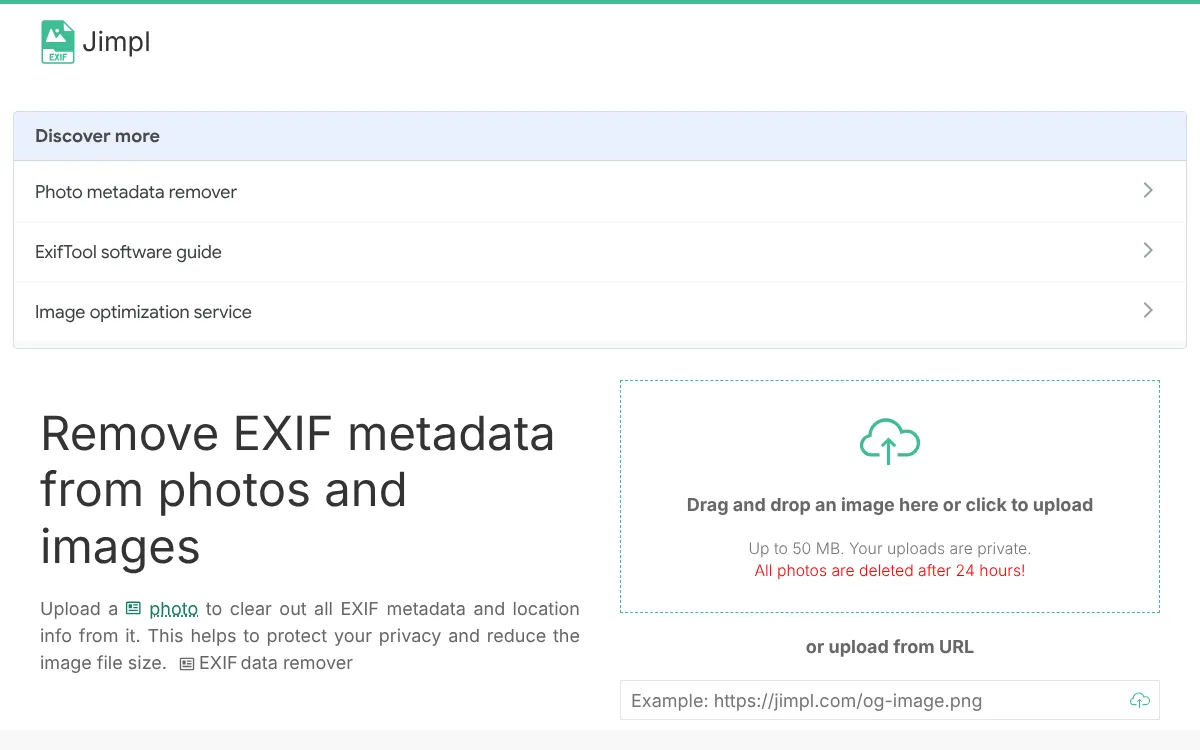
Jimpl is an online EXIF viewer that also removes metadata. You upload a photo, or paste the address of a public one, and it shows the date, the camera settings and the GPS coordinates. You can then download a copy with the metadata stripped. Its footer says it is powered by ExifTool.
Uploads are limited to 50 MB. The page says uploads are private and all photos are deleted after 24 hours. The privacy policy adds that images are kept on encrypted storage, are never shared with anyone, including Jimpl staff, and that it never asks you to register. The site carries Google advertising.
Its strength is seeing before you strip. If you are not sure what a photo gives away, Jimpl shows it first. Its FAQ also notes that removing metadata can cut a file's size, by up to 30% by its own estimate.
The weakness is the upload and the 24 hours your photo sits on someone else's server, which is the opposite of what most people want when hiding a location. The homepage shows 4.1 from 129,695 votes, collected on its own site, and the copyright line dates the site to 2010.
Jimpl is the pick when you mainly want to look, and a cleaned copy is a bonus.
- Upload limit
- Up to 50 MB per image jimpl.com
- Retention
- All photos deleted after 24 hours jimpl.com
- Engine
- Powered by ExifTool by Phil Harvey jimpl.com
- Sign-up
- None; it never asks you to register jimpl.com
- Rating
- 4.1 from 129,695 votes, shown on its own homepage jimpl.com
Best suited for: People who want to check what a photo reveals, such as its location, before they decide to clean it. It is not the right pick when the photo itself must stay private.
Side-by-Side Comparison
This table restates the five criteria for each product, in ranking order. Where a competitor beats ToAny, the cell shows it: ExifTool, ExifCleaner and Metadata2Go take far more file types, and ExifCleaner handles bigger batches.
| Product | Where the photo is processed | File types | Files per run | Free limits | Price |
|---|---|---|---|---|---|
| ToAny | In the browser | JPG, PNG, WebP | Several, up to 300 MB | 80 MP JPEG or WebP, 100 MP PNG; 32 MP on a phone | Free |
| ExifTool | On your computer | A wide variety, incl. EXIF, GPS, IPTC, XMP | Files and folders | None stated | Free |
| ExifCleaner | On your computer; no network access | JPEG, PNG, WebP, TIFF, GIF, MP4, MOV, M4A, PDF | Thousands | None stated | Free (MIT) |
| Image Scrubber | In the browser | Not listed | Not stated | 2500 x 2500 px; larger scaled down | No price shown |
| Metadata2Go | Uploaded to servers in Europe | Any file type | 5 (10 with an account) | 75 MB per file | Free; paid plans |
| Jimpl | Uploaded | Photos and images | Not stated | 50 MB | No price shown; ads |
Which EXIF remover fits your use case
Match the job to the product. Where the photo may go, and what else you need to clean, usually decide it.
| If you are | Pick | Why |
|---|---|---|
| Sharing a phone photo without its location | ToAny | The photo stays on your device and is not saved again |
| Cleaning a whole archive with full control | ExifTool | One command clears every tag, file by file or by folder |
| Cleaning videos and PDFs as well as photos | ExifCleaner | A free desktop app with batches and no network access |
| Posting photos of people at a protest | Image Scrubber | It blurs or paints over faces as well |
| Cleaning a Word file on a borrowed computer | Metadata2Go | Any file type and no install, but it uploads |
| Checking what a photo reveals first | Jimpl | It shows the date, camera and GPS position before you strip them |
What results look like with ToAny
We ran three real files from our test set through the live Remove EXIF data page on 30 October 2026, in Chromium, and compared each result with its original using Pillow, an image library that shares no code with ToAny. In all three the pixels were identical and the camera block was gone.
- Web graphic, JPEG, 1921 x 870166,424 B with EXIF and XMP154,404 B, no EXIF or XMPPixels identical. About 7% smaller, because the metadata was the only thing taken out.
- Drawing, JPEG, 1183 x 567169,832 B, 4 EXIF tags and a Photoshop block158,833 B, neitherPixels identical. The result row listed camera details, descriptions, print resolution and extra data as removed.
- Old photo, PNG, 876 x 1015900,605 B, 4 EXIF tags and XMP899,950 B, neitherPixels identical. The sRGB colour note stayed, as the page says it will.
Frequently Asked Questions
How do I remove EXIF data without uploading the photo?
Use a tool that runs on your device. ToAny and Image Scrubber work in the browser tab, and ExifTool and ExifCleaner run as programs on your computer. Metadata2Go and Jimpl upload the photo first.
What is the best EXIF remover?
For a quick private clean of JPG, PNG or WebP, ToAny, because nothing is installed or uploaded. For full control, ExifTool. For batches that include video and PDF, ExifCleaner.
Does removing EXIF data reduce photo quality?
It depends on how the tool works. ToAny repacks the file without decoding it, and in our test the pixels were identical. Image Scrubber scales anything larger than 2500 pixels down.
How do I remove the location from an iPhone photo?
iPhone photos are often HEIC, which ToAny's EXIF remover does not take. ToAny's HEIC to JPG converter does not copy the camera data or the GPS location into the JPG. Metadata2Go takes any file type, but it uploads the photo.
What does EXIF data contain?
The camera or phone make and model, the exposure settings, the date and time, and often the GPS position where the photo was taken. A file can also carry a title, an author, keywords and a small preview picture in other blocks.
Do social networks remove EXIF data?
Jimpl's FAQ says most popular social networks and messengers remove it on upload, but many other places on the internet do not. Cleaning the file yourself first is the only way to be sure.
What does ToAny's EXIF remover not do?
It takes only JPG, PNG and WebP, not HEIC, TIFF, RAW, video or PDF. It does not show the metadata values or let you keep chosen fields. It keeps the colour profile, the rotation and the print resolution on purpose.
How do I check that the metadata is gone?
Open the cleaned file in a metadata viewer such as ExifTool on your own computer. ToAny's result row names what was removed, and ExifCleaner shows a before-and-after list of the fields.
Try ToAny for free (no account required)
A photo should not need an upload to lose its location.
ToAny removes the camera details, the GPS position and the descriptions right in your browser.
The picture is not saved again, so it looks exactly the same.
It is free and needs no account.
If you need HEIC, video or PDF, the table above shows who handles them. Otherwise, clean your first photo now.