Best PDF Splitters in 2026: the buyer's shortlist

By Thien · Maker of ToAny
Published
The best PDF splitter depends on where your file is allowed to go. ToAny is our number one because it splits in the browser, with no account and no upload. PDFsam, Sejda, PDFelement and Adobe Acrobat follow.
We ranked five products on where the file is processed, split modes, free limits, price and platforms. ToAny loses on split modes and platforms, and the table says so.
Have a PDF to cut up right now? Split a PDF in your browser by page range or every N pages, free and without an account.
Key Takeaways
- ToAny is the best choice when the PDF is private and the job is simple. It splits by page range or every N pages inside the browser tab. The file is not uploaded.
- PDFsam is the better pick for offline work with no limits. It is a free desktop app that splits by page numbers, size and bookmark level. It states no file size limit.
- Sejda offers the widest set of split modes. Its homepage lists splitting by pages, size, bookmarks, text and in half. The web version uploads your file, and the desktop free tier is 3 tasks per day.
- PDFelement and Adobe Acrobat online tools upload your file. Wondershare says uploads are erased within 7 days. Adobe says files are deleted unless you sign in to save them.
- Check the free limit before you start. Free tiers differ in tasks, batch size and file size. Only one product on this list, PDFsam, states no limit at all.
What PDF splitters actually are (and what they are not)
A PDF splitter takes one PDF and writes several smaller PDFs from it. The pieces keep the original pages exactly as they were. Nothing is re-typed, re-flowed or re-scanned.
Splitters differ in how you tell them where to cut. The simplest modes are page ranges, such as pages 1 to 3 and 5, and fixed chunks, such as every 10 pages. Some tools also split by file size, by bookmark level or by text found on a page. A mode that reads bookmarks or text needs more of the PDF's structure than a plain page count does.
Where the work happens matters as much as the mode. A desktop app reads the file from your disk and writes the pieces back to it. A browser tool can do the same inside the tab with no network transfer. A server tool uploads the whole file, cuts it on the vendor's machine and sends the pieces back. For a contract, a payslip or an ID scan, that difference is the main thing to decide.
A splitter is not a PDF editor. It does not change the words inside a page, remove a password you do not have, or make a file smaller. If you need a smaller file, use a compressor after splitting. If you need to remove pages instead of keeping them, a page deleter does that job directly.
It is also not a converter. Splitting a PDF gives you PDFs. Turning pages into images or text is a separate task with separate tools.
That is why this list of the best PDF splitters judges each product on where the file is processed, which split modes it names, what the free tier allows, what it costs and where it runs.
How We Ranked These PDF Splitters
We compared five products on five checkable criteria. Every figure comes from the vendor's own pages or a named public source, read on 17 October 2026.
If a page did not state a value, the table says so rather than guessing. Products are ranked in the order shown, with ToAny first. We also list the rows where ToAny does worse than a competitor.
- Criterion 1Where the file is processedBrowser, server or installed app, as the vendor states it
- Criterion 2Split modesModes named on the vendor pages (pages, ranges, size, bookmarks, text)
- Criterion 3Free limitsTasks, files or size allowed on the free tier
- Criterion 4PriceFree, or the paid price as displayed, with currency and billing period
- Criterion 5PlatformsWeb, desktop or mobile
The Best PDF Splitters in 2026
The ranking follows the criteria above, with privacy of the file weighted first because it is the one thing you cannot undo after an upload. ToAny is first for browser-only splitting with no sign-up. PDFsam and Sejda are stronger on modes. PDFelement and Adobe make most sense if you already pay for them.
1. ToAny, best for private splitting that never leaves the browser
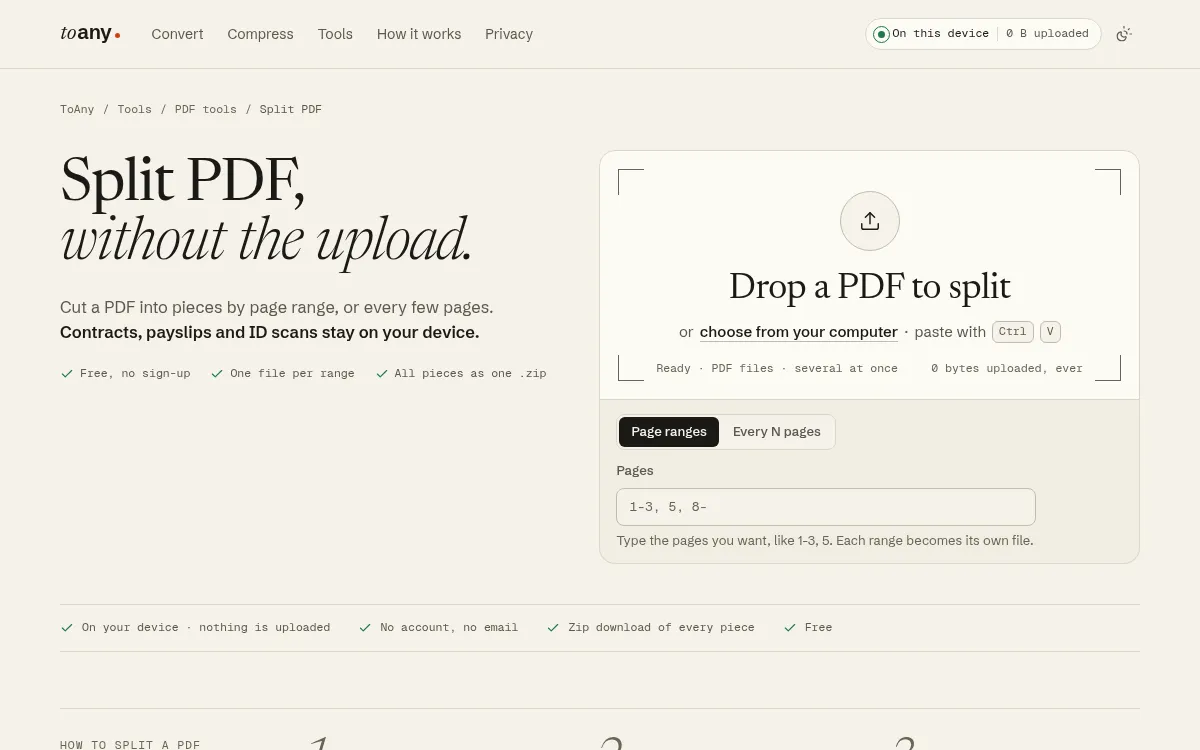
ToAny's Split PDF runs inside your browser tab. You drop a PDF, type the pages you want, such as 1-3, 5, 8-, and each range becomes its own file. The pieces download together as one zip. Nothing is uploaded: no PDF tool on ToAny uses the conversion server.
There are two modes, page ranges and every N pages. A run can produce up to 1,000 pieces. ToAny caps total input at 300 MB per run on a desktop browser and 100 MB on touch devices. The tool is free with no account or email. The terms say ToAny may show advertising, and none was visible at the time of writing.
ToAny is the best PDF splitter on this list for a private file you want cut quickly, because there is nothing to install and no one else's server involved. The page also sits beside Delete PDF pages and Reorder PDF pages, which cover two jobs people often do next.
It is not the strongest on features. PDFsam also splits by size and bookmark level, and Sejda adds split by text. ToAny states only ranges and every N pages. There is no desktop app, no offline mode, no API and no cloud-storage import. It also does not edit text inside a PDF.
Large files depend on your device's memory, so a very large PDF may struggle on a phone. A small number of other conversions, 16 pairs out of 1,195, run on ToAny's server after you consent for each upload. PDF splitting is not one of them.
- Processing
- In the browser; PDF tools never use the server toany.io
- Price
- Free, no account or email toany.io
- Split modes
- Page ranges, every N pages toany.io
- Input cap
- 300 MB per run on desktop, 100 MB on touch devices toany.io
- Output cap
- Up to 1,000 pieces per run toany.io
- Scale
- 190 formats, 1,195 pairs, 16 on the server with consent toany.io
Best suited for: People who need to cut a private PDF, such as a contract or payslip, without installing anything or creating an account. It also suits anyone on a shared or locked-down computer.
2. PDFsam Basic, best for offline splitting with no stated limit
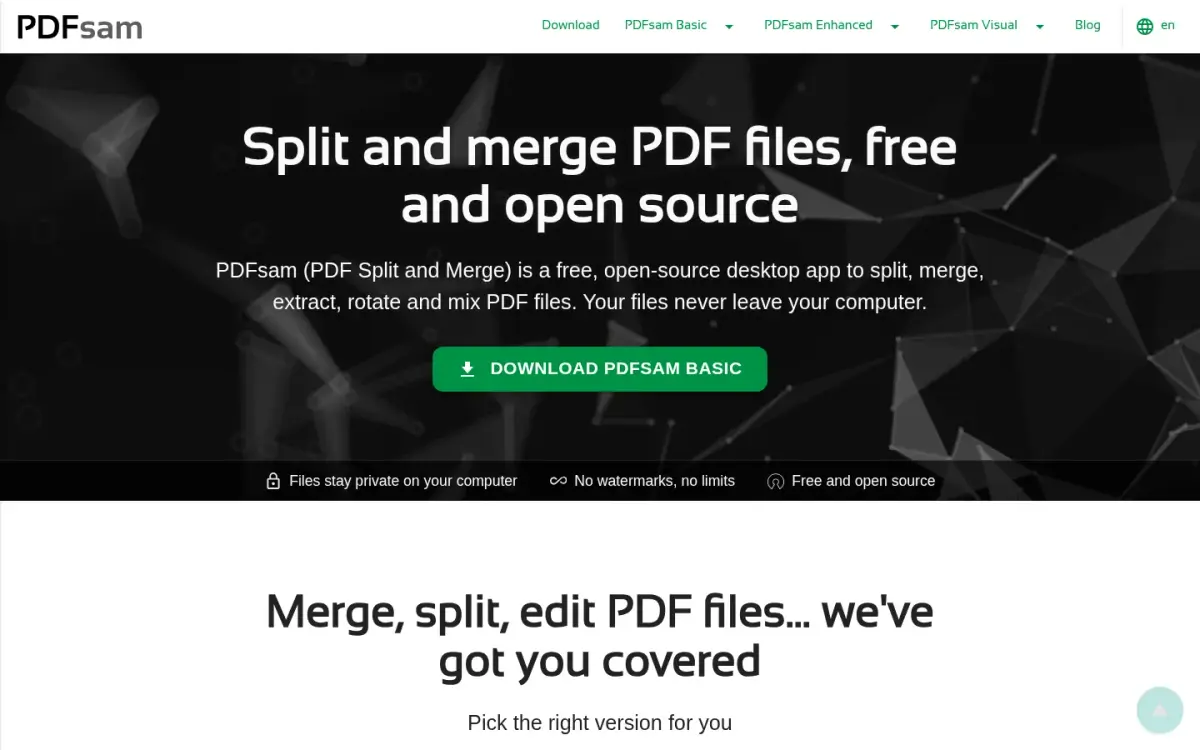
PDFsam Basic is a free, open-source desktop app for Windows, macOS and Linux. It splits, merges, extracts pages, rotates and mixes PDFs. There is no browser version.
On splitting it is more capable than ToAny. Its FAQ lists splitting by page numbers, by size and by bookmarks level. The same FAQ calls Basic completely free, with no watermarks and no file size limit, and says a company can use it at no cost. It is licensed under the AGPL, and the GitHub repository showed 4626 stars when we read the API.
On privacy it matches the browser approach. The privacy policy says desktop applications process PDF files locally and send no content to the vendor's servers. The vendor says it has developed PDFsam Basic since 2006, and the underlying engine is the open-source Sejda SDK.
The costs are install and interface. You must download and install it, it needs a 64-bit system, and the FAQ lists about 70 MB of disk and 256 MB of RAM. The features beyond Basic are not covered in the pages we checked, so we make no claim about them.
The PDFsam Basic page source also contains a Google AdSense script. Overall it is the pick when you split often, want no limit, and are happy to install software.
- Price
- Free (PDFsam Basic) pdfsam.org
- File size limit
- No limit pdfsam.org
- Split modes
- By page numbers, by size, by bookmarks level pdfsam.org
- Processing
- Local on the user's computer; no upload pdfsam.org
- Platforms
- Windows, macOS, Linux desktop; no browser version pdfsam.org
- Developed since
- 2006 pdfsam.org
Best suited for: People who split PDFs regularly on their own computer and want no file size limit and more split modes than a web tool. It is a poor fit if you cannot install software or work from a phone.
3. Sejda, best for the widest choice of split modes
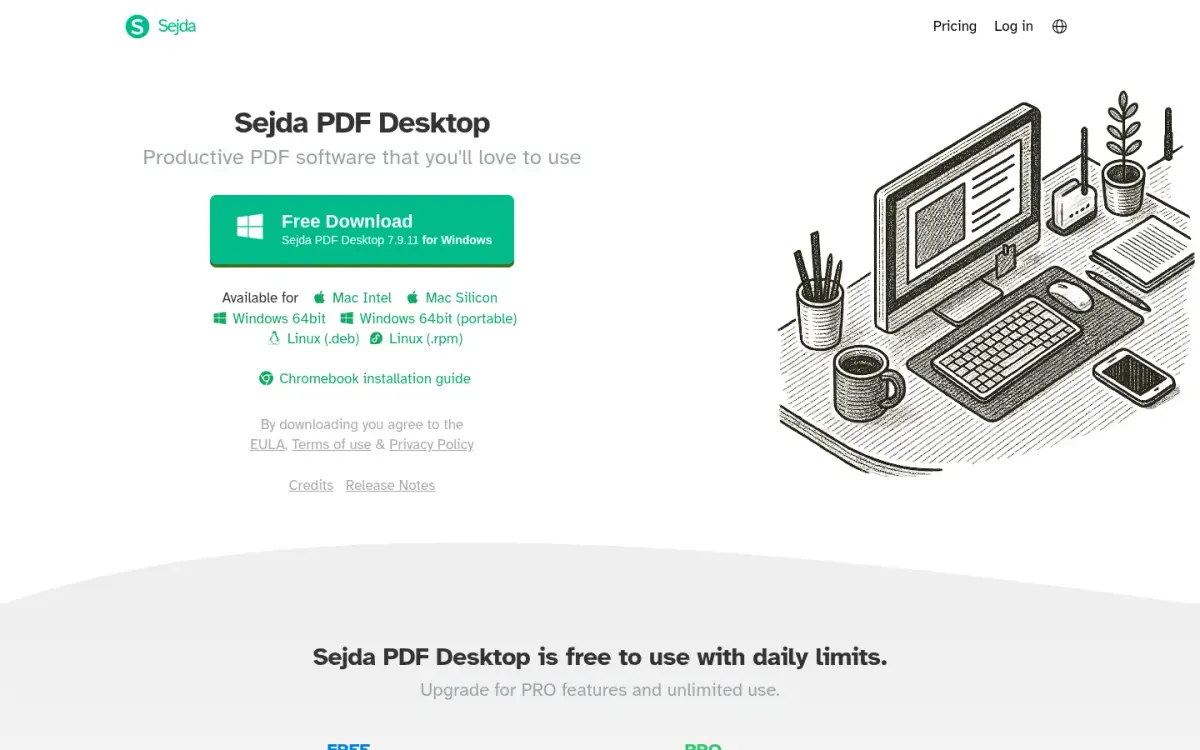
Sejda has the broadest split toolkit here. Its homepage lists six split-related tools: extract pages, split by bookmarks, split in half, split by pages, split by size and split by text. The About page claims 30 or more PDF tools in all.
It comes in two forms. Sejda Web uploads your file to Sejda's servers. The privacy policy says uploaded and output files are permanently deleted after processing, with no backups. Sejda Desktop works offline on Windows, Mac and Linux and processes files on your computer.
The free limits are tighter than they look. The web free tier has no signup, but the pricing page gives page, hourly and upload limits without numbers. The Desktop free tier is 3 tasks per day, with documents up to 50MB and 200 pages. Paid web plans allow uploads up to 500MB per file.
Prices were displayed in Australian dollars when we checked, so they may differ for you. Desktop and Web Annual showed A$99 per user per year, recurring. Web-only Monthly showed A$12.50 per user per month. A Desktop Week Pass cost A$12.95 for 7 days, one time. There is no perpetual licence.
The vendor claims a 4.5 rating from 1,874 Google reviews on its own homepage, which we could not verify. The company, Sejda BV, is in Amsterdam and says it started as an open-source project in 2010. Desktop also contacts Sejda's servers for licensing and update checks.
- Split tools
- Extract pages, by bookmarks, in half, by pages, by size, by text sejda.com
- Desktop free tier
- 3 tasks per day; documents up to 50MB and 200 pages sejda.com
- Desktop + Web Annual
- A$99 per user per year, recurring (AUD shown for our location) sejda.com
- Web-only Monthly
- A$12.50 per user per month, recurring sejda.com
- Web processing
- Files uploaded and processed on Sejda's servers sejda.com
- Founded
- 2010, Amsterdam, the Netherlands sejda.com
Best suited for: People who need to split by size, bookmarks or text, or who want one vendor for web and desktop. It suits light use on the free tier and heavier use on a paid plan.
4. Wondershare PDFelement, best for teams that want a full PDF suite
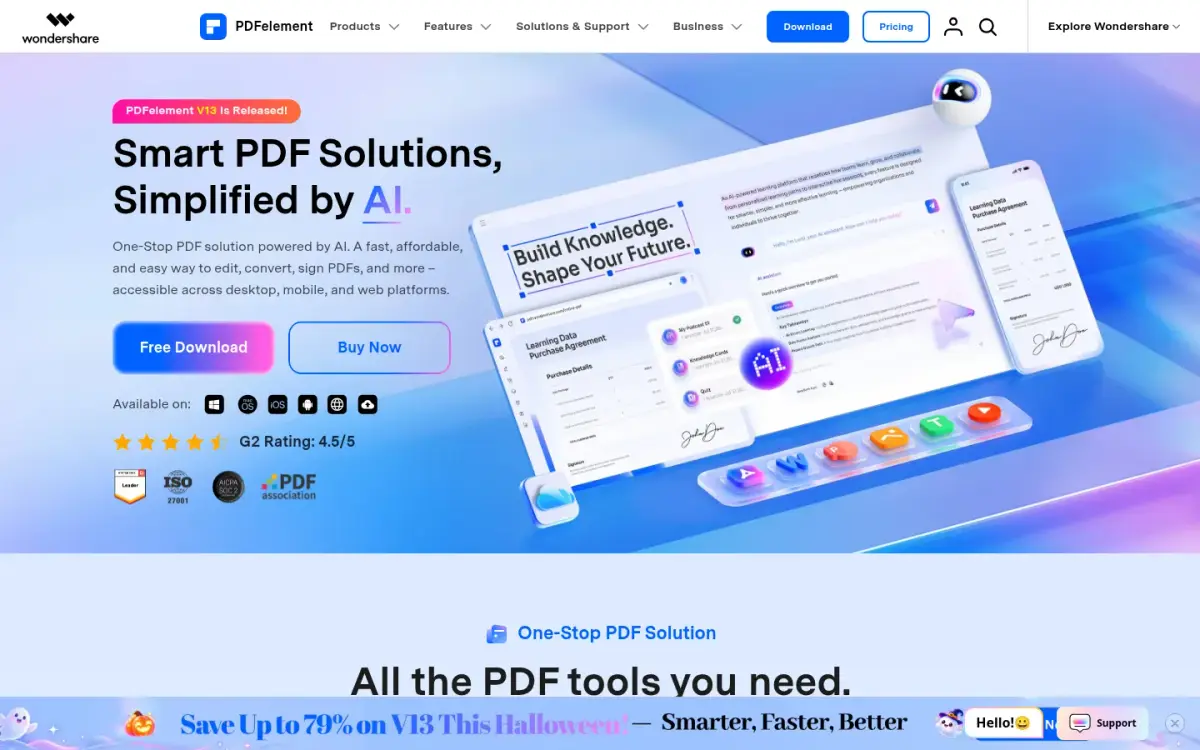
PDFelement is a full PDF suite from Wondershare for desktop, iOS, Android and web. Splitting is one small part of it, available in a free online tool and in the desktop app.
The free online Split PDF tool is limited. It takes a batch of up to 3 files and splits by pages and page ranges only. The page does not state a daily or size limit. Splitting by file size or bookmarks is desktop only, where the vendor says there are no limits. Online files are uploaded, and the split page says they are erased permanently within 7 days after processing.
Desktop is where the cost sits. The default store block showed a Yearly Plan at US$79.99 per year single-platform, struck through from US$129, or US$89.99 per year cross-platform. A Perpetual Plan was US$139.99 cross-platform, one time. Those are promotional V13 prices and the yearly plans auto-renew. The 14-day free trial adds a watermark to saved files.
Among the paid products here, only PDFelement displayed a one-time price, which will matter to anyone who dislikes subscriptions. The vendor displays a G2 rating of 4.5 out of 5 on its own homepage and claims ISO 27001 certification. We did not read the G2 page, so the review count is unknown.
PDFelement makes sense if you need editing, conversion and signing as well as splitting. For splitting alone, a free tool does the same cut with less friction.
- Online split limits
- Batch of up to 3 files; pages and page ranges only pdf.wondershare.com
- Online file retention
- Erased permanently within 7 days after processing pdf.wondershare.com
- Yearly Plan
- US$79.99/yr single-platform or US$89.99/yr cross-platform, auto-renewing pdf.wondershare.com
- Perpetual Plan
- US$139.99 cross-platform, one-time fee pdf.wondershare.com
- G2 rating
- 4.5/5, as displayed by the vendor (review count unknown) pdf.wondershare.com
- Platforms
- Desktop, mobile (iOS and Android) and web pdf.wondershare.com
Best suited for: Teams or individuals who already use PDFelement for editing and signing and want splitting in the same app. It is less attractive if splitting is the only job.
5. Adobe Acrobat online, best for existing Acrobat subscribers
Adobe's free online suite lists 25 or more PDF and e-signing tools. It was founded in December 1982 by John Warnock and Charles Geschke and employed 31,360 people in November 2025.
The online tools run on Adobe's servers. Adobe's compress page says your file is handled by Adobe servers and deleted unless you sign in to save it. It gives no retention period. The desktop app, by contrast, compresses locally. We did not verify the split tool's own page, so check its limits and retention before relying on it.
Free use is capped, but Adobe gives no numbers. Its compress page says unlimited use, batch processing and advanced settings need a paid plan, and basic use needs no sign-up. Splitting may follow the same pattern, but we have not confirmed that.
Paid Acrobat prices were Standard at US$14.99 per month on the annual plan billed monthly, or US$24.99 on a monthly plan. Pro was US$19.99 and US$29.99 on the same terms. Acrobat Pro has a 7-day free trial.
Adobe's company-wide Trustpilot TrustScore was 1.1 out of 5 from 7,540 reviews. That score covers all of Adobe, not Acrobat alone, so treat it as context rather than a verdict on the splitter.
Acrobat is a sound choice if you already have a licence and your files may go to Adobe's servers. If you do not, the free options above are simpler.
- Free online tools
- 25+ free tools adobe.com
- Processing
- Online tools run on Adobe servers; desktop app works locally adobe.com
- Acrobat Standard
- US$14.99/mo (annual, billed monthly) or US$24.99/mo (monthly plan) adobe.com
- Acrobat Pro
- US$19.99/mo (annual, billed monthly) or US$29.99/mo (monthly plan) adobe.com
- Trustpilot (Adobe-wide)
- 1.1 / 5 from 7,540 reviews trustpilot.com
- Founded
- December 1982, by John Warnock and Charles Geschke en.wikipedia.org
Best suited for: Existing Acrobat subscribers who want splitting inside a tool they already pay for. It is not the right pick if the file must stay on your own device.
Side-by-Side Comparison
This table restates the five criteria for each product, in ranking order. Where a competitor beats ToAny, the cell shows it: PDFsam and Sejda offer more split modes, PDFsam states no limit, and PDFsam and Sejda Desktop run offline.
| Product | Where the file is processed | Split modes | Free limits | Price | Platforms |
|---|---|---|---|---|---|
| ToAny | In the browser | Page ranges, every N pages | 300 MB per run (100 MB on touch) | Free | Web only |
| PDFsam Basic | On your computer | Page numbers, size, bookmark level | No limit stated | Free | Windows, macOS, Linux |
| Sejda | Web: uploaded. Desktop: local | Pages, size, bookmarks, text, in half | Desktop: 3 tasks a day; web: not stated | Free; web-only A$12.50 per month | Web, Windows, Mac, Linux |
| Wondershare PDFelement | Online: uploaded. Desktop: local | Online: pages, ranges. Desktop adds size, bookmarks | Online: 3 files per batch | Free online; US$79.99 per year | Web, desktop, iOS, Android |
| Adobe Acrobat online | Online: Adobe servers. Desktop: local | Not stated | Capped, no numbers | Free online; from US$14.99 per month | Web, desktop |
Which PDF splitter fits your use case
Match the job to the product. Privacy and frequency usually decide it.
| If you are | Pick | Why |
|---|---|---|
| Splitting a contract, payslip or ID scan | ToAny | The file stays in the browser tab and nothing is uploaded |
| Splitting every week on your own computer | PDFsam Basic | Free, offline, and no file size limit is stated |
| Splitting by size, bookmarks or text | Sejda | It names six split tools, more than any other product here |
| Already using PDFelement for editing and signing | Wondershare PDFelement | Splitting sits in the same app, with a perpetual licence option |
| Already an Acrobat subscriber | Adobe Acrobat online | You already pay for it, but online tools run on Adobe servers |
What results look like with ToAny
We have not measured split timings, so we do not quote any. ToAny's other PDF tool, Compress PDF, has measured runs from our own tests. Splitting and compressing can go together, and these figures show what compression did on real files. They come from research prototypes, not user telemetry.
- Scanned book (Internet Archive)6,528 KB420 KBBalanced level, about 93.6% saved. Measured on one file in our research prototype on an Apple M4 Pro.
- Slide deck (NASA telerobotics)10,553 KB2,376 KBBalanced level, about 77.5% saved. Reaching a 1 MB target gave 911 KB but cost image quality, with a lowest page SSIM of 0.781.
- Short slide deck493 KB101 KBBalanced level, about 79.5% saved on one file in the same research tests.
Frequently Asked Questions
How do I split a PDF without uploading it?
Use a tool that processes the file locally. ToAny does it inside your browser tab, and PDFsam does it in a desktop app. Both say the file is not sent to a server.
What is the best free PDF splitter?
For no stated limit, PDFsam Basic is free with no file size limit and no watermark. For a quick job with no install, ToAny is free with no account. Which is best depends on whether you want a desktop app or a browser tab.
How do I split a PDF by page range?
Type the pages you want, such as 1-3, 5, 8-. In ToAny each range becomes its own file, and the pieces download together as a zip. Sejda, PDFsam and PDFelement also split by page numbers or ranges.
What is the difference between splitting and extracting pages?
Splitting cuts one PDF into several files. Extracting pulls selected pages into a new file. Sejda and PDFsam list extraction as a separate tool.
Can I split a PDF by file size or bookmarks?
Yes, in some tools. PDFsam and Sejda name both modes, and PDFelement offers them on desktop only. ToAny states page ranges and every N pages only.
Is it safe to split a confidential PDF online?
It is safer if the file never leaves your device. Online tools from Sejda, Wondershare and Adobe upload the file. Sejda deletes it after processing, Wondershare within 7 days, and Adobe unless you sign in to save it, by their own statements.
How big a PDF can I split with ToAny?
ToAny allows 300 MB of input per run on a desktop browser and 100 MB on touch devices. A run can make up to 1,000 pieces. Very large files also depend on your device's memory.
What does ToAny not do that other splitters do?
It has no split by size, bookmarks or text, no desktop app and no offline mode. It also has no API and no cloud-storage import. Those are real gaps if you need them.
Try ToAny for free (no account required)
Splitting a PDF should not need an account or an upload.
ToAny cuts your file by page range or every N pages, right in your browser.
It is free, and the pieces download as one zip.
If you need to cut by size or bookmarks, the table above shows who does that. Otherwise, split your first PDF now.