Best PDF Mergers in 2026: the buyer's shortlist

By Thien · Maker of ToAny
Published
The best PDF merger depends on one question first: may your files leave your device? ToAny ranks first because it merges up to 100 PDFs in the browser, free, with no account and no upload.
We compare it with five rivals on processing location, free limits, price, retention and platforms. Where a rival beats ToAny, the table says so.
Want to skip the reading? Merge your PDFs in the browser, free, with nothing uploaded.
Key Takeaways
- Where the merge runs matters more than the feature list. ToAny and PDFsam merge on your own machine, while iLovePDF, Smallpdf, Adobe and Soda PDF upload your files to their servers.
- ToAny merges up to 100 files per run and is free with no account. It has no daily cap, but a run is limited by device memory: 300 MB of input in total on desktop and 100 MB on touch devices.
- PDFsam is the only option here with no stated size limit. It is a desktop app for Windows, macOS and Linux, so it needs an install and has no browser version.
- Hosted tools differ sharply on free limits. On its pricing page iLovePDF states 25 files and 100 MB per merge, and Soda PDF states 2 files a day with a 3 MB cap on the pages we read.
- Retention on the vendor's server runs from one hour (Smallpdf) to two hours (iLovePDF) to 24 hours (Soda PDF). Adobe states no period, so treat that as unknown.
What PDF mergers actually are (and what they are not)
A PDF merger joins two or more PDF files into one document, in the order you choose. Picking the best PDF merger therefore comes down to the surroundings of that job, not the job itself. The pages are copied across. Nothing is re-typed and nothing is re-drawn, so text, images and layout should come out as they went in.
The merge itself is trivial. Products differ elsewhere. Some run in your browser or on your computer. Others upload each file to a server, merge it there and send the result back. That choice decides who can see your contracts, payslips or scans while the merge runs, and how long a copy may sit on someone else's disk.
The second difference is limits. Free hosted tools cap the number of files, the size of each file or the number of jobs per day. Paid plans lift the caps. Desktop apps and browser tools that run locally are limited by your own memory instead.
A PDF merger is not a PDF editor. It does not change the text inside a page, fix a scan, remove a password you do not know, or sign a document. Most of these products sell those features too, usually behind a paid plan, but merging does not need them.
It is also not a converter. If your inputs are photos or Word files, you convert them to PDF first and merge afterwards. ToAny keeps those steps separate on purpose, which is why this guide judges the merge step only: where it runs, what it costs, what it limits and how long a copy is kept.
How We Ranked These PDF Mergers
We ranked six products on six criteria that can be checked without opinion. Every figure comes from the vendor's own pages, a named review platform, Wikipedia or GitHub, read on 17 October 2026.
Where a page does not state a value, the table says "Not stated". We did not fill gaps with guesses, and we did not test speed, because speed depends on your device and your files.
- Criterion 1Where the file is processedBrowser, server or installed app
- Criterion 2Files per merge on the free tierMaximum number of files per merge
- Criterion 3Free max file sizeLargest input on the free tier
- Criterion 4PriceFree, or the cheapest paid price as displayed
- Criterion 5File retention on the vendor serverHow long files stay on the server
- Criterion 6PlatformsWeb, desktop or mobile
The Best PDF Mergers in 2026
The order below follows the criteria above, with privacy and limits weighted most. ToAny is first, and it is our own product, so check the claims against the sources under each entry. Three rivals beat it on points that matter: PDFsam on file size and offline use, and iLovePDF and Smallpdf on apps for desktop and mobile. We say so in each entry and in the table.
1. ToAny, best for private merging that never leaves your browser
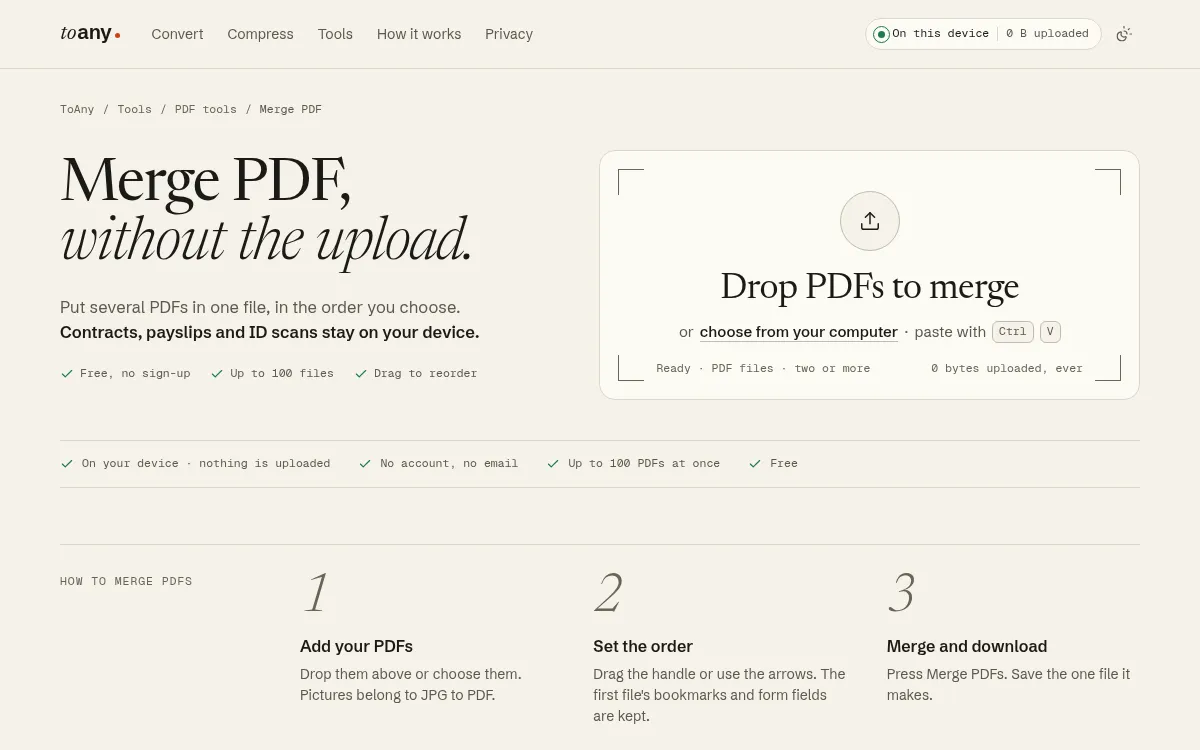
ToAny's Merge PDF tool joins PDFs inside your browser tab. The files are read from your device, merged there and saved back. Their contents, names and sizes are not sent to ToAny. You can confirm that in the browser's Network panel.
Add up to 100 files, drag them into order or use the arrows, and press merge. It is free, with no account and no email address.
The limits are real and you should know them. A run accepts 300 MB of input in total on a desktop browser and 100 MB on touch devices. PDFsam states no limit, so for very large merges it wins. ToAny is also web-only: there is no desktop or mobile app, no offline mode, no API and no import from Google Drive or Dropbox.
Speed depends on your device, because the work is done in your browser's memory rather than by a server farm. A phone has less memory than a laptop, so its limit is lower. One more weakness: the result keeps the first file's bookmarks and form fields, and later files lose theirs.
On privacy, be precise. Browser conversions never send the file. A small number of document pairs (16 of 1,195) run on ToAny's own server, but only after you consent for that upload, and no PDF tool uses it. Merging stays in the browser.
There is no Pro tier, so there is nothing to upgrade to. The PDF tools hub lists nine other tools, including split and reorder. PDF compress is a separate tool.
- Where it runs
- In the browser; files are not uploaded for PDF tools toany.io
- Files per merge
- Up to 100 toany.io
- Input cap per run
- 300 MB total on desktop, 100 MB on touch devices toany.io
- Price
- Free, no account, no email toany.io
- Platforms
- Web only toany.io
- Server conversions
- 16 pairs, only after per-file consent; no PDF tool among them toany.io
Best suited for: People merging contracts, payslips or ID scans who do not want those files on a third party's server. It also suits anyone who wants a free, no-account merge and can live with a browser-only tool.
2. iLovePDF, best for quick merges on a familiar hosted tool
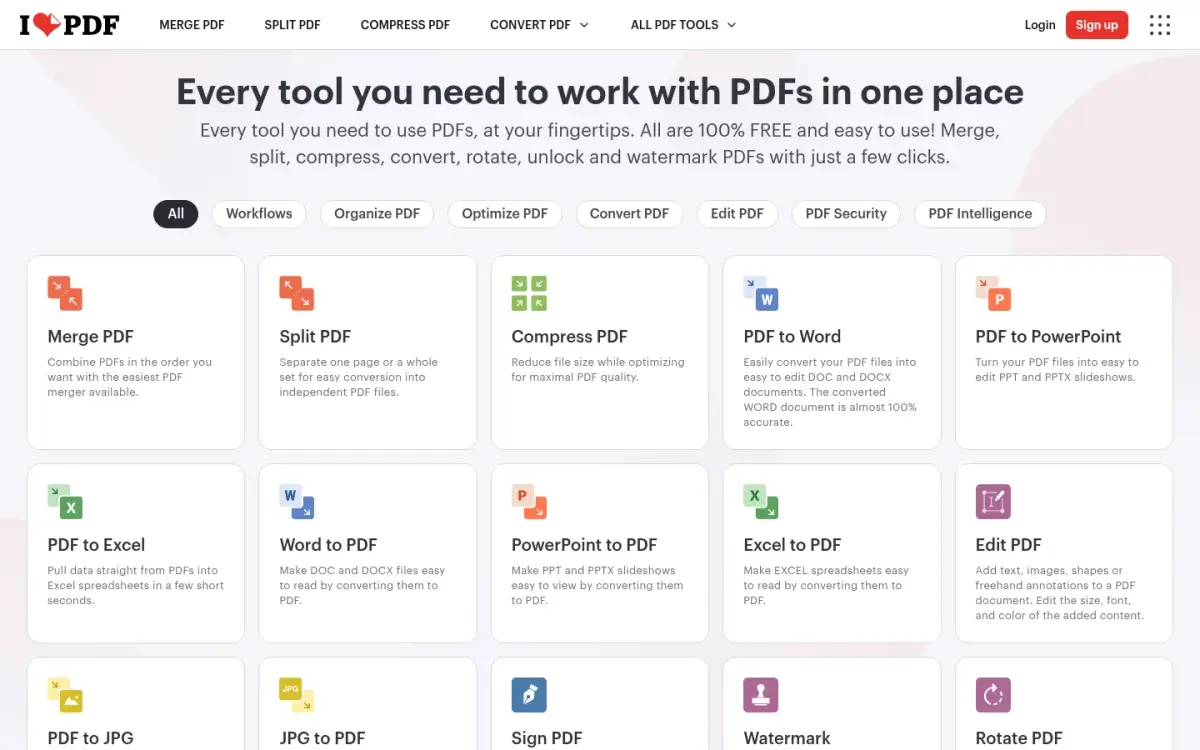
iLovePDF is a hosted PDF suite based in Barcelona. It has provided online PDF tools since 2010, and its merge tool is the first card on the home page.
The free limits for merging, per its pricing page, are 25 files and 100 MB per task. Premium raises that to 500 files, and to 4 GB for most tools. That free allowance is generous next to Soda PDF, though ToAny allows 100 files.
The files are uploaded and processed on iLovePDF's servers. The company says files are automatically and permanently deleted within two hours of processing. It holds ISO/IEC 27001:2022 certification and says it is fully GDPR compliant.
Premium costs 11 AUD per month billed monthly, or 84 AUD billed annually, which the page shows as 7 AUD per month. The page appeared to be priced by region, and we did not verify a USD figure. The free plan shows ads, and removing them is a Premium benefit.
iLovePDF beats ToAny on reach. It has desktop apps for Mac and Windows, mobile apps for iOS and Android, an API called iLoveAPI, and integrations such as Zapier and Make. ToAny has none of these.
The site reports a 4.9 average rating on Trustpilot, which is self-reported on its own pricing page, and 16.5 million documents processed every day. We could not read Trustpilot itself, so treat both figures as the vendor's claims.
- Free merge limits
- 25 files and 100 MB per task ilovepdf.com
- Price
- Premium 11 AUD/month billed monthly; 84 AUD billed annually (7 AUD/month) ilovepdf.com
- Retention
- Deleted within two hours of processing ilovepdf.com
- Founded
- 2010, Barcelona ilovepdf.com
- Platforms
- Web, desktop (Mac and Windows), mobile (iOS and Android) ilovepdf.com
- Rating
- 4.9 on Trustpilot (self-reported on its pricing page) ilovepdf.com
Best suited for: People who merge often, want apps on every device and are comfortable with a two-hour server copy. It also suits teams that need an API or Zapier integrations.
3. Smallpdf, best for a hosted suite with desktop and mobile apps
Smallpdf is a Swiss PDF suite, made in Switzerland in 2013 with a single tool to compress PDFs. It now offers 30 or more document tools, merging among them, on the web, desktop and mobile.
Merging happens on its servers. Free-tool files are deleted after one hour, it says, which is the shortest retention among the hosted tools here. Its servers are in Ireland, and it states ISO/IEC 27001 certification and GDPR, CCPA and nFADP compliance.
The free plan is limited by a daily download limit on most tools, and you wait 24 hours for it to reset. We could not find the exact daily number or a per-merge file count, so both are "Not stated" in our table. That makes it harder to plan a big merge than with iLovePDF, which publishes its numbers.
Pricing is the other gap. Smallpdf offers a 7-day free trial, and says the yearly plan is 25% cheaper per month than monthly. The absolute prices were not readable in the page source, so we do not quote one.
Its scale claims are large: 40 million or more monthly users and 24 languages, according to its about page. On Trustpilot it shows 4.8 from 5,278 reviews. Adobe's company-wide count of 7,540 is higher.
Compared with ToAny, Smallpdf gives you apps and a wider tool set, but it uploads your file and caps free use. ToAny has no daily cap, though it has no apps.
- Retention
- Free-tool files deleted after 1 hour smallpdf.com
- Free limits
- Daily download limit; exact number not shown smallpdf.com
- Free trial
- 7 days, cancel anytime smallpdf.com
- Founded
- 2013, Switzerland smallpdf.com
- Platforms
- Web, desktop, mobile smallpdf.com
- Trustpilot
- 4.8 from 5,278 reviews trustpilot.com
Best suited for: Occasional users who want a polished suite with apps and a short server retention. It is less suited to anyone who needs to know their exact free limits before starting.
4. Adobe Acrobat, best for large merges inside the Acrobat ecosystem
Adobe's online merge tool sits beside its Acrobat desktop software. Adobe was founded in December 1982 by John Warnock and Charles Geschke and is based in San Jose, California.
The online merge page states a limit of 100 files, each up to 500 pages. That is the same file count as ToAny and a page limit instead of a size limit. Adobe's online tools run on its servers, and files are deleted unless you sign in to save them, according to its compress page. No retention period is stated.
Free use is limited, with no number stated. Adobe says its free tools number 25 or more. Acrobat Reader is free, and the paid Acrobat plans are priced as below.
Acrobat Standard is US$14.99 per month on an annual plan billed monthly, or US$179.88 prepaid for the year. On a monthly plan it is US$24.99 per month. Pro is US$29.99 per month on the monthly plan and US$239.88 a year prepaid, and Studio is US$34.99 per month. Acrobat Pro has a 7-day free trial.
What you buy at those prices is a full desktop editor, not just a merger: editing, signing and much else. That is a good deal if you need those features and poor value if you only need to join files.
On reputation, Adobe's Trustpilot score is 1.1 out of 5 across 7,540 reviews. That score covers the whole company, not Acrobat alone, so it says little about the merge tool.
- Merge limits
- Up to 100 files, each limited to 500 pages adobe.com
- Price
- Acrobat Standard US$14.99/mo (annual, billed monthly) or US$24.99/mo (monthly) adobe.com
- Free tools
- 25+ free tools; free use limited, no number stated adobe.com
- Retention
- Deleted unless you sign in to save; no period stated adobe.com
- Founded
- December 1982, John Warnock and Charles Geschke en.wikipedia.org
- Trustpilot
- 1.1 from 7,540 reviews (Adobe company-wide) trustpilot.com
Best suited for: Offices that already pay for Acrobat and need a full editor beside the merge. It is poor value if joining files is all you do.
5. PDFsam Basic, best for offline merging in an open-source desktop app
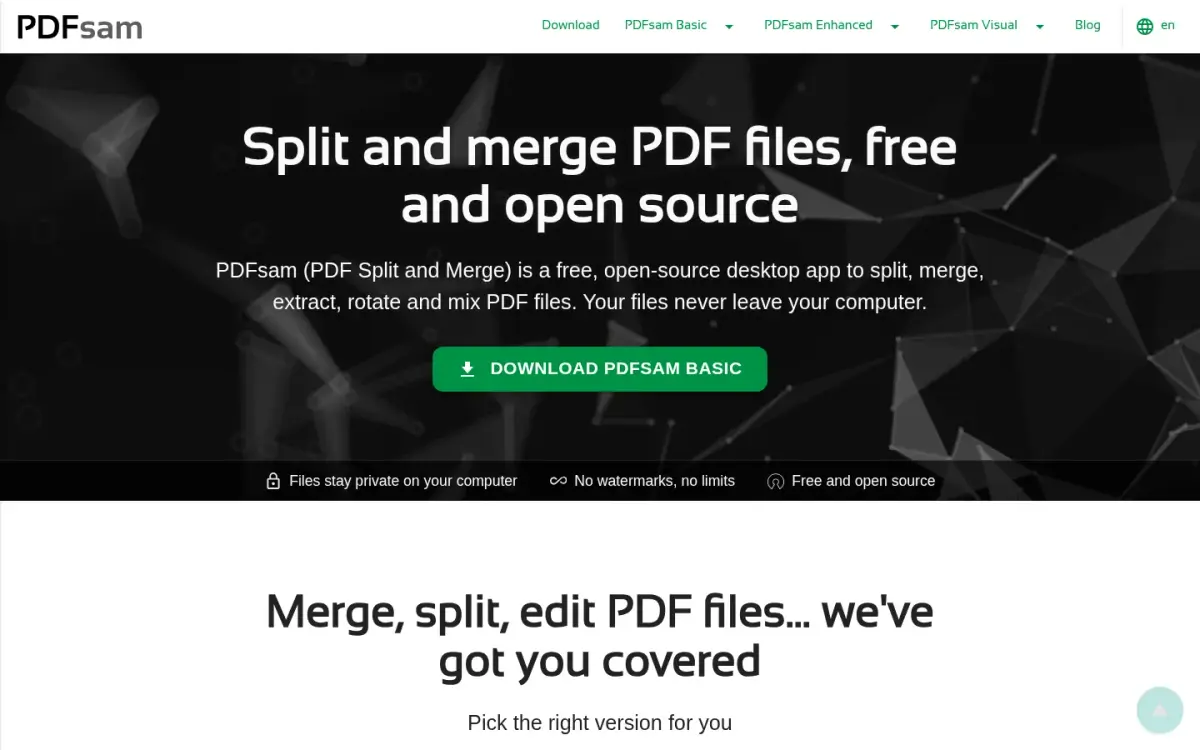
PDFsam Basic is a free, open-source desktop app for merging, splitting, rotating, mixing and extracting pages. It has been developed since 2006 and is published by the legal entity Sober Lemur S.r.l. under the AGPL licence.
It beats ToAny on two points. Its FAQ states no limit on file size, and it works offline. Both follow from the design: it runs on your computer, so there is no upload, no daily cap and no watermark.
Processing is local, and its privacy policy says PDFsam Basic collects nothing. It is free for company use and needs no sign-up.
The costs are practical. You must download and install it, and it is a desktop app only for Windows, macOS and Linux, with no browser version. It is 64-bit only and needs about 70 MB of disk and 256 MB of RAM. It cannot help on a phone or on a work laptop where you cannot install software.
It is also less polished for a one-off job. Installing an app to merge two files takes longer than dropping them on a web page, which is the gap ToAny fills.
The GitHub repository had 4,629 stars when we read it on 17 October 2026. The app is powered by the open-source Sejda SDK, which has a command line interface for scripting. No API is stated for Basic.
- Price
- Free (PDFsam Basic) pdfsam.org
- Max file size
- No limit pdfsam.org
- Where it runs
- Local on your computer; no upload pdfsam.org
- Platforms
- Windows, macOS, Linux desktop; no browser version pdfsam.org
- System needs
- About 70 MB disk, 256 MB RAM, 64-bit OS pdfsam.org
- GitHub stars
- 4,629 (read 2026-10-17); AGPL-3.0 api.github.com
Best suited for: People who merge large files or work offline and can install software on their own computer. It is the better pick than ToAny for very large merges.
6. Soda PDF, best for existing Soda PDF users
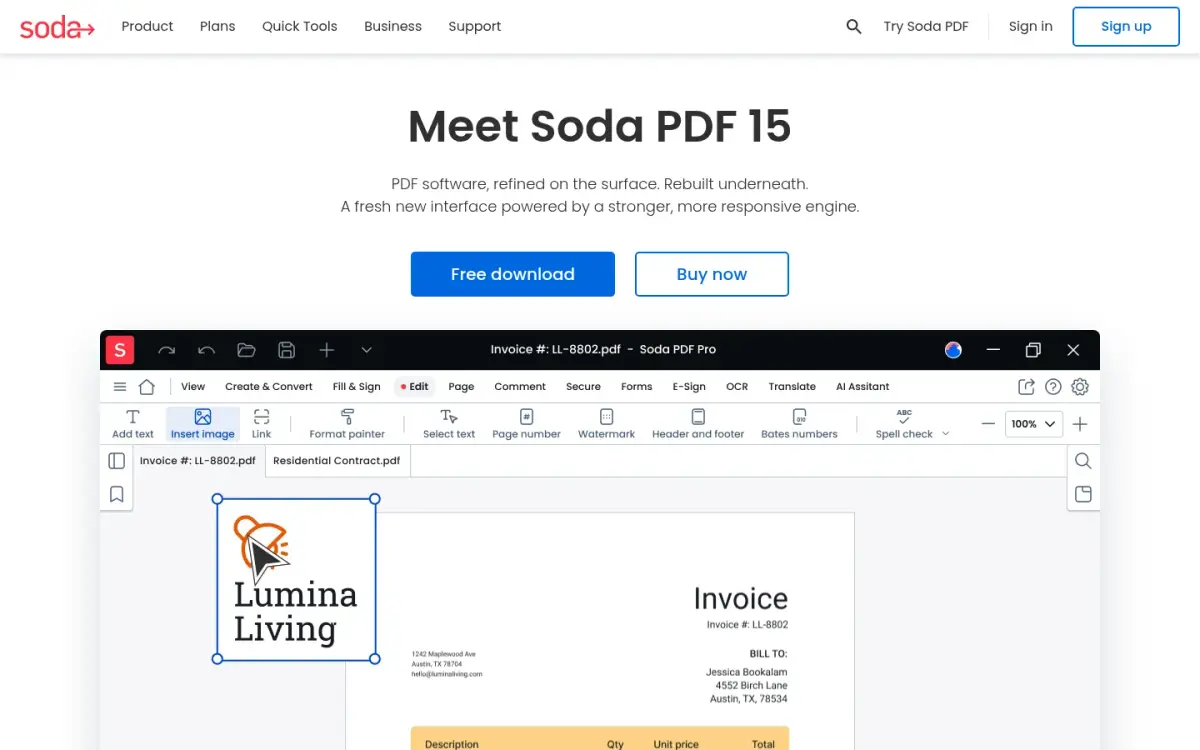
Soda PDF is a PDF suite sold by Avanquest Software under the Soda name. Soda is a registered trademark of Avanquest Software. The site offers online quick tools, and it claims more than 425,000 users, which is the vendor's own figure.
Its online merge page says files are deleted from its servers within 24 hours. The files are uploaded and encrypted with TLS during processing. That is the longest retention among the hosted tools in this list.
The free limits are the tightest we found. The compress and unlock pages state 2 files per day with a size limit of 3 MB. We did not find a figure on the merge page, so the file-count cell says "Not stated" and the size cell shows the cap from those other tools.
No account is required on the compress tool, and it adds no watermark. Dollar prices were not shown in the page source, where the buttons say "See prices". The plans are Pro, Team and Business, with no perpetual licence, so we cannot quote a price.
Its pricing page says the web app can be used on Mac, Linux, iOS and Android, and lists Windows deployment through GPO, SCCM and Citrix. The site is available in 15 languages.
Trustpilot shows 4.2 out of 5 from 1,841 reviews, which is lower than iLovePDF's self-reported score and Smallpdf's 4.8.
Choose Soda PDF if you already own it. If the cap on its other online tools also applies to merging, it is the weakest hosted option here for free use.
- Free limits
- 2 files per day, 3 MB (stated on compress and unlock pages) sodapdf.com
- Retention
- Deleted from servers within 24 hours sodapdf.com
- Where it runs
- Server upload, TLS encrypted sodapdf.com
- Plans
- Pro, Team, Business; no perpetual licence; prices not shown sodapdf.com
- Users
- More than 425,000 (self-reported) sodapdf.com
- Trustpilot
- 4.2 from 1,841 reviews trustpilot.com
Best suited for: Existing Soda PDF customers who accept an upload. If the 2-files-a-day cap on its other tools applies to merging, it is a poor fit for free use at volume.
Side-by-Side Comparison
The table repeats the six criteria from our method, one row per product in ranking order. PDFsam wins on file size and offline use, and iLovePDF and Smallpdf win on platforms. "Not stated" means the vendor's pages did not give a value.
| Product | Where the file is processed | Files per merge (free) | Free max file size | Price | Retention on vendor server | Platforms |
|---|---|---|---|---|---|---|
| ToAny | Browser | 100 | 300 MB total (desktop), 100 MB (touch) | Free | None, not uploaded | Web |
| iLovePDF | Server | 25 | 100 MB | Free; Premium 11 AUD/month billed monthly | Deleted within 2 h | Web, desktop, mobile |
| Smallpdf | Server (Ireland) | Not stated | Not stated | Free; 7-day trial; price not stated | Deleted after 1 h | Web, desktop, mobile |
| Adobe Acrobat | Server | 100 (500 pages each) | Not stated | Free, limited; Standard US$14.99/mo annual | Not stated | Web, desktop |
| PDFsam Basic | Installed app | Not stated | No limit | Free | None, nothing collected | Windows, macOS, Linux |
| Soda PDF | Server | Not stated | 3 MB (stated for other tools) | Free; paid price not stated | Deleted within 24 h | Web; Windows deployment |
Which PDF merger fits your use case
Match your situation to a row. If two rows apply, privacy usually decides, because you cannot undo an upload.
| If you are... | Pick | Why |
|---|---|---|
| Merging contracts, payslips or ID scans | ToAny | The merge runs in your browser, so the files are not uploaded |
| Merging very large files, or working offline | PDFsam | No stated size limit, and it runs locally on Windows, macOS or Linux |
| Merging every day and wanting apps and an API | iLovePDF | Desktop and mobile apps, iLoveAPI, and published free limits |
| Wanting the shortest server retention | Smallpdf | States that free-tool files are deleted after 1 hour |
| Already paying for a full PDF editor | Adobe Acrobat | Online merge takes up to 100 files of 500 pages each |
| Already using Soda PDF | Soda PDF | Keeps you in one product, but the free cap on its other online tools is small |
What results look like with ToAny
We have no merge benchmark to report, and we will not invent one. What we do have are measured size reductions from ToAny's PDF compressor, which runs in the browser alongside the merge tool. They come from our own test files on an Apple M4 Pro, not from user telemetry.
- Scanned book, Internet Archive6,528 KB420 KB (93.6% smaller)Measured on one scanned PDF at the Balanced setting in our research tests.
- Slide deck, 10 MB10,553 KB2,376 KB (77.5% smaller)Measured on one NASA slide deck at Balanced. Aiming for 1 MB gave 911 KB, but at lower image quality.
- Short slide deck493 KB101 KB (79.5% smaller)Measured on one set of slides at Balanced in the same tests.
Frequently Asked Questions
What is the best PDF merger for private documents?
A merger that runs on your own device keeps the file with you. ToAny does this in the browser, and PDFsam does it as an installed desktop app. Hosted tools such as iLovePDF, Smallpdf and Soda PDF upload the file to their servers.
How many PDFs can I merge for free?
ToAny merges up to 100 files per run, and iLovePDF states 25 files per task on its free plan. Adobe's online tool states up to 100 files of 500 pages each. Smallpdf and Soda PDF do not state a file count on the pages we read.
Does ToAny upload my PDFs when I merge them?
No. The merge runs in your browser, and no PDF tool uses ToAny's server. A small number of document pairs (16) run on ToAny's server only after you consent to that upload.
How long do online PDF mergers keep my files?
Smallpdf states one hour for free-tool files, iLovePDF states two hours, and Soda PDF states within 24 hours. Adobe states no period. ToAny and PDFsam keep nothing, because the files are not uploaded.
What is the size limit for merging PDFs in the browser?
ToAny accepts 300 MB of input in total per run on a desktop browser and 100 MB on touch devices. Your device's memory sets the practical ceiling. For larger jobs, PDFsam states no size limit.
How much does a paid PDF merger cost?
iLovePDF Premium is 11 AUD per month billed monthly. Adobe Acrobat Standard is US$14.99 per month on an annual plan billed monthly, or US$24.99 on a monthly plan. ToAny and PDFsam Basic are free, and Smallpdf and Soda PDF prices were not readable in the page source.
What can ToAny not do that other PDF mergers can?
ToAny is web-only, with no desktop or mobile app, no API and no import from cloud storage. It does not edit text inside a PDF, run OCR or sign documents. Speed depends on your device, and a phone will be slower than a laptop.
How do I put the files in the right order before merging?
In ToAny you drag the handle on each file or use the arrows, then press merge. Bookmarks and form fields from the first file are kept, but not from later ones.
Try ToAny for free (no account required)
Merging PDFs should not mean handing them to a stranger's server.
ToAny does the job in your browser tab, so your contracts and scans stay on your device.
You can add up to 100 files, drag them into order and save one PDF.
There is no sign-up, and it costs nothing.
Merge your first PDFs now and check the Network panel to see that nothing was sent.