Best MP3 Compressors in 2026: the buyer's shortlist

By Thien · Maker of ToAny
Published
The best MP3 compressor depends on whether you are happy to upload the file. ToAny is our number one because it shrinks MP3s in your browser, with no account and no daily limit. Four alternatives follow: two hosted tools, a desktop editor and a video editor. We rank on six measurable criteria and show where ToAny loses.
Want to see the result before reading on? ToAny's free tool makes an MP3 smaller on your device, with no account. Compress an MP3 in your browser
Key Takeaways
- ToAny is the pick if the recording is private. The MP3 is re-encoded in your browser and is not uploaded. There is no account and no daily limit.
- Hosted tools win on file size. FreeConvert states a 1 GB limit on its homepage converter, and Online-Convert allows 75 MB. ToAny's limit is your device's memory, so a very large file may fail on a phone.
- Free tiers are measured in different units. FreeConvert gives 20 conversion minutes a day and 5 minutes per file. Online-Convert does not state how many free tasks you get in 24 hours.
- Audacity and CapCut suit people who edit. Audacity is a free desktop editor for Windows, macOS and Linux. CapCut has web, desktop and mobile editors, and a Pro plan at AUD 37.99 a month.
- An MP3 is already lossy. Making it smaller means encoding it again at a lower bitrate, which removes a little more detail. A tool should return your original if the file cannot shrink.
What MP3 compressors actually are (and what they are not)
An MP3 compressor makes an MP3 file smaller so that it fits an email, a messaging app or a storage limit. The size of an MP3 comes down to its bitrate, the amount of data used for each second of sound. A compressor lowers that bitrate and writes the audio again. A song stored at 140 kbit/s is bigger than the same song at 96 kbit/s, and the lower one sounds a little thinner.
That is the key point. An MP3 is already a lossy file, so there is no lossless way to shrink it. Every compressor has to encode the sound a second time, and each pass takes out some detail. Speech and podcasts survive this well. Music with cymbals and wide stereo shows the loss sooner.
Bitrate also decides whether a file shrinks at all. A file already saved at a low rate cannot be made smaller by re-encoding at a higher one, and a careless tool can hand you a bigger file than you started with. A good compressor checks the result and says so when it cannot help.
There are three kinds of tool. Hosted compressors upload your file to the vendor's server and return the result. Browser-based compressors do the work on your own device. Desktop and mobile editors do it inside an installed app. The difference is who handles the recording and how big a file it takes, and that decides the best MP3 compressor for you.
An MP3 compressor is not a converter, a trimmer or a repair tool. It will not change the format, cut silence or fix a damaged file. Starting from a WAV? Run it through WAV to MP3 first, and keep your original. For other sound formats there is a general audio compressor.
How We Ranked These MP3 Compressors
We ranked each tool on six criteria, using only what the vendor or a review platform publishes. Where a number is not stated, the table says so rather than guessing. Prices are quoted as displayed, with currency and billing period.
- Criterion 1Where the file is processedBrowser, vendor server or installed app
- Criterion 2Free max file sizeLargest file accepted on the free tier
- Criterion 3Free daily limitMinutes, files or tasks per day on the free tier
- Criterion 4PriceFree, or the cheapest paid price as displayed
- Criterion 5Dedicated MP3 compressor pageYes or no
- Criterion 6PlatformsWeb, desktop or mobile
The Best MP3 Compressors in 2026
The list runs from first to last in our ranking. ToAny is first because privacy and free limits count most when you shrink voice notes, interviews and personal recordings. It is not the best at everything, and each entry below says where it falls short. Every entry gives the facts we could verify and who the tool suits.
1. ToAny, best for private in-browser compression, no account
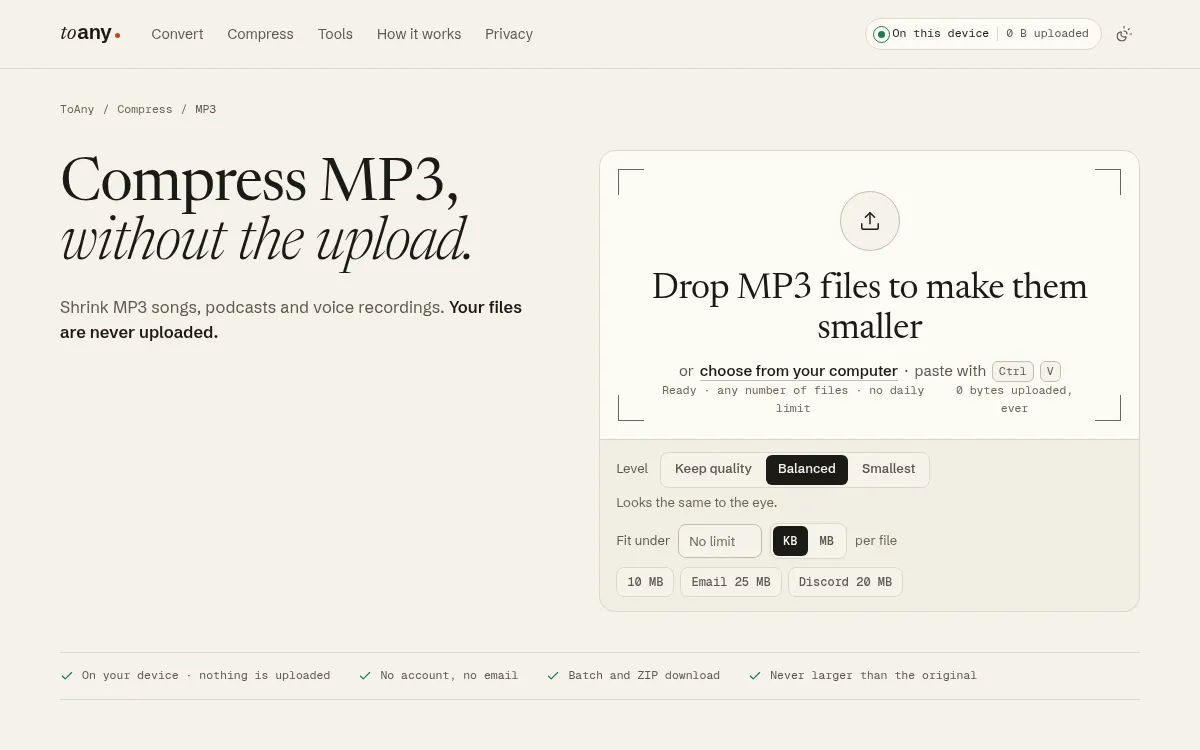
For a private recording, ToAny is the best MP3 compressor on this list because it works on your device. The work runs in the browser and never uses ToAny's conversion server, so a voice note or an interview is not uploaded. The page shows a live "0 bytes uploaded" counter, and you can confirm it in your browser's Network panel.
There is no account, no email address and no daily limit. You can drop several files and download them as a ZIP. Pick a level, or set a fit-under size with presets such as 10 MB, Email 25 MB and Discord 20 MB. Because an MP3 is already lossy, there is no lossless level: the tool encodes the audio again at a lower bitrate. Title, artist, album and cover picture stay. If a file cannot get smaller, you get your own file back and the row says why.
ToAny is free and has no paid tier, so there is no price to compare. It sits within a wider site of 190 formats and 1,195 pairs, and the PDF tools and compress tools also run in the browser. A small number of other pairs, 16 in all and none of them audio, run on ToAny's own server, and only after you consent to each upload.
Now the weak spots. ToAny is web-only. It has no desktop app, no mobile app, no API and no cloud import. Because your device does the work, memory is the limit rather than a published cap, and long recordings take a while. FreeConvert states 1 GB, and we cannot promise that on every device.
- Processing
- In the browser; compress never uses the server toany.io
- Price
- Free; no account, no email, no paid tier toany.io
- Daily limit
- None on browser conversions toany.io
- Controls
- Levels and a fit-under size (10 MB, Email 25 MB, Discord 20 MB presets) toany.io
- Batch
- Several files at once, downloaded as a ZIP toany.io
- Scale
- 190 formats, 1,195 pairs toany.io
Best suited for: Anyone shrinking personal or confidential recordings, such as voice notes, interviews or demos, who wants no upload, no account and no daily cap. It is less suited to people who need an app, an API, cloud import or the largest files.
2. FreeConvert, best for large uploads up to 1 GB
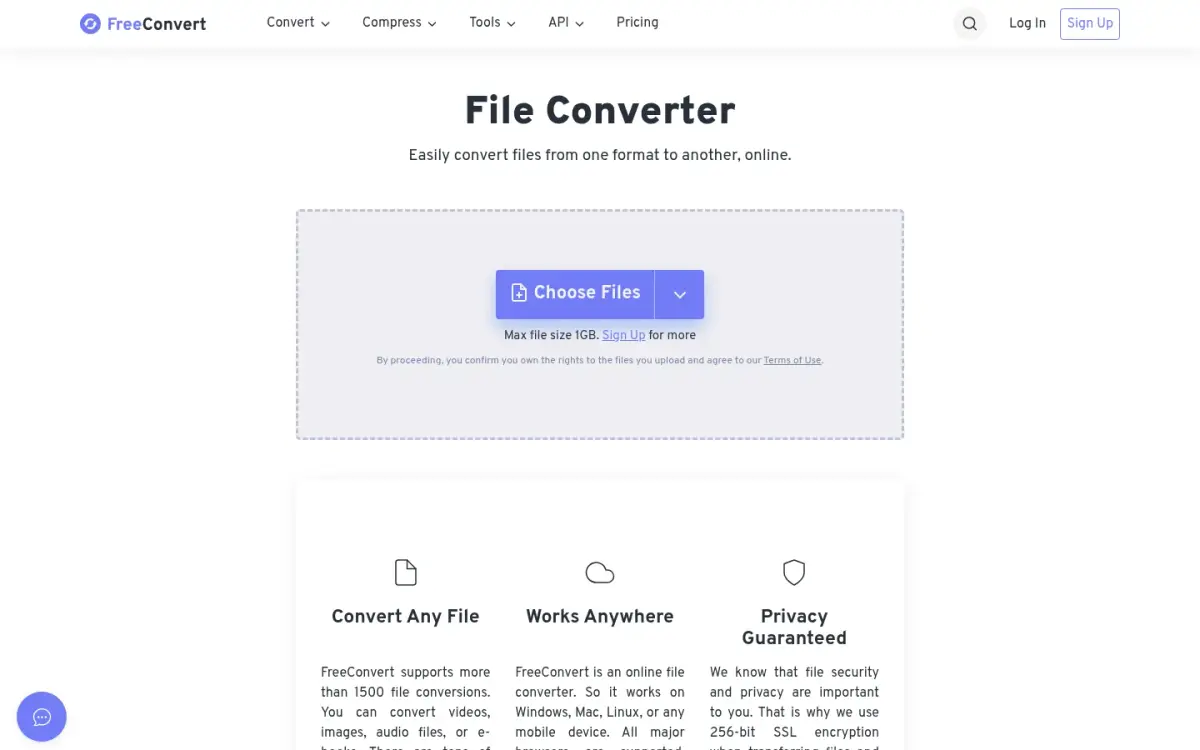
FreeConvert is a hosted converter and compressor, launched in 2018. Its navigation lists a dedicated MP3 Compressor. It claims more than 1500 file conversions, 15 interface languages and a REST API.
The free tier needs no account. The homepage converter states a maximum file size of 1 GB. Free use is capped at 20 conversion minutes per day, shared between web and API, and at 5 conversion minutes per file. The homepage upsell ("without a queue or Ads") implies the free tier has a queue and ads, and the paid plans list "No Ads".
Files are uploaded. FreeConvert says they are stored with Amazon Web Services in Ireland and are automatically and permanently deleted after 8 hours. It also says it does not access or view files without your explicit written consent.
Paid plans start with Basic at $12.99 a month, which includes 1,500 conversion minutes a month and a 1.5 GB maximum file. Standard is $24.99 and Pro is $29.99. The vendor claims 11M+ monthly visitors and a 4.7 rating from 17,000+ reviews, without naming the platform. Trustpilot shows 17,404 reviews.
It beats ToAny on three counts: a stated 1 GB limit, an API and a hosted workflow that does not depend on your device. The costs are that your recording leaves your device, the free allowance is counted in minutes and the free tier appears to carry ads and a queue.
- Free file size
- 1 GB on the homepage converter freeconvert.com
- Free daily limit
- 20 conversion minutes per day, 5 conversion minutes per file freeconvert.com
- Cheapest paid plan
- Basic $12.99 / Month freeconvert.com
- File retention
- Automatically and permanently deleted after 8 hours freeconvert.com
- Processing
- Server upload; files stored with AWS in Ireland freeconvert.com
- Reviews
- 17,404 Trustpilot reviews trustpilot.com
Best suited for: People with large MP3s or audiobooks who need a hosted tool with a stated 1 GB limit and an API. It is less suited to private recordings you would rather not upload.
3. Online-Convert, best for quick hosted one-off tasks
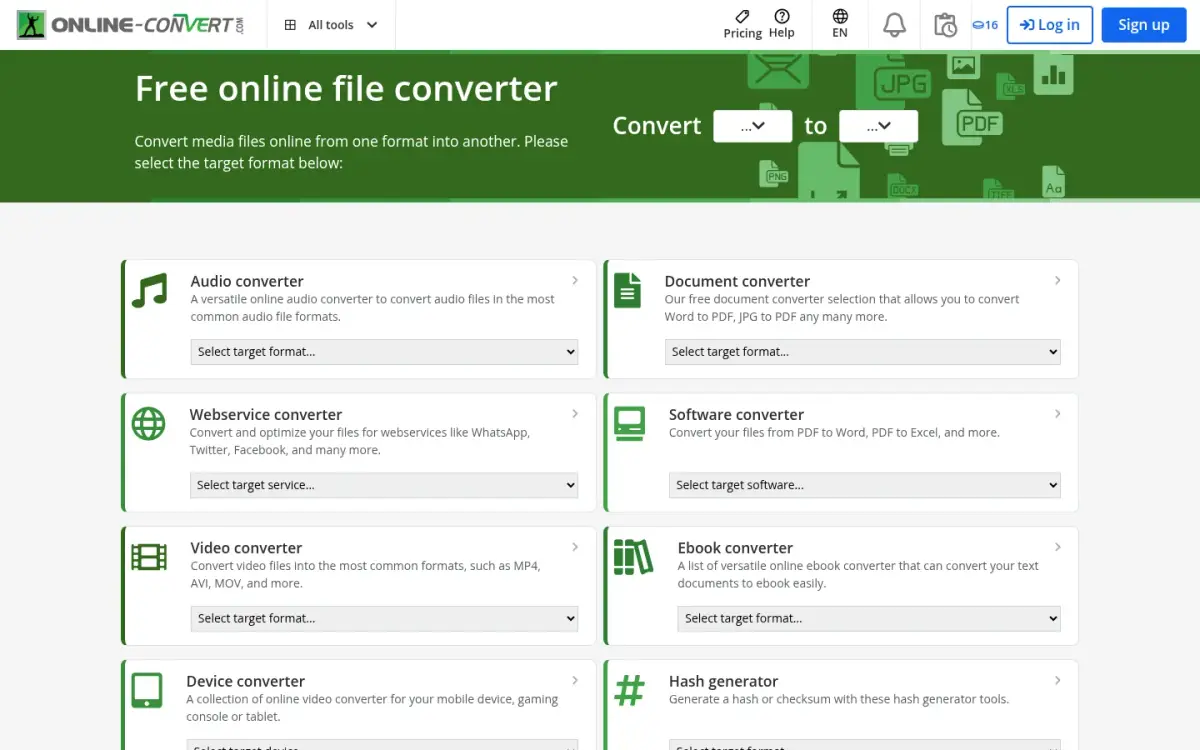
Online-Convert is a hosted converter made by QaamGo Media GmbH in Radolfzell, Germany, and founded in 2011. It supports 250+ file formats and 10 interface languages. Its audio converter is a general tool, and we did not verify a dedicated MP3 compressor page.
The free trial has no time limit. Test credits renew every 24 hours, but you need to sign up to get them. The free file limit is 75 MB per file, and a free task can run for 10 minutes. The number of free tasks in 24 hours is described only as limited, with no figure.
Files are uploaded to its servers. It states no fixed retention period: files are kept only as long as necessary, and you can delete them yourself at any time. Data in transit is encrypted with TLS, and the site states GDPR compliance.
Credits cost money. Most tasks use 1 credit per 30 seconds of processing. A Pay As You Go pack of 480 credits is 13,00 €, one-time, as shown to a euro visitor, and credits expire one year after payment. Paid plans allow up to 64 GB per task and an 8-hour processing time. Students and teachers get the paid tools free.
Trustpilot lists 469 reviews, which we read on 17 October 2026. We do not quote its score, because the two readings we took disagreed.
Against ToAny, Online-Convert offers a clearly named German operator, paid tiers with large limits and batch features up to 200 files. On the other side sit a small free file limit, an unstated daily task count and an upload for every file.
- Free file size
- 75 MB per file online-convert.com
- Free task length
- 10 minutes per task online-convert.com
- Free daily limit
- Limited tasks within 24 hours (number not stated) online-convert.com
- Pay As You Go
- 480 credits for 13,00 €, one-time online-convert.com
- File retention
- No fixed period stated; you can delete files at any time online-convert.com
- Reviews
- 469 Trustpilot reviews trustpilot.com
Best suited for: People who already use Online-Convert for other formats and have MP3s under 75 MB. It is less suited to anyone who wants a fixed free allowance or no upload.
4. Audacity, best for hands-on editing in a free desktop app
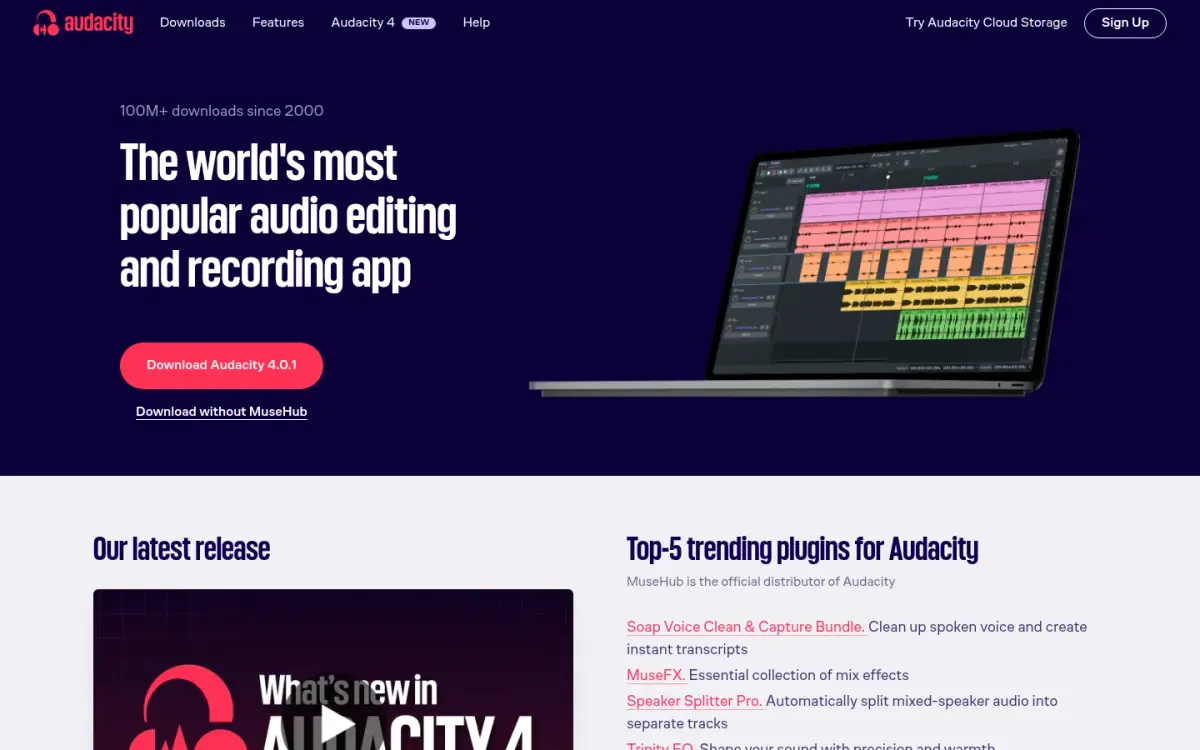
Audacity is a free desktop audio editor and recorder. It is not a one-click compressor. To make an MP3 smaller you open the file, export it again and choose a lower bitrate in the export settings. We did not verify those settings on Audacity's pages, so check them in the app.
It is free. The vendor says Audacity has always been and will always remain free for everyone. It needs no account, and its desktop privacy notice says the app does not require you to create an account or profile. The current version is 4.0.1, for Windows, macOS and Linux. The FFmpeg import and export library is listed on the download page as a separate extra.
Because it is an installed app, the compression happens on your computer. We found no stated file size limit or daily cap.
The vendor reports 100M+ downloads since 2000, which counts downloads rather than users. The project was started in autumn 1999 by Dominic Mazzoni and Roger Dannenberg, and the first public release was on 28 May 2000, according to Wikipedia. The site's footer names Muse Group and contributors as the copyright holder.
Audacity gives you a full desktop audio editor that works without the browser, which ToAny does not. You must install it, though, it has no one-click compress page, and a manual FAQ (possibly dated) says considerable rewriting is needed before it works on smartphones. It also asks more of a beginner than a drop zone does.
- Price
- Free manual.audacityteam.org
- Platforms
- Windows, macOS, Linux; current version 4.0.1 audacityteam.org
- Account
- Not required audacityteam.org
- Downloads
- 100M+ downloads since 2000 audacityteam.org
- Founders
- Dominic Mazzoni and Roger Dannenberg en.wikipedia.org
- FFmpeg
- FFmpeg import/export library listed as a separate resource audacityteam.org
Best suited for: People who already edit audio on a desktop and want one free app for editing and exporting. It is less suited to anyone who needs a quick browser tool or a phone workflow.
5. CapCut, best for creators already editing in CapCut
CapCut is a video editor from Bytedance Pte. Ltd., based in Singapore. It runs on the web, on desktop, on mobile and on tablets. The homepage claims 100M downloads, 100K creators and 20 languages, and the iOS app shows a 4.6 rating from 1.1M ratings in the US App Store.
Its compressor page is a video compressor. It lists input formats such as MOV, MP4, AVI, MKV, 3GP, MPEG, WMV and FLV, and claims watermark-free export. We did not find a dedicated MP3 compressor, and the pages we read do not say what bitrate controls an audio-only file would get. Treat CapCut as an editor you can use for audio, not as an MP3 tool.
There is a free plan at AUD 0, with free templates and basic editing tools. Pro is AUD 37.99 a month or AUD 299.99 a year on the web pricing page, which says the displayed prices are for reference and you should sign in for final pricing. iOS in-app purchases are listed in US dollars, including Yearly at $89.99.
On privacy, the policy says collected information is stored on servers in Malaysia, Singapore and the United States. It states no fixed retention period: information is kept as long as necessary, and Cloud Space uploads are deleted at your request. It does not say where the compressor processes files.
CapCut's advantage over ToAny is reach: web, desktop and mobile apps, plus a full editor with templates. Its drawbacks are no dedicated MP3 compressor that we could verify, a subscription for the Pro plan and unclear processing for a plain audio file. If the sound is locked inside a clip, MP4 to MP3 pulls it out first.
- Free plan
- AUD 0 (free templates, basic editing tools) capcut.com
- Pro price
- AUD 37.99 /month or AUD 299.99 /year capcut.com
- Platforms
- Web (CapCut Online), Desktop, Mobile, Pad capcut.com
- Operator
- Bytedance Pte. Ltd., Singapore capcut.com
- Server storage
- Servers in Malaysia, Singapore and the United States capcut.com
- App Store rating
- 4.6 from 1.1M ratings (US App Store) apps.apple.com
Best suited for: Creators who already cut video in CapCut and want to shrink a clip's sound there. It is less suited to anyone who only needs a small MP3 and does not want a subscription.
Side-by-Side Comparison
This table restates our six criteria for each tool, in rank order. "Not stated" means the vendor does not publish the figure on the pages we read. ToAny trails on free file size and platforms.
| Product | Where the file is processed | Free max file size | Free daily limit | Price | Dedicated MP3 compressor page | Platforms |
|---|---|---|---|---|---|---|
| ToAny | Your browser | Not stated (device memory) | None | Free | Yes | Web |
| FreeConvert | Uploaded, deleted after 8 h | 1 GB | 20 conversion minutes | Free; from $12.99/month | Yes | Web |
| Online-Convert | Uploaded, no fixed retention | 75 MB | Limited, number not stated | Free; 480 credits 13,00 € | Not found | Not stated |
| Audacity | Installed app | Not stated | None stated | Free | No (audio editor) | Windows, macOS, Linux |
| CapCut | Not stated | Not stated | Not stated | Free; Pro AUD 37.99/month | Not found (video compressor) | Web, desktop, mobile |
Which MP3 compressor fits your use case
Match the job to the product. The choice mostly comes down to privacy, file size and whether you want an app.
| If you are... | Pick | Why |
|---|---|---|
| Shrinking a private voice note or interview | ToAny | The file stays on your device, with no account or daily limit. |
| Compressing a very large MP3 or audiobook | FreeConvert | It states 1 GB on its homepage converter, against 75 MB at Online-Convert. |
| Sending a single file under 75 MB and already using Online-Convert | Online-Convert | Free test credits renew every 24 hours with a sign-up. |
| Editing and exporting audio on a desktop | Audacity | It is free, installed on your computer and exports audio as well as editing it. |
| Cutting video and music in one project | CapCut | Web, desktop and mobile apps share one editor, with a free plan. |
What results look like with ToAny
These are measurements from our own research tests on one 42-second music clip at 139.5 kbit/s, run with the LAME encoder. They are not customer results, and they are not a re-run of the shipped page. Your files will differ.
- Music clip, 96 kbit/s733,645 bytes505,141 bytesAbout 31% smaller, or 0.69 of the original size. Measured on a real 42-second MP3.
- Music clip, 128 kbit/s733,645 bytesAbout 92% of the original sizeA small saving of roughly 8%, for a bitrate close to the source. The source was 139.5 kbit/s.
- Music clip, 64 kbit/s733,645 bytesAbout 46% of the original sizeThe smallest step we tested. It suits speech better than music.
- A fixed 192 kbit/s re-encode, the case to avoid733,645 bytes1,010,139 bytesThat is 138% of the original: asking for a bitrate above the source makes the file bigger. ToAny's page says you are never handed a file larger than the one you added.
Frequently Asked Questions
How do I compress an MP3 without losing quality?
You cannot, because an MP3 is already lossy. Making it smaller means encoding it again at a lower bitrate, which removes a little more detail. Pick the highest bitrate that fits your limit.
How small can an MP3 get?
It depends on the starting bitrate. In our tests on a 139.5 kbit/s clip, 96 kbit/s gave 0.69 of the size and 64 kbit/s gave 0.46. A file already saved at a low bitrate may not shrink at all.
What happens to the tags and cover art when I compress an MP3?
On ToAny, the title, artist, album and cover picture stay, once. We did not verify how the other tools in this list treat tags.
Is it safe to compress a private recording online?
ToAny compresses in your browser and does not upload the file. Hosted tools upload it: FreeConvert says it deletes files after 8 hours, and Online-Convert states no fixed period.
What is the best free MP3 compressor for a large file?
FreeConvert states a 1 GB limit on its homepage converter, against 75 MB at Online-Convert. ToAny has no stated cap, but your device's memory limits it. Audacity runs on your computer and has no stated size cap.
How much do the paid options cost?
FreeConvert's cheapest plan is Basic at $12.99 a month. Online-Convert sells 480 credits for 13,00 €, one-time. CapCut Pro is AUD 37.99 a month or AUD 299.99 a year, and ToAny and Audacity are free.
What if an MP3 cannot get any smaller?
ToAny returns your own file unchanged and says why on the row. It never gives you a larger file than the one you added.
How do I fit an MP3 under an email or Discord limit?
Use ToAny's fit-under size, which has presets for Email 25 MB and Discord 20 MB, or type your own limit. If the limit cannot be reached, you get the smallest version and the row says how far it got.
Try ToAny for free (no account required)
ToAny shrinks your MP3 in your browser, so the recording stays on your device.
There is no account, no email and no daily limit.
Pick a level or a size to fit under, and download the result or a ZIP of several files.
If a file cannot get smaller, you get your original back.
Large files depend on your device's memory, and long recordings take a while.
When you are ready, compress your first MP3 now.