Best iLovePDF Alternatives in 2026: the buyer's shortlist

By Thien · Maker of ToAny
Published
The best iLovePDF alternatives differ on one point first: does your file leave your device? ToAny ranks first for basic jobs because its PDF tools and compressor run in the browser, free, with no account.
We compare it with seven rivals on price, processing location, tool count, editing and OCR, platforms and free limits. Where a rival beats ToAny, the table says so.
Want to skip the reading? Open the PDF tools and merge, split, protect or unlock a file in your browser, free.
Key Takeaways
- iLovePDF uploads your files to its servers and deletes them within two hours. ToAny runs its PDF tools in your browser, and Sejda and Wondershare run locally in their desktop apps.
- The free tiers are tight on iLovePDF: 2 files per Compress, Unlock or Protect task, and 15 MB for Office and PDF conversions. ToAny has no daily limit, and its ceiling is your device: 300 MB of input per run on desktop and 100 MB on touch devices.
- ToAny does not edit text, run OCR or sign documents. If you need them, PDF24 (free) lists all three, Smallpdf Pro lists text editing and OCR, and Sejda and PDFelement list OCR.
- Price runs from free (ToAny, PDF24, PDFgear) to US$79.99 a year for PDFelement and $129.99 per user per year for Foxit. Premium at iLovePDF is 11 AUD a month, or 84 AUD billed annually.
- For breadth, Stirling-PDF lists 60+ tools and offers web, desktop and self-hosted use. ToAny has 10 PDF tools plus compress, and is web only.
What iLovePDF alternatives actually are (and what they are not)
iLovePDF is a Barcelona-based toolkit that lets you merge, split, compress, convert, unlock, protect and sign PDFs. It is free with limits, ad-supported on the free plan, and uploads your file to its servers to do the work. An alternative is any product that does the same everyday jobs under different terms.
Those terms are what you are really choosing between. Some alternatives are free and run in your browser. Some are desktop apps that process files on your own computer. Some are hosted tools like iLovePDF, with a daily limit and a paid tier. A few are editor suites sold per user per year.
Where the file is processed matters most for contracts, payslips, medical letters and scans of ID. A hosted tool sends a copy to a server and promises to delete it after a set time. A browser tool or a desktop app never sends the file at all, apart from any exceptions the vendor documents.
An alternative is not a drop-in clone. The tool names look alike, but the limits, the output quality and the paid features differ. Free hosted tools often cap the number of files or tasks. Editing text, OCR and signing are often the features that sit behind a paywall or a download.
It is also not a single winner. A person who merges two PDFs a week needs something different from a team that edits contracts every day. This guide ranks eight products against six checkable criteria, and ToAny leads only for the basic, private jobs. For editing, OCR and signing it does not compete.
How We Ranked These iLovePDF Alternatives
We ranked eight products on six criteria that can be checked without opinion. Every figure comes from the vendor's own pages or an app store, GitHub or a named review platform, read on 17 October 2026.
Where a page does not state a value, the table says "Not stated". Prices appear as displayed, in the currency shown, and several vendors geo-price. We did not time the tools, because speed depends on your device and your files.
- Criterion 1PriceFree, or the cheapest paid price as displayed, with currency and billing period
- Criterion 2Where the file is processedBrowser, local app or vendor server
- Criterion 3Tool countNumber of PDF tools the vendor states
- Criterion 4Text editing, OCR and signingWhether the vendor lists these features
- Criterion 5PlatformsWeb, desktop, mobile or self-hosted
- Criterion 6Free-tier limitsTasks, files or size caps stated for free use
The Best iLovePDF Alternatives in 2026
The list runs from the most private and cheapest option for basic jobs to the paid editor suites. ToAny comes first because it covers everyday jobs such as merge, split, protect and compress with no upload and no account. It loses on breadth, editing, OCR, signing and apps, and each entry says so. Rank reflects the six criteria above, not a paid placement.
1. ToAny, best for private in-browser pdf tools, no account
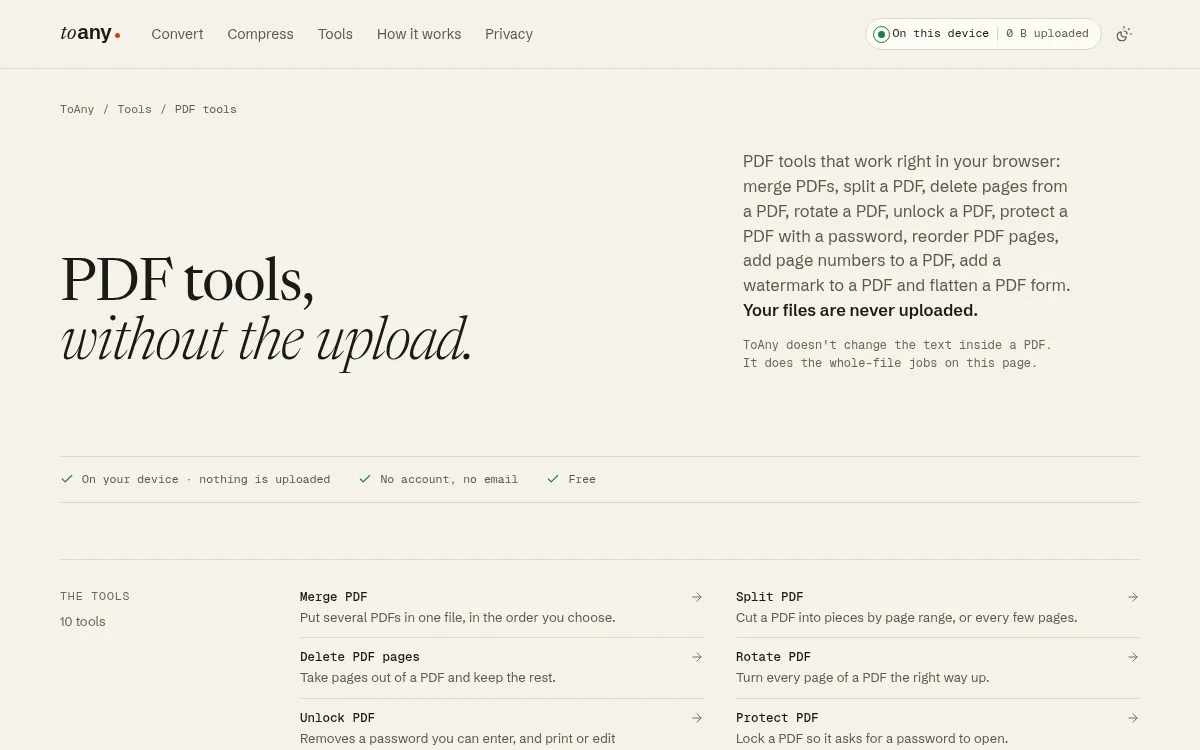
ToAny is a browser-based file tool made by TheRu Studio in Sydney. Among iLovePDF alternatives it is the narrowest, and the most private. Its PDF tools page lists 10 tools: merge, split, delete pages, rotate, unlock, protect, reorder pages, add page numbers, add a watermark and flatten forms. Compress PDF is a separate tool.
All of them run in your browser. The file is not sent to ToAny. The only data ToAny receives is an anonymous count of the format pair, with no file name, size or content. You can check this in your browser's Network panel.
It is free, with no account, no email and no daily limit. Limits come from your device. Merge takes up to 100 files, split makes up to 1,000 pieces, and one run can take 300 MB of input on desktop or 100 MB on a touch device. Compress accepts PDFs up to 400 MiB.
ToAny does fall short of iLovePDF in places. It has no OCR, no text editing and no signing, and it does not change the text inside a PDF. It has 10 PDF tools plus compress, against 30+ at Sejda and Smallpdf and 60+ at Stirling-PDF. It has no API and no mobile or desktop app.
PDF to Word is also a weak spot. That route is in beta, runs on ToAny's server and comes out as positioned text boxes, so it is readable but hard to edit. Separately, 16 pairs run on ToAny's server, only for some Office and e-book formats and only after you consent to each upload. No PDF tool and no compress run uses it.
- Price
- Free, no account, no email; no Pro tier toany.io
- PDF tools
- 10 PDF tools, plus a separate Compress PDF tool toany.io
- Where the file is processed
- In the browser; no PDF tool uses the conversion server toany.io
- Input limit
- 300 MB per run on desktop, 100 MB on touch devices; merge up to 100 files toany.io
- Platforms
- Web only toany.io
Best suited for: People who merge, split, rotate, protect or unlock a PDF now and then and do not want to upload it. It does not suit anyone who needs OCR, text editing, signing or an API.
2. PDF24, best for free all-round tools with an offline app
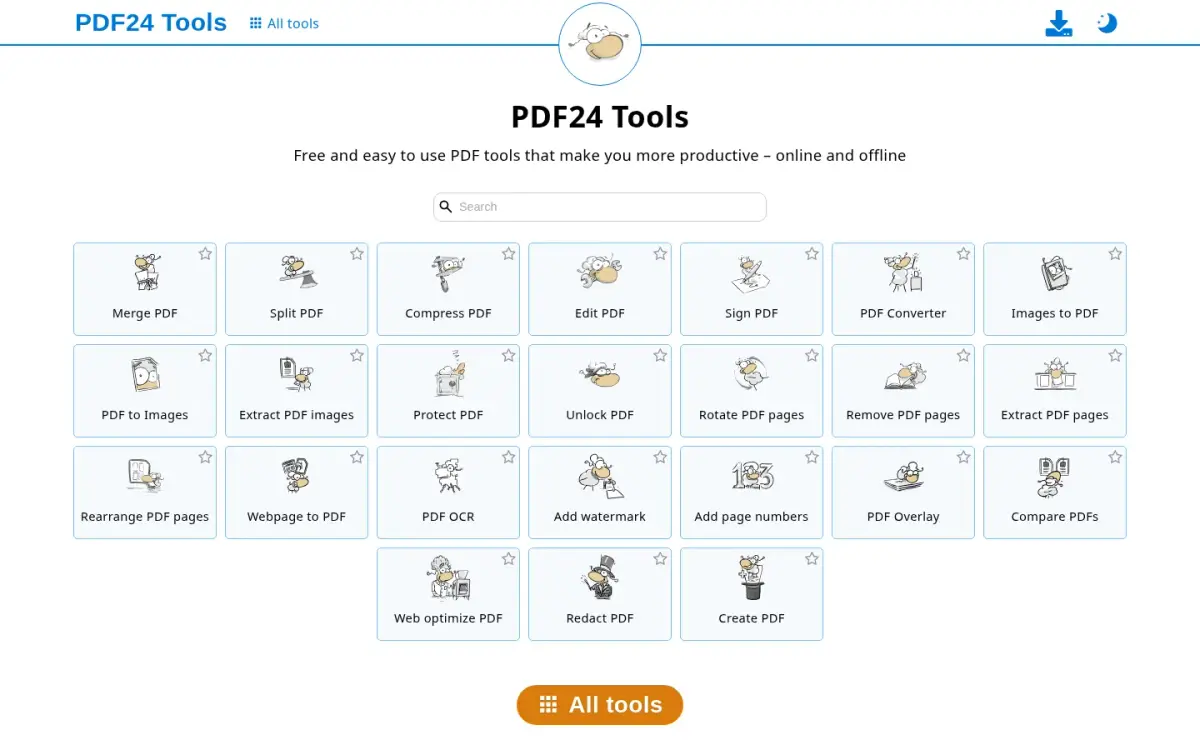
PDF24 is made by geek software GmbH in Berlin and was founded in 2006. The about page says millions of people use it and credits Stefan Ziegler as the driving force behind the project, though it does not name founders.
The price is free. PDF24 Creator, the desktop app, is free, and we found no paid plan on the pages we read. The cost is advertising: the Creator page carries Advertisement labels, and whether the installed app shows ads is not stated.
The tool list is broad. It includes Protect PDF, Unlock PDF, Compress, Merge, Split, Sign, Edit, OCR, Redact and Compare. That puts it ahead of ToAny on editing, OCR and signing, and its tool list names all three.
Where your file goes depends on how you use it. The web tools upload to servers in the EU. The privacy policy says uploads are usually deleted one hour after upload or result creation. An optional AI invoice recognition feature is an exception that the policy describes separately.
PDF24 Creator runs on your PC and works offline, but it is Windows only. On a Mac, on Linux or on a phone you are left with the web tools and therefore the upload. The Creator page says it can be used without any restrictions, while limits on the web tools are not stated.
In our sources PDF24 has no Mac or mobile app. On the web version it is also less private than ToAny, because the file is uploaded and usually deleted only after an hour.
- Price
- Free (PDF24 Creator); no paid plan found on pages read tools.pdf24.org
- Where the file is processed
- Creator: local on PC (offline). Web tools: upload to EU servers tools.pdf24.org
- Retention
- Web uploads usually deleted one hour after upload or result creation pdf24.org
- Tools
- Protect PDF, Unlock PDF, Compress, Merge, Split, Sign, Edit, OCR, Redact, Compare tools.pdf24.org
- Platforms
- Desktop app is Windows only; web tools in browser tools.pdf24.org
- Founded
- 2006, Berlin, Germany (geek software GmbH) pdf24.org
Best suited for: Windows users who want a free app with editing, OCR and signing and accept ads. It suits people on other systems less, because the web tools upload your file.
3. Stirling PDF, best for open-source breadth and self-hosting
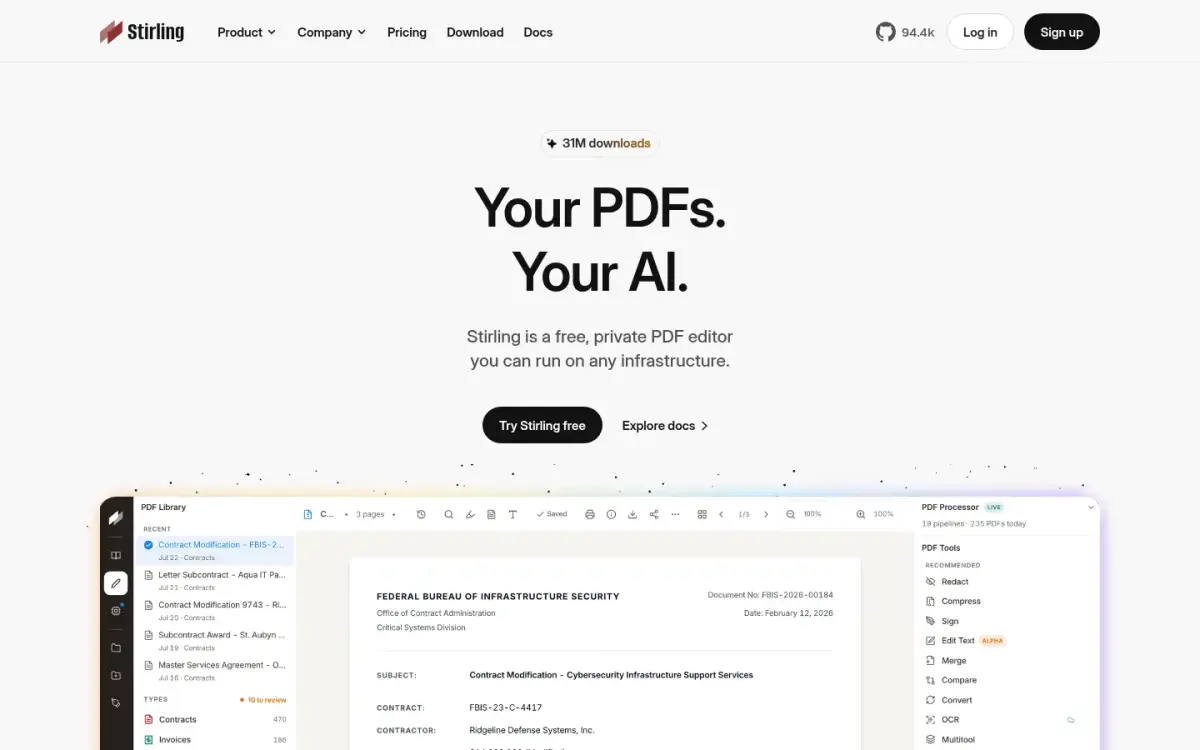
Stirling PDF is the widest toolkit on this list. Its pricing page says the free plan includes 60+ PDF tools and 1,000 monthly credits for automating PDF work. The free plan costs $0 a month with no card required.
It can run in three places: on the web, as a desktop app or self-hosted on your own servers. The homepage says the editor runs on the user's machine and that the source is public. Self-hosting is the option to pick if your files must stay inside your own network.
It leans hardest towards developers and IT teams. Every PDF operation can be called from your own systems through APIs and MCP, with webhooks and pipelines. ToAny has no API at all, so this is a real gap.
The Team plan costs $99 a month and includes 100 users, SSO and a team workspace. Extra capacity is added in blocks of 100 users, and the page shows no yearly price. A PDF Processor option costs 1 cent per credit, prepaid or as you go. Enterprise is quote only.
The project claims 31M downloads and says it is used by 75% of the Fortune 500, which is a self-reported figure. The GitHub repository has 94,352 stars. GitHub lists the licence as NOASSERTION, which means GitHub could not identify a standard licence, even though the site markets the product as open source.
For one-off jobs it is more than you need. The breadth is the point, and the setup for self-hosting takes more work than opening a web page.
- Price
- Free plan $0/month, no card required; Team plan $99/month (100 users included) stirlingpdf.com
- Free plan
- 60+ PDF tools and 1,000 monthly credits stirlingpdf.com
- Platforms
- Web, desktop, and self-hosted stirlingpdf.com
- API
- Every PDF operation callable via APIs and MCP; webhooks and pipelines stirlingpdf.com
- Downloads
- 31M downloads (homepage badge) stirlingpdf.com
- GitHub stars
- 94,352 (GitHub API, 2026-10-17) api.github.com
Best suited for: Teams and developers who want one PDF toolkit they can self-host or call through an API. It is more than most people need for a quick merge or split.
4. Sejda, best for editing and ocr on the desktop
Sejda is a PDF suite from Sejda BV in Amsterdam, founded in 2010 as an open source project. Its about page claims 30+ PDF tools, and it offers both a web version and a desktop app for Mac, Windows and Linux.
The split matters for privacy. The desktop app processes files on your computer and works offline. The web version uploads files to Sejda's servers, then deletes the uploaded and processed files after processing, with no backups. The desktop app does contact Sejda's servers for licensing and update checks.
The free tier depends on which you use. The desktop app is free for 3 tasks a day, with documents up to 50 MB and 200 pages, compress up to 100 MB and OCR up to 10 pages. The web version is forever free with no signup, but with page and hourly limits that the page does not quantify.
Paid plans are priced in AUD for the location we fetched from. Desktop plus web is A$99 per user per year, and web only is A$12.50 per user per month. A Web Week Pass costs A$8 for 7 days. There is no perpetual licence.
Paid web plans lift the page and hourly limits, allow OCR up to 100 pages and accept uploads up to 500 MB per file. Sejda lists OCR, which ToAny does not offer.
The vendor claims 4.5 from 1,874 Google reviews on its own homepage. We did not check that on Google. Compared with ToAny, Sejda lists 30+ tools against ToAny's 10 and runs offline, but its free desktop cap of 3 tasks a day would bind quickly on a busy day.
- Price
- Desktop+Web Annual A$99 per user per year; Web-only A$12.50 per user per month sejda.com
- Free desktop tier
- 3 tasks per day sejda.com
- Where the file is processed
- Desktop: locally. Web: uploaded to Sejda's servers sejda.com
- Tools
- 30+ PDF tools (about page claim) sejda.com
- Platforms
- Web, plus Desktop for Mac, Windows and Linux sejda.com
- Founded
- 2010, Amsterdam, the Netherlands sejda.com
Best suited for: People who want an offline desktop app with OCR and a wider tool list, and can work within 3 free tasks a day or pay. It suits those who prefer a local app over a browser tool.
5. PDFgear, best for a free suite across desktop and mobile
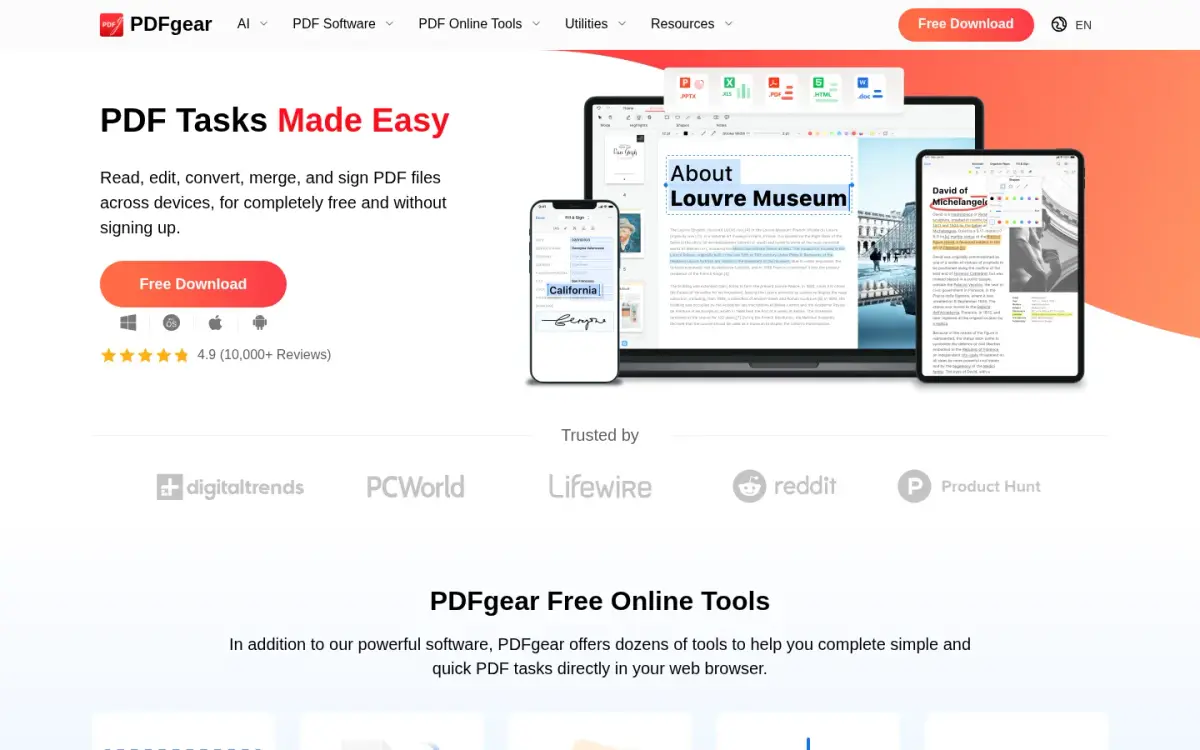
PDFgear is a free PDF suite from PDF GEAR TECH PTE. LTD. in Singapore. The first version was released in 2022. The homepage presents it as completely free, and its structured data lists a price of 0 USD.
It covers more platforms than most free tools here: Windows, Mac, iPhone and iPad on the homepage, with Android and a Chrome extension in the stores. The online tools hub advertises 30+ tools for editing PDFs. The vendor states it does not display ads.
Processing varies by tool. The online Unlock PDF tool runs in the browser with no upload, no watermark, no signup and no limit on size, number or page count. The online Compress PDF tool uploads to Amazon cloud servers in the US and deletes files 20 minutes after they leave the site.
Ratings are numerous but come from several places. The homepage claims 4.9 from 10,000+ reviews without naming the source. The iOS app shows 4.7 from 8,842 ratings, and Google Play shows 4.7 stars from 48.7K reviews with 1M+ downloads.
The free offer may not last. The vendor says charging for advanced features is under consideration, with no timeline, and its 2025 milestone mentions some features shifting to paid options. Check the current pages before you rely on it.
Against ToAny, PDFgear gives you apps on Windows, Mac, iOS and Android, which ToAny lacks. ToAny keeps every PDF tool and compress in the browser, while PDFgear's compress uploads your file.
- Price
- Presented as completely free; JSON-LD price 0 USD pdfgear.com
- Platforms
- Windows, Mac, iPhone, iPad; Android and Chrome extension also listed pdfgear.com
- Unlock PDF
- In-browser, no upload; no limit on size, number or page count pdfgear.com
- Compress PDF
- Server upload to Amazon Cloud Servers in the US; files deleted 20 minutes after leaving the site pdfgear.com
- Google Play
- 4.7 stars, 48.7K reviews, 1M+ downloads play.google.com
- Founded
- 2022: first version released; Singapore pdfgear.com
Best suited for: People who want a free app on a phone, a tablet and a computer and accept that some online tools upload. It suits those who can live with a future paid tier.
6. Smallpdf, best for polished hosted tools and quick fixes
Smallpdf is the closest like-for-like rival to iLovePDF: a hosted toolkit with a free tier and a paid plan. It was founded in 2013 in Switzerland, and the company is Smallpdf AG, with teams in Zurich and Belgrade.
Its about page claims 40+ million monthly users, 100+ million monthly tasks, 24 languages and 195 countries. The pricing page lists 30+ document management tools. Those are vendor claims, and the page counts differ between pages.
Files are uploaded. Smallpdf's servers are in Ireland, and files from free tools are deleted after one hour. The company states ISO/IEC 27001 certification and compliance with GDPR, CCPA and nFADP.
The free plan allows limited document downloads, with a daily download limit on most tools. The exact daily number is not shown on the pages we read. Pro adds Strong Compression, Edit Text and OCR, so text editing and OCR sit behind the paywall. There is a 7-day free trial, and the yearly plan is stated to be 25% cheaper per month than monthly. We could not read the absolute prices.
Trustpilot shows 4.8, labelled Excellent, from 5,278 reviews.
Like iLovePDF, it trades upload and daily limits for a wide hosted toolset. Against ToAny, Smallpdf offers editing and OCR on Pro and has apps, but the file leaves your device and the free tier has a daily cap.
- Price
- Free; Pro with a 7-day free trial; absolute prices not readable on the pages we read smallpdf.com
- Where the file is processed
- Server upload; servers in Ireland (EU) smallpdf.com
- Retention
- Free tools: files deleted after 1 hour smallpdf.com
- Tools
- 30+ document management tools smallpdf.com
- Trustpilot
- 4.8 (Excellent) from 5,278 reviews trustpilot.com
- Founded
- 2013 (Switzerland) smallpdf.com
Best suited for: People who like a polished hosted tool and will pay for Pro to edit text and run OCR. It suits those who are content to upload files and live with a daily limit on the free plan.
7. Foxit PDF Editor, best for team-grade desktop editing
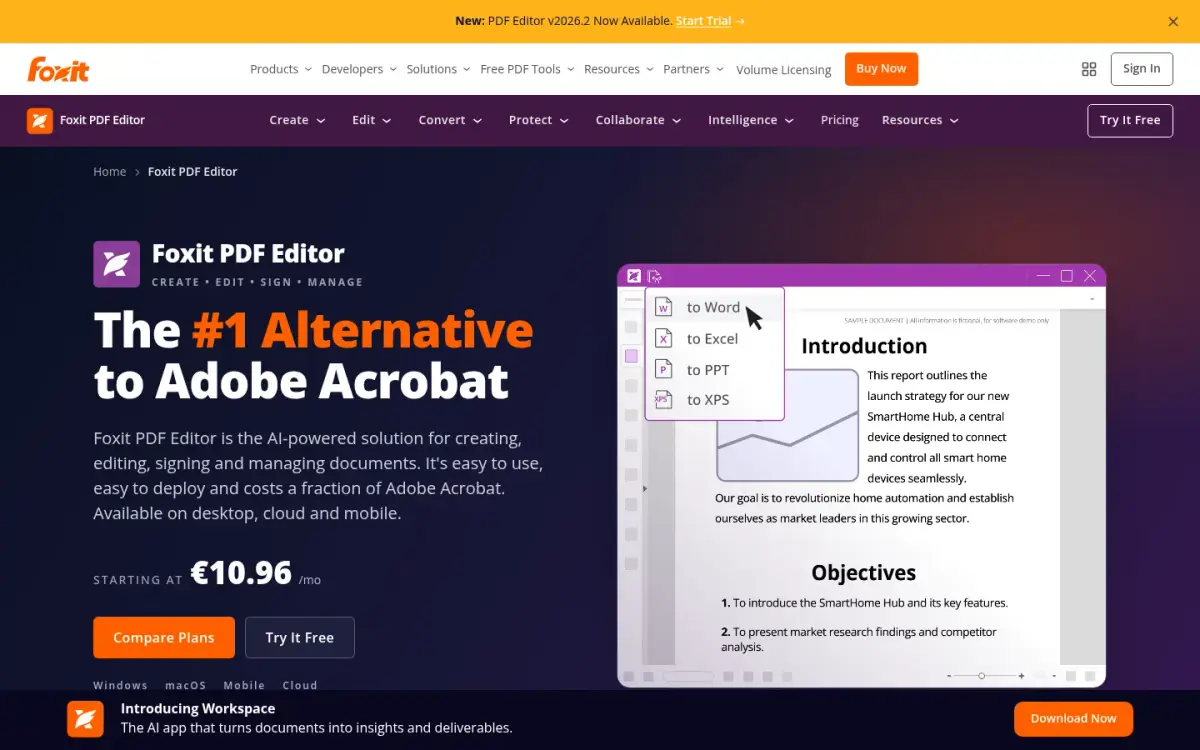
Foxit PDF Editor is a paid editor for Windows, macOS and the web, with mobile apps only in the PDF Editor+ plan. Foxit says it launched in California in 2001. It is not a quick-fix tool. It is software you buy for a team.
Prices are listed in US dollars. PDF Editor costs $129.99 per user per year and PDF Editor+ $159.99 per user per year. Monthly billing is available from $10.99, but the page does not say which plan that covers. A one-time licence for Foxit PDF Editor 14 costs $209.99 per user.
There is no free tier for the editor. You get a 14-day free trial with no credit card. A separate free Foxit PDF Reader exists, but it is a reader.
The company claims 700M+ users and 660,000+ organisations. Its logo wall includes Amazon, JPMorganChase, Intel, NASDAQ, HP, Dell, Lenovo and Hilton. Those are company claims. Foxit also states SOC 2, HIPAA-ready, GDPR-supported and Section 508 compliance.
AI features come with credits. Foxit offers 300 free AI credits a month, and a paid add-on costs $49.99 per year for 2,000 credits a month. Password protection is listed as a feature of the editor.
We could not find where Foxit's web version processes files, so we do not state it. The editor suits staff who edit PDFs all day. It is poor value for someone who needs to merge two files.
- Price
- PDF Editor $129.99 per user per year; PDF Editor+ $159.99 per user per year foxit.com
- One-time price
- $209.99 one-time per user (Foxit PDF Editor 14) foxit.com
- Free tier
- None for PDF Editor; 14-day free trial, no credit card foxit.com
- Platforms
- Windows, macOS, web; mobile apps only in PDF Editor+ foxit.com
- Users
- 700M+ users and 660,000+ organizations (company claim) foxit.com
- Launched
- California, 2001 foxit.com
Best suited for: Teams that edit PDFs every day and want a supported desktop editor with trial and volume options. It does not suit anyone who needs a free tool for the odd merge or split.
8. Wondershare PDFelement, best for a full editor suite with multilingual ocr
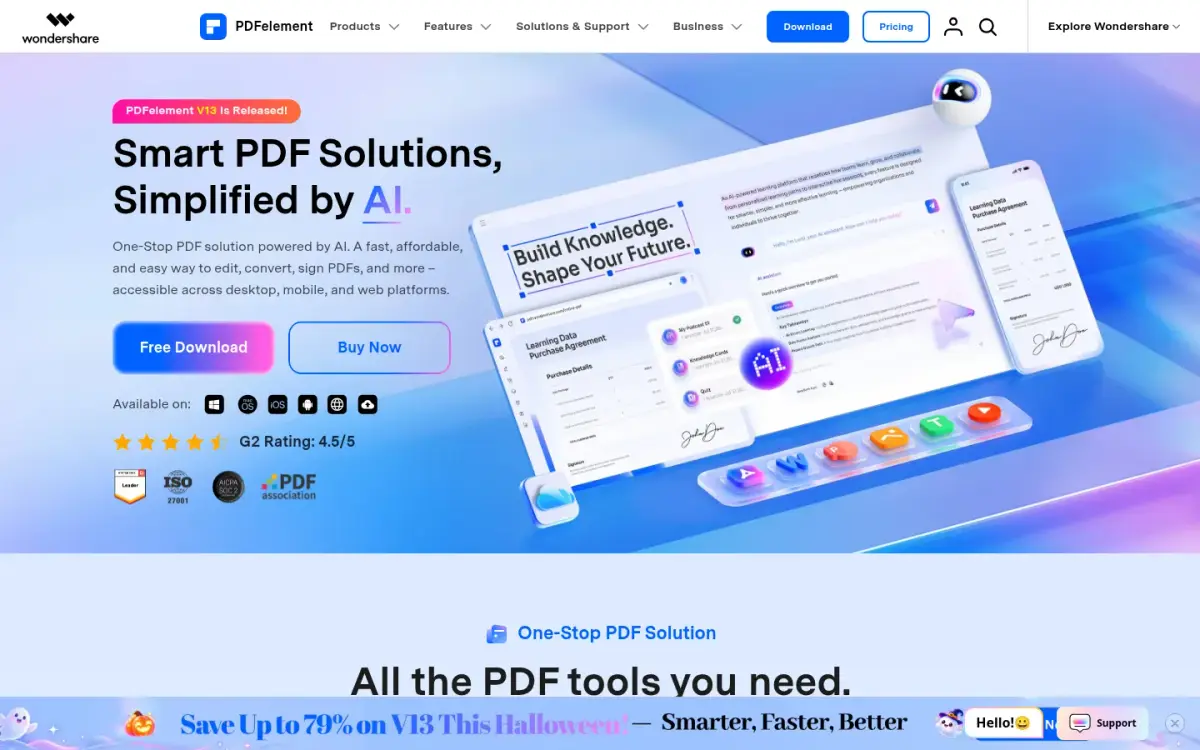
PDFelement is the PDF editor from Wondershare, whose parent company was founded in 2003. It is available on desktop, iOS, Android and the web.
Pricing on the default store block is in US dollars. The Yearly Plan is US$79.99 a year for a single platform or US$89.99 a year cross-platform. A 2-Year Plan costs US$119.99 cross-platform, and the Perpetual Plan is a one-time US$139.99 cross-platform or US$129.99 single-platform. These are promotional V13 prices.
The free route is a trial. A registered 14-day trial covers nearly all features, with no credit card, but saved files get a watermark. Paid plans do not watermark.
The free online tools are limited. Online merge allows files up to 100MB, with no reordering or preview, and is meant for 1 to 5 files. Online split handles a batch of up to 3 files and splits only by pages and page ranges. Online files are uploaded, and those sent to the split tool are erased within 7 days. The desktop app processes files locally.
PDFelement lists OCR, which supports 26 languages including right-to-left scripts. The vendor shows a G2 rating of 4.5 out of 5 on its homepage. We did not read the G2 page, so the review count is unknown.
Wondershare claims 2 billion+ people across 200+ countries, but that is group-wide and not specific to PDFelement. Its online split tool erases uploads within 7 days, against one to two hours at iLovePDF, PDF24 and Smallpdf.
- Price
- Yearly Plan US$79.99 per year (single platform) or US$89.99 per year (cross-platform) pdf.wondershare.com
- Perpetual plan
- US$139.99 cross-platform / US$129.99 single-platform, one-time fee pdf.wondershare.com
- Free trial
- Registered 14-day trial; saved files get a watermark pdf.wondershare.com
- Online merge
- Free online merge: files up to 100MB; best for 1-5 files pdf.wondershare.com
- OCR
- 26 languages including right-to-left scripts pdf.wondershare.com
- Platforms
- Desktop, mobile (iOS & Android) and web pdf.wondershare.com
Best suited for: Individuals who want a paid desktop editor with OCR in many languages and a one-time licence option. It suits those who will pay once, not those who want free tools without a watermark.
Side-by-Side Comparison
The table repeats the six criteria for all eight products, in rank order. Cells say "Not stated" where the vendor's pages did not give a value. ToAny loses on tool count, editing, OCR, signing and platforms.
| Product | Price | Where the file is processed | Tool count | Text editing, OCR and signing | Platforms | Free-tier limits |
|---|---|---|---|---|---|---|
| ToAny | Free | Browser; no PDF tool uses the server | 10 plus compress | None | Web only | No daily limit; 300 MB per run on desktop |
| PDF24 | Free | Web: EU servers, deleted after about 1 h; app: local | Not stated | Edit, Sign, OCR listed | Web, Windows app | Creator: no restrictions stated; web: not stated |
| Stirling PDF | Free; Team $99/month | Homepage says on your machine | 60+ | Not stated | Web, desktop, self-hosted | 1,000 monthly credits |
| Sejda | A$99 per user per year | Desktop: local; web: uploaded | 30+ | OCR listed; rest not stated | Web, Windows, Mac, Linux | Desktop: 3 tasks a day |
| PDFgear | Free | Unlock: browser; compress: uploaded | 30+ online tools | Not stated | Windows, Mac, iOS, Android | Unlock: no stated limit |
| Smallpdf | Pro price not stated; 7-day trial | Uploaded, deleted after 1 h | 30+ | Edit Text and OCR on Pro | Web, desktop, mobile | Daily download limit |
| Foxit PDF Editor | $129.99 per user per year | Not stated | Not stated | Not stated | Windows, macOS, web | No free tier; 14-day trial |
| Wondershare PDFelement | US$79.99 per year | Desktop: local; online: uploaded | Not stated | OCR in 26 languages | Desktop, mobile, web | Trial adds a watermark |
Which iLovePDF alternative fits your use case
Match the job to the product. Privacy-first basics point to ToAny, while editing, OCR and signing point to the paid or desktop tools.
| If you are... | Pick | Why |
|---|---|---|
| Merging or protecting a private document | ToAny | Runs in the browser, so the file is not uploaded |
| On Windows and want editing, OCR and signing for free | PDF24 | Lists Edit, Sign and OCR; Creator app is free and offline |
| A developer or IT team that needs an API or self-hosting | Stirling PDF | APIs, MCP and a self-hosted option; 60+ tools |
| Working offline with an occasional OCR job | Sejda | Desktop app processes locally; OCR listed |
| Wanting one free app across phone and computer | PDFgear | Windows, Mac, iOS and Android apps; presented as free |
| A team that edits contracts all day | Foxit PDF Editor | Paid editor with a 14-day trial and a one-time licence option |
What results look like with ToAny
These are measurements from ToAny's own compress research, run in Node on an Apple M4 Pro, using research prototypes or the same library versions the site ships. They are not user reports and not a re-run of the live page. Your results will vary with your file.
- Scanned book PDF at Balanced6,528 KB420 KB (93.6% smaller)Measured on an Internet Archive scan in our compress research. Scans made of page images can shrink a lot.
- Slide deck PDF at Balanced493 KB101 KB (79.5% smaller)Measured on a slide deck from our compress research corpus, using the Balanced level.
- Large slide deck, Balanced and a 1 MB target10,553 KB2,376 KB at Balanced; 911 KB at a 1 MB targetBalanced saved 77.5%. Reaching the 1 MB target cost image quality: the output dropped to 50 ppi, with a lowest page SSIM of 0.781.
- 36 Office and e-book files, honest average40,931,325 bytes in total22.3% saved at BalancedAn average across all 36 files in our research set, not a PDF-only figure. Some files saved nothing, and signed or password-protected files are refused.
Frequently Asked Questions
What is the best free alternative to iLovePDF?
It depends on the job. ToAny is free for basic jobs and runs them in your browser, PDF24 is free and lists editing, signing and OCR, and PDFgear presents itself as completely free.
How do I use a PDF tool without uploading my file?
Pick a tool that processes the file in your browser or on your computer. ToAny's PDF tools and compressor run in the browser, and Sejda's desktop app runs locally.
What does iLovePDF do with the files I upload?
iLovePDF processes files on its servers. It states that files are deleted automatically within two hours of processing and that you can delete them manually from the download screen.
How much does iLovePDF Premium cost?
The page showed 11 AUD a month billed monthly, or 84 AUD billed annually, which is 7 AUD a month. The page appeared to be geo-priced in AUD, so check your own price.
What are the free limits on iLovePDF?
On its pricing page, free tasks take 2 files for Compress, Unlock and Protect and 25 files for Merge. File sizes are capped at 100 MB for Merge, 200 MB for Compress and 15 MB for Office and PDF conversions.
Can ToAny edit, sign or OCR a PDF?
No. ToAny does not change the text inside a PDF, and it has no OCR or signing. For those jobs use PDF24, Sejda, Smallpdf Pro or PDFelement.
Does ToAny upload anything?
Browser conversions and every PDF tool stay on your device. A small number of pairs, 16 in all, run on ToAny's server for some Office and e-book formats, and only after you consent to each upload.
What is the best iLovePDF alternative for teams?
Stirling PDF offers a Team plan at $99 a month for 100 users, plus APIs and self-hosting. Foxit PDF Editor costs $129.99 per user per year and suits teams that edit every day.
Try ToAny for free (no account required)
Open a PDF tool, drop in a file and see the result.
There is no account, no email and no daily limit. The file stays in your browser.
If you need OCR, editing or signing, ToAny is not the right tool, and this guide names the ones that are. For merging, splitting, protecting and compressing, it is built for privacy and costs nothing. Open the PDF tools now and try one.