Best CloudConvert Alternatives in 2026: the buyer's shortlist

By Thien · Maker of ToAny
Published
The useful question about CloudConvert alternatives is whether your file needs to be uploaded at all. ToAny ranks first because it converts in your browser, free, with no account, across 190 formats.
Six others follow: VERT, File Converter, ConvertX, Convertio, Zamzar and Online-Convert. We compare them on where the file is processed, price, formats, licence, platforms and sign-up. ToAny loses on some rows, and the table shows them.
Want to see the difference in a minute? Drop a file on ToAny's converter page and watch the network panel: a browser conversion sends nothing. Open the ToAny converter
Key Takeaways
- ToAny is the pick if you want to stop uploading files. Browser conversions never send the file, and there is no account, no price and no daily limit. A small number of pairs (16) use ToAny's server, and only after you consent for that upload.
- VERT is the closest like-for-like. It converts images, audio and documents on your device, publishes its code under AGPL-3.0 and claims over 250 formats. Some video conversions need a server.
- Open source and local options beat ToAny on openness. VERT, File Converter and ConvertX publish their code, and ToAny's repository is private. ConvertX claims 1000+ formats, against ToAny's 190.
- Hosted converters still win on cloud features. Convertio offers cloud import and an API, and Zamzar offers an API and desktop apps. ToAny has neither an API nor cloud import.
- Check the price model before you upload. CloudConvert's free plan gives 10 conversion credits a day and 1 GB per file. Convertio starts at $11.99 a month, and Zamzar's free tier allows 2 conversions in 24 hours.
What CloudConvert alternatives actually are (and what they are not)
CloudConvert is a hosted file converter. Its pricing page shows a free plan at EUR 0 with 10 conversion credits a day and a 1 GB file limit, and its about page says the service started in 2012 and offers a REST API. Selected files are transferred to and temporarily stored on its servers, then deleted, at the latest after 24 hours according to its privacy policy.
A CloudConvert alternative is any tool that turns one file format into another without sending you to that service. In practice they fall into four groups. Browser tools convert on your device, which is how ToAny and most of VERT work. Local apps, such as File Converter for Windows, run on your own PC. Self-hosted servers, such as ConvertX, run on a machine you operate. Hosted converters, such as Convertio, Zamzar and Online-Convert, work like CloudConvert and process files on their servers.
The groups are not interchangeable. A hosted converter can offer an API, cloud import and very large files, which a browser tool usually cannot match. A browser or local tool keeps the file on your device, which a hosted one cannot promise. Self-hosting gives control but adds setup and maintenance.
Alternatives are also not copies of CloudConvert's feature list. Format counts are claimed by each vendor and counted differently, so treat them as rough. This guide uses only figures that each vendor states on its own pages, and marks anything missing as not stated.
How We Ranked These CloudConvert Alternatives
We ranked each tool on six criteria that a buyer can check in a few minutes. Every figure comes from the vendor's own pages, its public repository or a named third-party page (GitHub's API, Trustpilot), read on 17 October 2026.
Where a page does not state a value, the table says so instead of guessing. Ranking order reflects how well a tool replaces CloudConvert for someone who wants control over where the file goes, with the losses to ToAny shown openly in the table.
- Criterion 1Where the file is processedBrowser, local app, self-hosted or vendor server
- Criterion 2PriceFree, or the cheapest paid price as displayed; not stated where no price is shown
- Criterion 3Formats supported (as stated)Number of formats the vendor states
- Criterion 4Open-source licenceLicence of the converter code
- Criterion 5PlatformsWeb, Windows, Docker and so on
- Criterion 6Account requiredYes or no
The Best CloudConvert Alternatives in 2026
The ranking runs from the tool that keeps your file on your device by default to the hosted services that behave most like CloudConvert. ToAny is first, and we say where it falls short. Three of the others publish their source code, which ToAny does not. Read the comparison table before the stories, because the rows where a rival beats ToAny matter as much as the ones where it wins.
1. ToAny, best for leaving the upload model
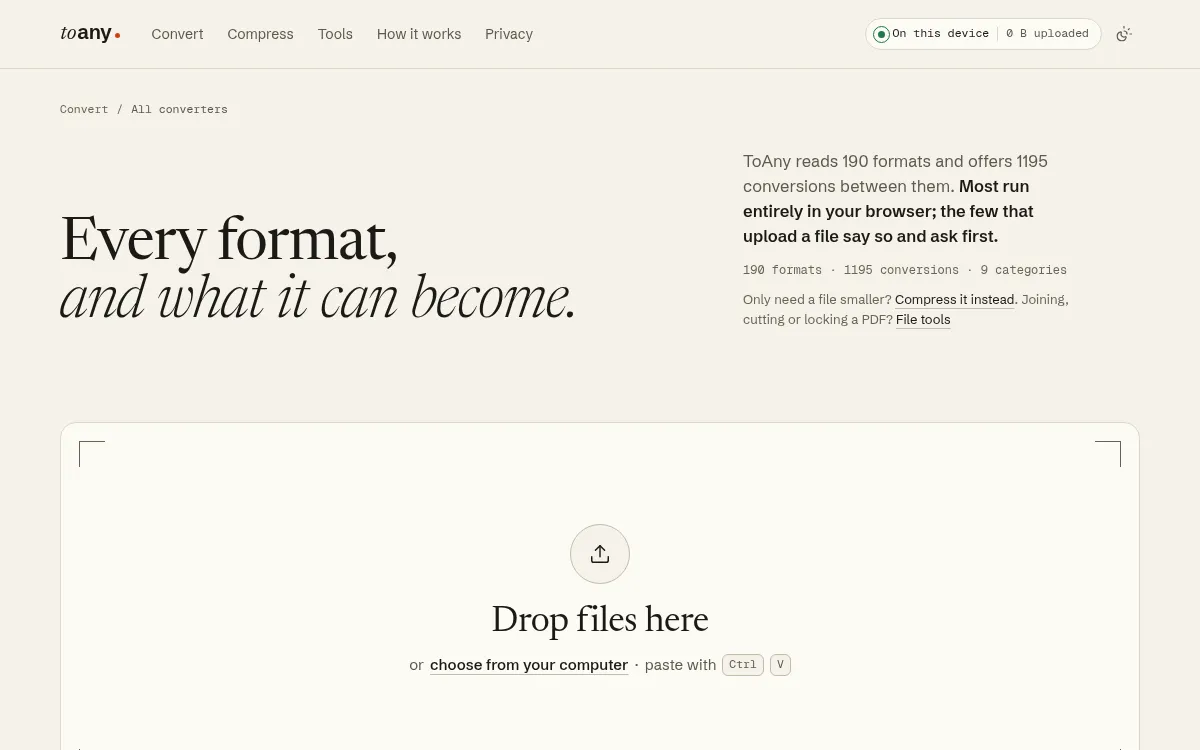
ToAny reads 190 formats and offers 1,195 conversions between them, across nine categories: image, video, audio, document, data, archive, subtitle, font and 3D. It is free, needs no account or email, and has no daily limit on browser conversions. You can convert several files at once and download them as a ZIP.
The privacy claim is narrow and checkable. For a browser conversion the file's contents, name and size are never sent to ToAny or anyone else, and you can confirm it in the browser's Network panel. The file type is detected from the first bytes, not the extension. Compression and the PDF tools also run in the browser.
Sixteen pairs are different. Old-format Word and PowerPoint documents, and Kindle-style e-books, convert on ToAny's own server. ToAny asks for consent before each upload, deletes the file after conversion and accepts up to 50 MiB per upload.
ToAny has real gaps. It has no API, no cloud-storage import, no accounts and no history. It does not work offline yet. It is web-only, with no desktop app. The repository is private, so it is not open source. Large files are limited by your device's memory, and video conversion can be slow on phones. PDF to Word is not a strength either: ToAny does not offer it as a page because the output is positioned text boxes.
If your work is mixed files and you would rather not hand them over, ToAny's converter is the first thing to try. If you need an API or very large batches processed by a server, it is not that tool.
- Formats
- 190 formats, 1,195 conversions, 9 categories toany.io
- Price
- Free; no account, no email, no sign-up toany.io
- Server pairs
- 16 pairs run on ToAny's server, after consent for each upload toany.io
- Server upload limit
- 50 MiB per upload toany.io
- Source code
- Private repository, not open source toany.io
- Platforms
- Web only; no app, no API toany.io
Best suited for: People who convert photos, audio, video, PDFs and documents and want the file to stay on their device. It is not for anyone who needs an API, cloud import or an installable app.
2. VERT, best for the closest open-source, on-device match
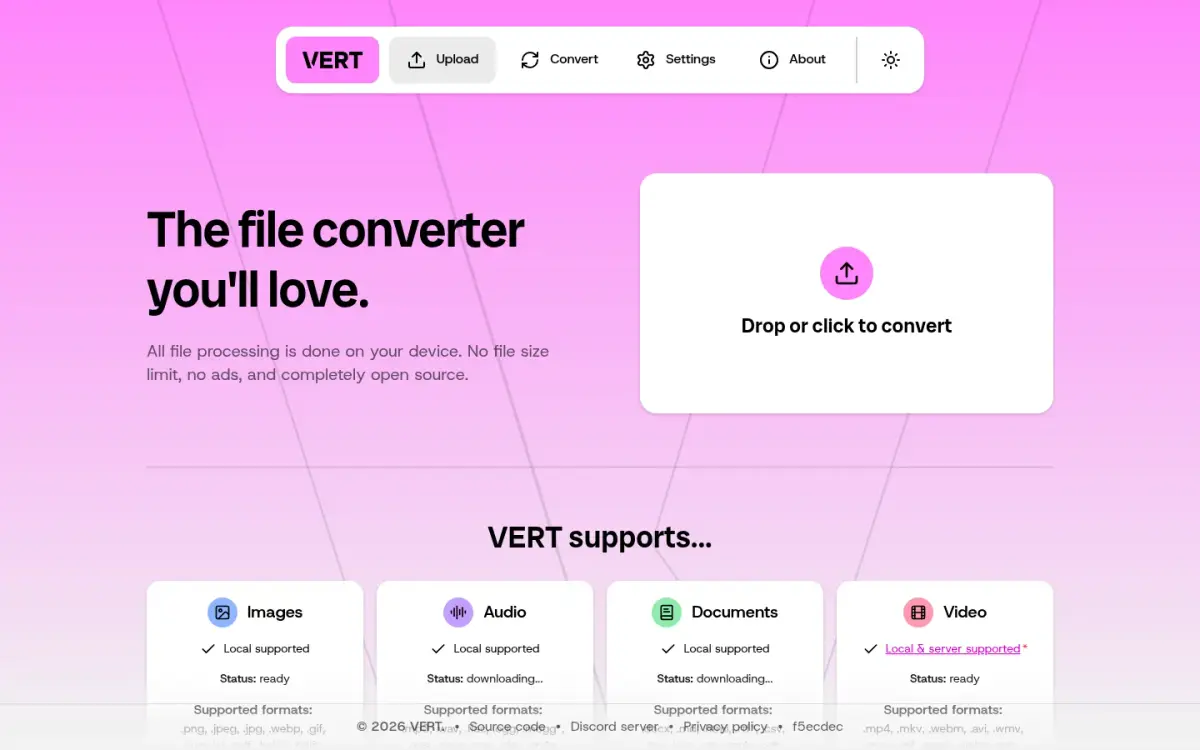
VERT is the tool most like ToAny, and it has one clear advantage: its code is public. The repository is licensed AGPL-3.0, and GitHub shows 15,990 stars at the time of our check. The repository was created on 2024-11-11, which is the only date we can source, as VERT states no company founding.
Its homepage claims all file processing is done on your device, with no file size limit, no ads and open source. It says it supports over 250 formats. That count is larger than ToAny's 190, though both are the vendors' own figures and are counted differently.
The detail matters for video. According to VERT's FAQ, non-video files convert on your device. Video is converted in the browser where possible, using Mediabunny, but some conversions need a server daemon called vertd, and the FAQ says those video files are uploaded to the official server. Files there stay for up to one hour, or until downloaded, and are then deleted. You can self-host vertd with a Docker guide if you want to keep video off a third-party server.
Under the hood VERT uses FFmpeg for audio and video, ImageMagick for images and Pandoc for documents. It also uses Plausible analytics, which it describes as anonymous and aggregated, with an opt-out in Settings.
VERT beats ToAny on openness and on stated format count. Its pricing is not stated on the pages we read, so we do not list one. It is the first thing to try if you want a browser converter you can audit.
- Formats
- Over 250 formats claimed raw.githubusercontent.com
- Licence
- AGPL-3.0 raw.githubusercontent.com
- Limits
- No file or file size limits claimed raw.githubusercontent.com
- Video
- Some conversions need the server (vertd); server video files kept up to one hour raw.githubusercontent.com
- GitHub stars
- 15,990 (queried 2026-10-17) api.github.com
Best suited for: People who want an open-source converter that runs on their device and are happy to check which video conversions use a server. It is less suited to anyone who needs a documented price or support.
3. File Converter, best for local right-click conversion on Windows
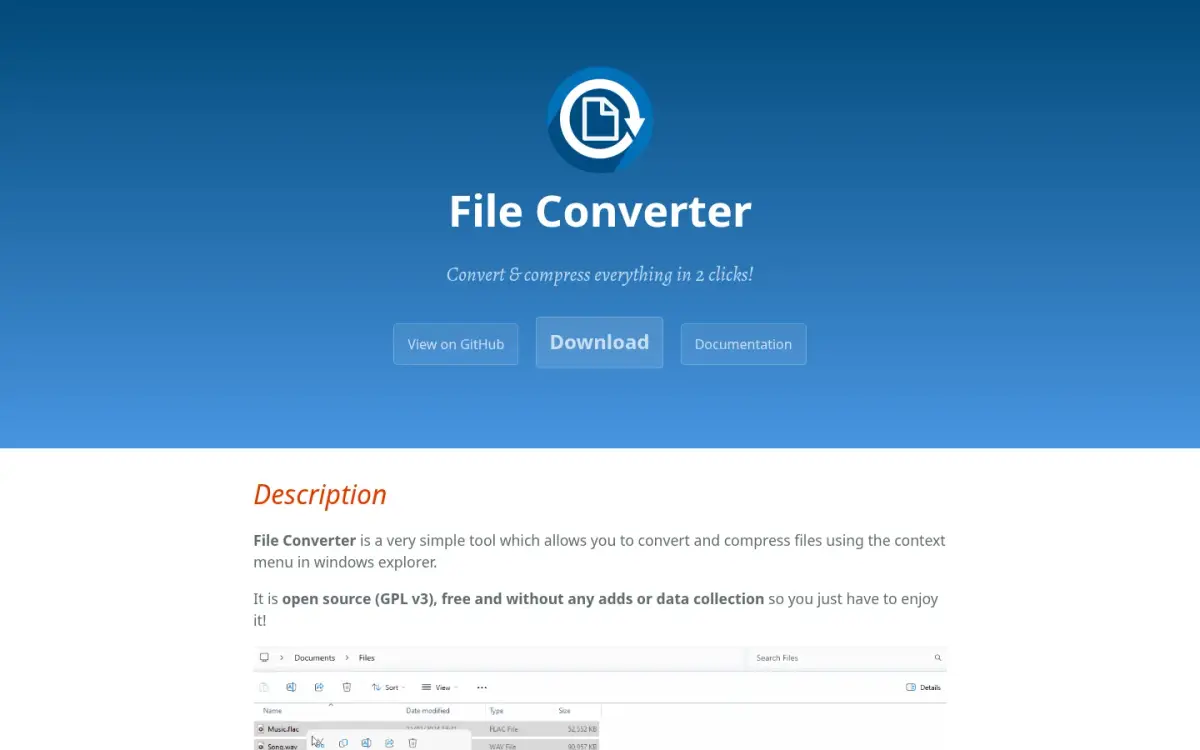
File Converter is a small Windows program that adds conversion to the right-click menu in Explorer. You select a file, choose a format and the work happens on your own PC. The page describes no upload. It is the most local option here, and it is not a website at all.
It is free, with no paid plan, and the page accepts donations. It is open source under GPL v3, and its GitHub repository shows 15,399 stars and 939 forks. The project began as a personal project in 2014, with the repository created on 2015-04-06. The page names Adrien Allard as maintainer but does not use the word founder, and it describes community contributors.
The format list is short compared with the web tools. The page does not give a total. Our count of the output formats it lists is 17: five audio (flac, aac, ogg, mp3, wav), six video (webm, mkv, mp4, ogv, avi, gif), five image (png, jpg, ico, webp, avif) and one document (pdf). Office document conversion needs Microsoft Office installed and activated.
Platform is the main limit. The current version, v2.2, published 2026-02-13, supports Windows 7, 8, 10 and 11 on x64, as an MSI installer of about 58 MB. The page lists Windows only and describes no web version.
File Converter beats ToAny on openness and on right-click convenience for Windows users. ToAny covers far more formats, including data, archives, fonts, subtitles and 3D, and works on any device with a current browser.
- Price
- Free (no paid plan); donations accepted file-converter.io
- Licence
- GPL v3 api.github.com
- Platforms
- Windows only (7/8/10/11), x64 installer file-converter.io
- Output formats
- 17 listed (our count of the formats on its page) file-converter.io
- GitHub
- 15,399 stars, 939 forks (read 2026-10-17) api.github.com
- Latest release
- v2.2, published 2026-02-13 api.github.com
Best suited for: Windows users who convert audio, video and images regularly and like the right-click menu. Its page lists Windows only, so it is not for Mac, Linux or phone users, or anyone who needs documents beyond PDF.
4. ConvertX, best for self-hosting in Docker
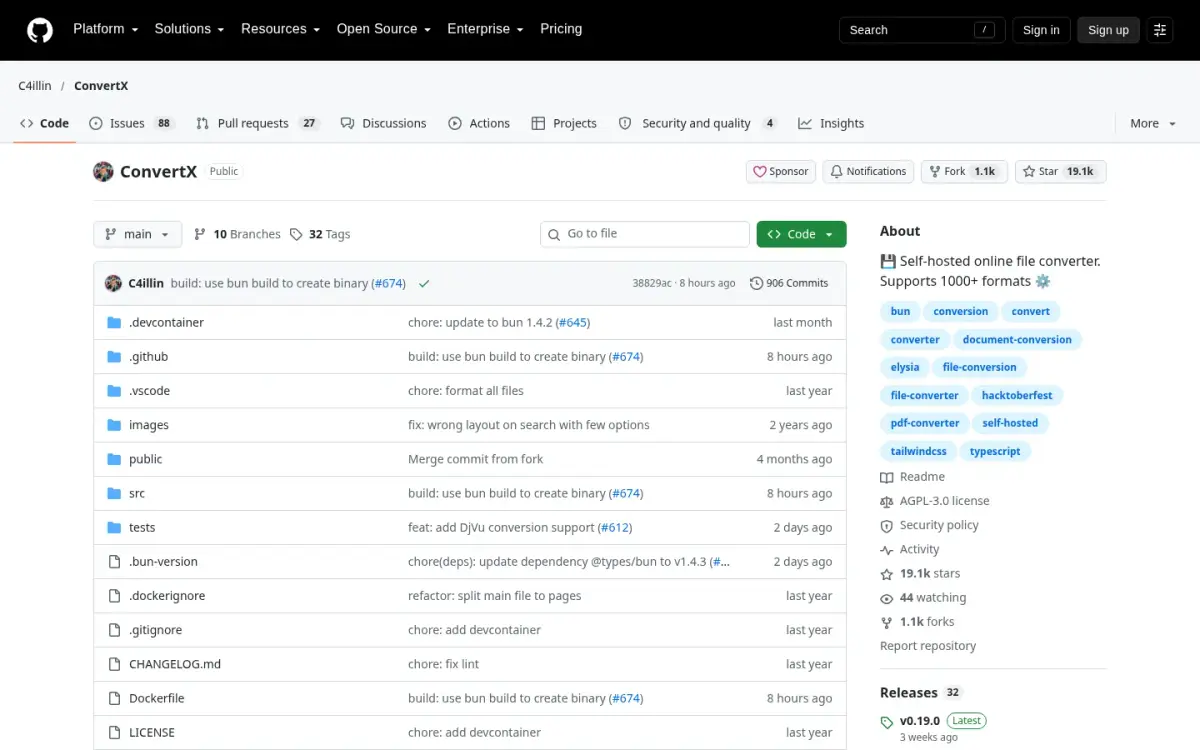
ConvertX is a self-hosted file converter. You run it as a Docker container on a server you control, and you open its web interface from a browser. The project describes itself as supporting 1000+ formats, and it publishes its code under AGPL-3.0. No price is stated in the README.
The format claim needs a careful reading. The README table lists, for example, about 472 input and 199 output formats for FFmpeg, and 245 input and 183 output formats for ImageMagick. The README itself notes that many FFmpeg formats are duplicates. Treat 1000+ as a ceiling, not a count of distinct file types, against ToAny's 190.
Where files go depends on you. Because you operate the server, the file stays on infrastructure you control. ConvertX deletes files older than 24 hours by default, a setting you can change, and 0 disables it. It supports batch conversion, password protection and multiple accounts, and there are no vendor limits. The only optional cap is MAX_CONVERT_PROCESS, which sets concurrency.
There are costs. An account is required by default, with account creation on first run. The README warns against exposing it to the internet with unauthenticated use or open registration. You have to maintain the server, update the image and secure it yourself.
The repository was created on 2024-04-07, has 19,149 stars and 1,091 forks as of 2026-10-17, and its latest release is v0.19.0, published 2026-09-26. No user count is claimed. ConvertX offers more formats, openness and control than ToAny, at the cost of setup effort.
- Formats
- 1000+ claimed (README) github.com
- Licence
- Open source (AGPL-3.0); no pricing stated github.com
- Platforms
- Self-hosted; web UI served from a Docker container raw.githubusercontent.com
- File retention
- Auto-deletes files older than 24 hours by default (configurable) raw.githubusercontent.com
- Account
- Yes by default: first-run account creation raw.githubusercontent.com
- GitHub
- 19,149 stars, 1,091 forks (API, 2026-10-17) api.github.com
Best suited for: Teams and hobbyists who already run Docker and want a private converter with a wide format list. It is not for anyone who wants to convert a file in the next minute without setting up a server.
5. Convertio, best for the nearest hosted equivalent
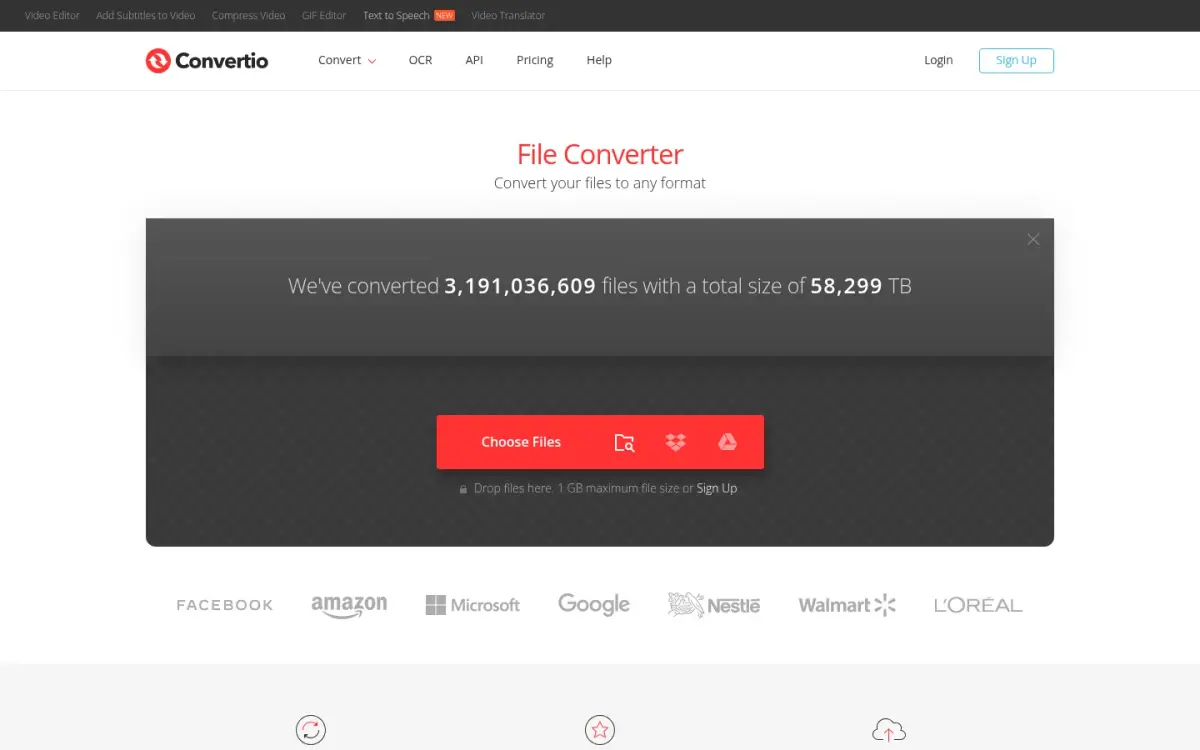
Convertio is the closest hosted equivalent to CloudConvert. It supports 300+ formats and 25,600+ conversions, offers an API, and lets you upload from Dropbox and Google Drive as well as your device. The company started in 2014 and says it is among the 1000 most visited sites in the world, which is a self-claim.
Files go to Convertio's servers. The security page says transport is encrypted, the infrastructure is based in Germany and input and temporary files are deleted immediately after conversion. Outputs are deleted after 24 hours, or earlier if you delete them. The homepage aims for under 1-2 minutes per conversion.
Pricing is credit-based, and credits measure server time. Billed monthly, Lite is $11.99, Basic $22.99, Pro $44.99 and Custom starts at $54. Billed annually, the per-month prices are $6.99, $13.99, $25.99 and $32.42. Lite allows 1 GB per file and 1000 credits a month. Pro allows 10 GB and 10000 credits. Most photo and document conversions use 1 credit, and larger files or complex codecs use more. The plan list includes adfree pages, which implies the free tier shows ads, although the page does not say so.
Reputation signals need care. Trustpilot shows a TrustScore of 4.9 from 10,602 reviews, but it flags that the company has not invited customers recently. The site's own rating of 4.6 from 31,811,866 votes comes only from people who converted a file, so it is not independent.
Convertio offers formats, cloud import and an API that ToAny does not. In exchange, every file is uploaded, and ToAny is free.
- Price (monthly billing)
- Lite $11.99/month, Basic $22.99, Pro $44.99, Custom from $54 convertio.co
- Price (annual billing)
- Lite $6.99/month, Basic $13.99, Pro $25.99, Custom from $32.42 convertio.co
- Formats
- 300+ formats (25,600+ conversions) convertio.co
- Max file size
- Lite 1 GB, Basic 3 GB, Pro 10 GB, Custom 20 GB convertio.co
- Trustpilot
- TrustScore 4.9, 10,602 reviews (read 2026-10-17) trustpilot.com
- Founded
- 2014 convertio.co
Best suited for: People who want a hosted converter with an API, cloud import and big-file plans, and accept that files are uploaded. It is a poor fit if you need the file to stay on your device.
6. Zamzar, best for a hosted converter with a desktop app
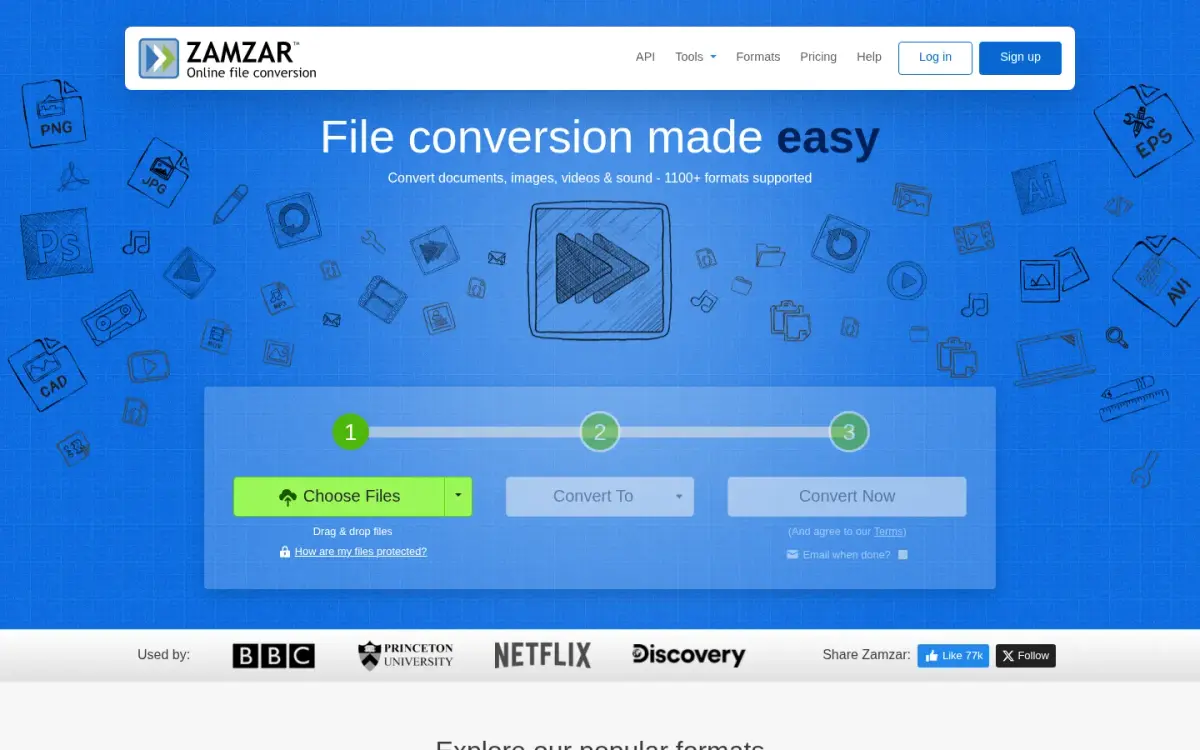
Zamzar is one of the oldest names here. It was founded in 2006 by the brothers Chris and Mike Whyley and is based in England. The company says it has had 550+ million users since launch and 760+ million conversions, which are vendor claims. It also says it grows organically, says no to outside funding and donates 2% of monthly profits to charities.
The free service needs no account. It limits you to 2 conversions and 2 compressions per 24 hours, with files up to 50MB, and free converted files are stored for 24 hours at most. Paid plans cost $12, $19 and $39 a month for Basic, Pro and Business, with file limits of 200 MB, 400 MB and 2 GB. Paid accounts get unlimited daily conversions.
Zamzar offers more than a website. There is a desktop app for Mac and Windows, an API with a free plan of 100 credits and a 1 MB maximum file, and conversion by email. Its format claims do not agree: the About page says 200 file formats, while the homepage says 1100+.
Files are uploaded to Zamzar servers, located in the United States per its privacy policy. It states TLS-encrypted traffic, a UK base and GDPR compliance, and says originals are deleted after conversion. Paid users' files stay until they delete them.
Zamzar leads on API, desktop apps and email conversion. ToAny is ahead on price and privacy: ToAny has no daily limit on browser conversions, while Zamzar's free tier allows 2, and ToAny does not upload files for browser conversions.
- Price
- Basic $12/month, Pro $19/month, Business $39/month (USD); free tier exists zamzar.com
- Free limits
- 2 conversions and 2 compressions per 24 hours; 50MB per file zamzar.com
- Formats
- 200 (About page); 1100+ (homepage claim) zamzar.com
- Platforms
- Web app; desktop app for Mac and Windows; API; conversion by email zamzar.com
- Founded
- 2006, by brothers Chris and Mike Whyley zamzar.com
- Users (vendor claim)
- 550+ million users since launch zamzar.com
Best suited for: Occasional users who want a long-established hosted service, and teams that need an API or a desktop app. It is less suited to anyone converting many files a day on the free tier.
7. Online-Convert, best for very large files on a hosted converter
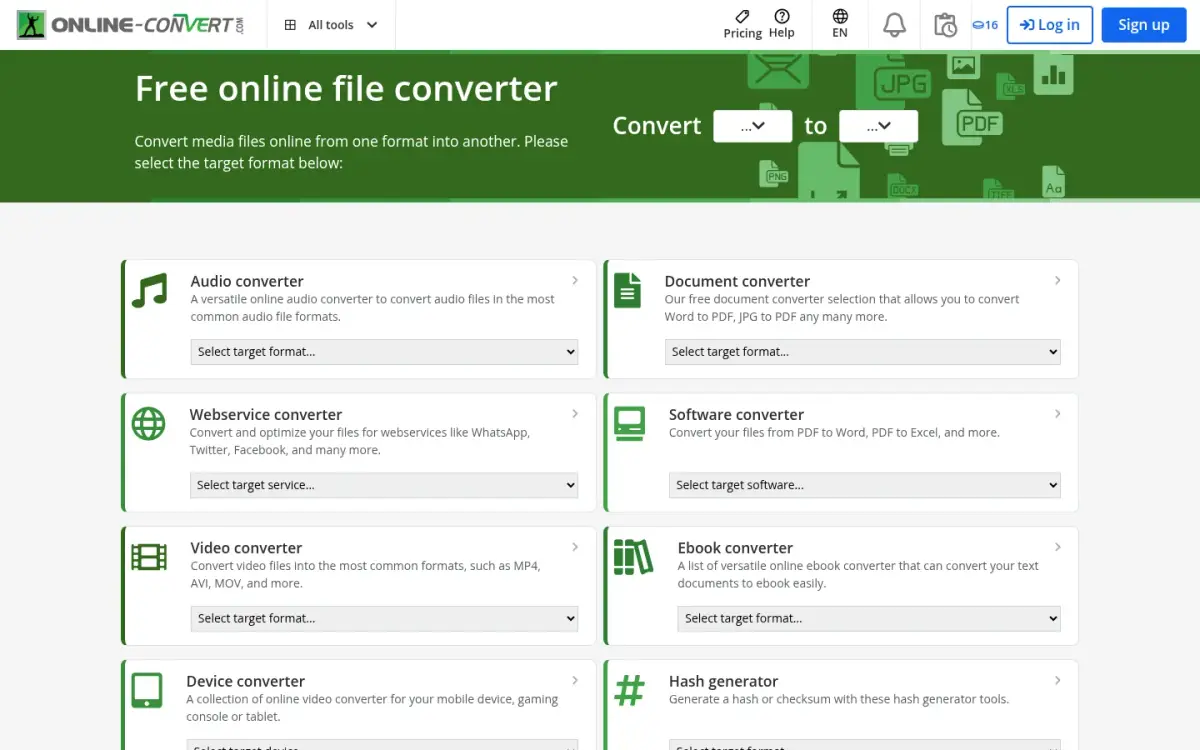
Online-Convert is a hosted converter from QaamGo Media GmbH in Radolfzell, Germany. It dates from 2011, supports 250+ file formats and has an interface in 10 languages. It sits between a pay-as-you-go tool and a subscription service.
The free trial runs for an unlimited time, but you need to sign up to get the test credits, and they renew every 24 hours. Free use allows 75 MB per file, 10 minutes per task and a limited number of tasks within 24 hours. The exact number is not stated. Premium raises this to 64 GB per task and 8 hours per task.
Pricing is by credits. Most tasks use 1 credit per 30 seconds of processing. The pay-as-you-go option shown to a euro visitor was 480 credits for 13,00 EUR, one-time, with credits that roll over and expire one year after payment. Subscriptions can be cancelled any time with no minimum contract, and there is a 14-day money-back guarantee if the service has not been used extensively. Paid tools are free for students and teachers. Higher plans list batches of up to 200, teams with 25 members, no waiting queue and a 99.9% SLA.
Files are uploaded to Online-Convert's servers and can be deleted after conversion. No fixed retention period is stated. The security page says TLS in transit and states GDPR compliance. The paid plans list no ads, but the page does not say the free plan shows them.
On Trustpilot we read 4.7 from 469 reviews, although the star image's alt text said 4.5, so treat the figure as approximate. Online-Convert leads on file size and format count. Privacy, price and the sign-up step favour ToAny.
- Price
- 480 credits for 13,00 EUR one-time; free trial with credits renewed every 24 hours online-convert.com
- Free limits
- 75 MB per file online-convert.com
- Free processing time
- 10 minutes per task online-convert.com
- Premium limits
- Up to 64 GB per task; 8 hours per task online-convert.com
- Formats
- 250+ file formats online-convert.com
- Trustpilot
- 4.7 from 469 reviews (WebFetch, 2026-10-17; star alt text says 4.5) trustpilot.com
- Founded
- 2011 online-convert.com
Best suited for: Anyone who needs very large files processed by a server and is happy to buy credits. It is a weaker fit if you want to avoid sign-up and uploads.
Side-by-Side Comparison
This table restates the six criteria for every tool, in ranking order. Rivals beat ToAny on open-source licence, stated format count and platforms, and the rows show it. Cells say not stated wherever the vendor's pages gave no value.
| Product | Where the file is processed | Price | Formats supported (as stated) | Open-source licence | Platforms | Account required |
|---|---|---|---|---|---|---|
| ToAny | Browser; 16 pairs on ToAny's server after consent | Free | 190 | None (private repository) | Web only; no API or offline use | No |
| VERT | On device; some video on a server | Not stated | Over 250 claimed | AGPL-3.0 | Web; vertd self-hostable | Not stated |
| File Converter | Local on your PC | Free; donations | 17 outputs (our count) | GPL v3 | Windows only | Not stated |
| ConvertX | Self-hosted server | Not stated | 1000+ claimed | AGPL-3.0 | Docker, web UI | Yes, by default |
| Convertio | Uploaded; outputs deleted after 24 h | From $11.99/month; $6.99 billed yearly | 300+ | Not stated | Web; API | Not stated |
| Zamzar | Uploaded; free files kept 24 h at most | Free tier; paid from $12/month | 200 (About) or 1100+ (home) | Not stated | Web, desktop, API, email | No, for the free service |
| Online-Convert | Uploaded; no fixed retention | 480 credits for 13,00 EUR | 250+ | Not stated | Web | Sign-up for test credits |
Which CloudConvert alternative fits your use case
Match the job to the product. The right pick depends more on where the file may go than on the format.
| If you are... | Pick | Why |
|---|---|---|
| Converting private photos, scans or documents | ToAny | Browser conversions never send the file, and there is no account |
| Wanting an open-source converter you can audit | VERT | AGPL-3.0, on-device for images, audio and documents |
| On Windows and converting from Explorer | File Converter | Local right-click menu, GPL v3, free |
| Running your own private converter for a team | ConvertX | Self-hosted in Docker, 1000+ formats claimed, AGPL-3.0 |
| Needing an API or cloud import | Convertio or Zamzar | Convertio offers an API and Dropbox and Google Drive upload; Zamzar offers an API and desktop apps |
| Processing very large files on a server | Online-Convert | Premium goes up to 64 GB per task |
What results look like with ToAny
These are measurements from our own compression research tests, not customer stories. They ran in Node on an Apple M4 Pro, using prototype code or the same library versions the site ships, so treat them as test results rather than a promise for your files. Compression runs in the browser and never uses the server.
- Picture-heavy Word file1,026,736 bytesabout 83,165 bytes (91.9% saved)A sample DOCX at the balanced level: pictures limited to 220 ppi, 80-quality JPEG and the thumbnail dropped. The after size is calculated from the saved percentage.
- Scanned PDF6,528 KB420 KB (93.6% saved)An Internet Archive scan at the balanced output in our prototype. The saved percentage is calculated from the two sizes.
- PDF slide deck10,553 KB2,376 KB balanced; 911 KB to a 1 MB targetA NASA slide deck. Balanced saved 77.5%, and a 1 MB target gave the smaller output shown.
- The honest average, 36 Office and EPUB files40,931,325 bytes in total22.3% saved at balanced; 7.2% losslessThe same corpus saved 28.7% at the small level. Some files saved 0.0%, such as one with 5.2 MB of embedded fonts, and signed or password-protected files are refused.
Frequently Asked Questions
What is the best CloudConvert alternative?
For most people who want to keep files on their device, ToAny is first in this list because it converts in the browser, free, with no account. If you want open source, VERT is the closest match. If you need an API, Convertio or Zamzar are closer to CloudConvert.
How much does CloudConvert cost?
CloudConvert's pricing page shows a free plan at EUR 0 with 10 conversion credits a day and a 1 GB file limit. Paid options are a one-time package, a monthly subscription and an enterprise plan, but the exact paid amounts were not in the page text we read.
How can I convert files without uploading them?
Use a tool that runs on your device: a browser converter such as ToAny or VERT, a local app such as File Converter, or a self-hosted server such as ConvertX. ToAny's browser conversions never send the file, and you can check this in the browser's Network panel.
Does ToAny upload any files?
Browser conversions do not send the file, and neither do compression or the PDF tools. Sixteen pairs, mainly old Word and PowerPoint formats and Kindle-style e-books, run on ToAny's own server after you consent to each upload.
Is there a free CloudConvert alternative with no sign-up?
ToAny is free with no account, email or daily limit on browser conversions. Zamzar's free service needs no account but allows 2 conversions and 2 compressions per 24 hours. Online-Convert needs a sign-up to get its test credits.
What are the limits of a browser-based converter?
Large files are limited by your device's memory, and video conversion can be slow on phones. ToAny also has no API, no cloud import and no offline use yet. A hosted service is better when you need those or very large files.
How do the open-source options differ?
VERT is a browser converter under AGPL-3.0, File Converter is a Windows app under GPL v3 and ConvertX is a Docker server under AGPL-3.0. ToAny's repository is private, so it is not open source.
What does a hosted converter do with my file?
It uploads the file to its servers and deletes it later. CloudConvert deletes within 24 hours at the latest, Convertio deletes input files immediately after conversion and outputs after 24 hours, and Online-Convert states no fixed retention period.
Try ToAny for free (no account required)
ToAny converts 190 formats in your browser, free and with no sign-up.
Browser conversions never send your file, and a few server pairs ask for consent first.
It will not replace an API or cloud import, and large files depend on your device.
If your job is a one-off conversion, convert your first file now.
You can check the Network panel and see for yourself.