Best PDF Unlockers (Password Removers) in 2026: the buyer's shortlist

By Thien · Maker of ToAny
Published
The best PDF password remover is the one that never sees your file. ToAny ranks first because it opens the PDF in your browser, with the password you already have, and saves a copy without it. PDFgear is the closest rival on privacy.
This shortlist compares seven tools on where the file is processed, free limits, retention, account needs and offline use.
Have the password and want the lock gone? ToAny's Unlock PDF does it on your device, free and without an account.
Key Takeaways
- Where the file is processed decides the risk. ToAny and PDFgear's online Unlock PDF work in the browser, so the PDF is not uploaded. iLovePDF, Smallpdf, PDF2Go, Soda PDF and PDF24's web tools send it to a vendor server.
- Unlocking needs the password. ToAny and PDF2Go say so outright, and PDFgear says strongly encrypted files need it. None of the seven states that it can recover a lost one.
- Free limits differ widely. Soda PDF allows 2 files a day at up to 3 MB. iLovePDF allows 100 MB and 2 files per task. PDFgear states no limit on size or number.
- ToAny is not the winner on every row. PDFgear states no size limit, while ToAny caps a run at 300 MB in total (100 MB on touch devices). PDFgear and PDF24 also offer offline software, and ToAny does not.
- Retention is a trade-off you can see. Server-based tools state deletion times from about 1 hour (PDF24, Smallpdf) to 72 hours (PDF2Go). A browser tool has nothing to delete because nothing was sent.
What PDF unlockers actually are (and what they are not)
A PDF unlocker, often sold as a PDF password remover, opens a protected PDF and saves a copy without the protection. PDFs can carry two kinds of lock. One is a password you must type to open the file. The other is a set of restrictions, such as limits on printing, copying or editing, which the file allows anyone to open but not to change.
An unlocker removes either lock when you can supply what the file asks for. If a PDF needs a password to open, you enter it, and the tool saves a copy that no longer asks. If the file only carries print or edit limits, the tool can lift them and save a copy. ToAny's page words this as removing a password you can enter, and print or edit restrictions.
An unlocker is not a password cracker. PDF2Go states that its unlock needs the current password and cannot break encryption. PDFgear says the same for strongly encrypted files. None of the seven says it can recover a forgotten password, and you should be wary of any tool that promises to.
It is also not a way to open files you have no right to open. Use an unlocker on documents that are yours, or that you have permission to change, such as a bank statement you want to archive without retyping the password each time.
The practical difference between tools is where the work happens. A browser unlocker reads the file on your device, so a bank statement or contract never travels. A hosted unlocker uploads the file, processes it on its servers and deletes it after a stated time. Both can work. They carry different risks, and the table below sets them side by side.
How We Ranked These PDF Unlockers (Password Removers)
We ranked the seven tools on seven criteria, each one a fact you can check on the vendor's own pages. We used only facts we could verify, and where a vendor does not state a value, the table says so.
Ranking follows privacy first, then free limits, then extras. ToAny is first on that weighting, and the table shows the rows where it loses.
- Criterion 1Where the file is processedBrowser or vendor server
- Criterion 2Free max file sizeLargest PDF on the free tier
- Criterion 3Free daily limitUnlocks per day or per task
- Criterion 4Needs the passwordWhether the tool can open a file without its password
- Criterion 5Account requiredYes or no
- Criterion 6File retention on the vendor serverTime files stay on the server
- Criterion 7Offline versionYes or no: an installable app
The Best PDF Unlockers (Password Removers) in 2026
The first two tools never upload your PDF. The next four upload it and delete it after a stated time, with PDF24 also offering a local Windows app. The last has the tightest free limits. Each entry gives the facts we could verify and where the tool falls short.
1. ToAny, best for private in-browser unlocking, no upload
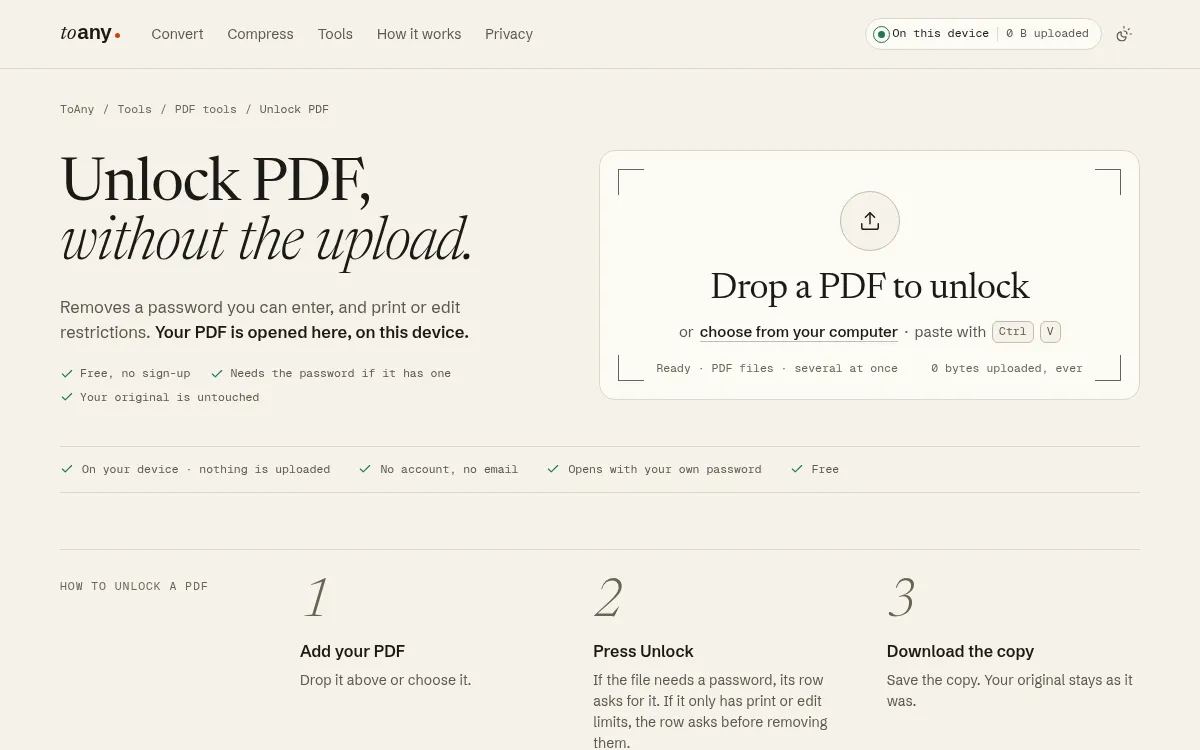
ToAny opens your PDF in the browser tab. You drop the file, type the password if it has one, and download a copy without it. The original is untouched. If a file only carries print or edit limits, the row asks before it removes them.
No PDF tool on ToAny uses the conversion server. The password you type stays in browser memory and is not stored, logged or sent. ToAny sends one thing to its own server, an anonymous daily count of tool runs, with no file name, size or content. You can check this yourself in your browser's Network panel.
It is free, with no account and no email. Several PDFs can be unlocked at once. ToAny also covers 190 formats and 1,195 conversion pairs, so the same site handles the next job, from compressing the PDF to converting it, alongside its other PDF tools. Only 16 of those pairs, such as PPTX to PDF, run on ToAny's server, and only after you consent for each upload. Unlock is not one of them.
The weak spots are real. A run is capped at 300 MB of input in total on desktop and 100 MB on touch devices, and very large files depend on your device's memory. PDFgear states no size limit for its unlock tool. ToAny has no offline app and no API. It cannot recover a lost password.
At the time of writing no ads are shown, though ToAny's terms say the site may display advertising.
- Price
- Free; no account, email or sign-up toany.io
- Where the file is processed
- In the browser; no PDF tool uses the conversion server toany.io
- Free max file size
- 300 MB of input per run on desktop; 100 MB on touch devices toany.io
- Needs the password
- Yes, if the PDF has one toany.io
- Formats and pairs
- 190 formats, 1,195 pairs; 16 pairs use ToAny's server after consent toany.io
- Offline version
- No toany.io
Best suited for: Choose ToAny to unlock a sensitive PDF you hold the password for, such as a contract, statement or payslip. It is less suited to huge scans on a phone or to anyone who needs an offline app.
2. PDFgear, best for private unlocking with no stated limits
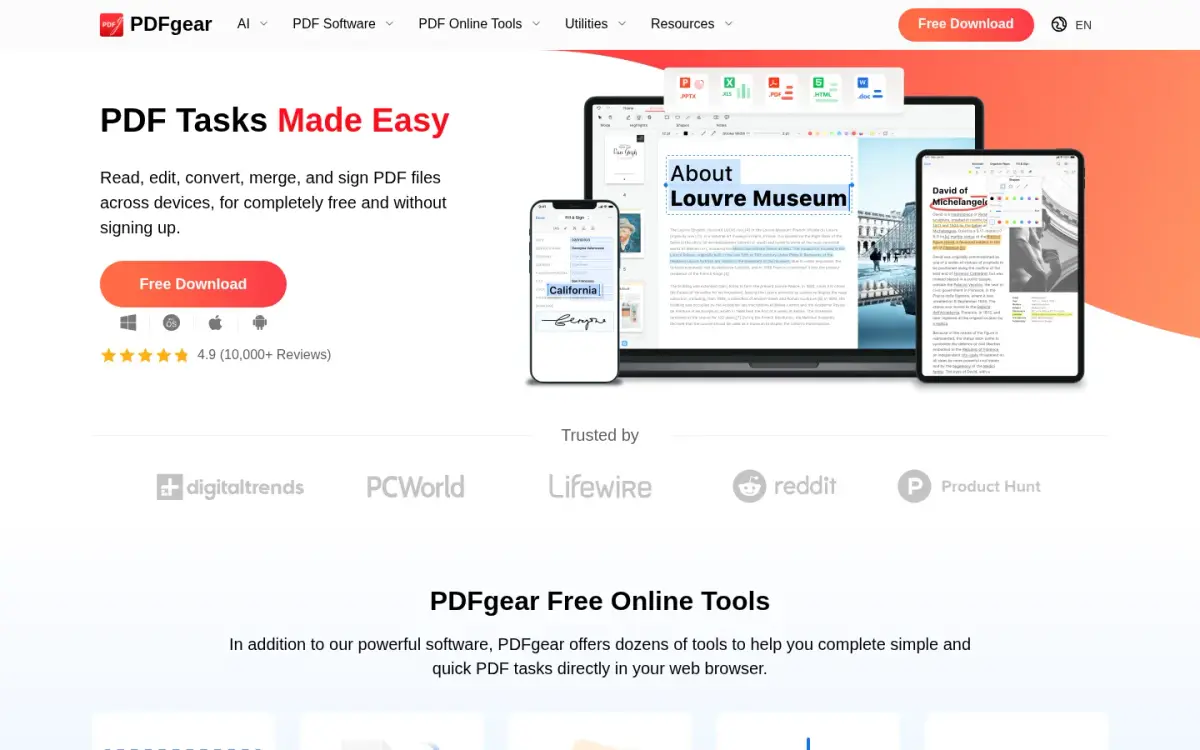
PDFgear is the strongest competitor here. Its online Unlock PDF tool runs in the browser with no upload, needs no account, and adds no watermark to the result. The vendor states there are no restrictions on the size, number or page count of your files, and that it offers unlimited unlocks.
On those rows it beats ToAny, which caps a run at 300 MB. PDFgear also has free desktop apps for Windows and Mac, and an offline unlock version exists, so it wins on offline use as well. The vendor says it shows no ads and that its investment covers operating costs.
Like every tool here, it needs the password. PDFgear says strongly encrypted files need it. It is a PDF suite first, with an online tools hub advertising 30+ tools and apps for iPhone, iPad and Android.
Be aware of what is not unlimited. PDFgear's online Compress PDF tool uploads files to Amazon cloud servers in the US and deletes them 20 minutes after you leave the site. Some advanced conversions can also run on Amazon cloud. Only the unlock tool is described as in-browser, so check each tool you use.
Pricing is the open question. The product is presented as completely free, and the homepage structured data lists a price of 0 USD. The vendor says charging for advanced features is under consideration, and its About page lists some features shifting to paid options.
On trust signals, the homepage shows a 4.9 rating from 10,000+ reviews without naming the source. Google Play shows 4.7 stars from 48.7K reviews and 1M+ downloads. The company is Singapore-based, and the first version was released in 2022.
- Price
- Free; vendor says paid options for advanced features are planned pdfgear.com
- Free max file size
- No limit on size, number or page count for online Unlock PDF pdfgear.com
- Where the file is processed
- In-browser, no upload (Unlock PDF) pdfgear.com
- Needs the password
- Strongly encrypted files need the password; an offline version also exists pdfgear.com
- Account required
- No pdfgear.com
- Google Play rating
- 4.7 stars, 48.7K reviews, 1M+ downloads play.google.com
Best suited for: PDFgear suits people who want a private unlock with no stated size limit, or who want an offline app on Windows or Mac. It is a weaker fit if you need every tool you use to stay in the browser.
3. PDF24, best for hosted tools in the EU plus an offline Windows app
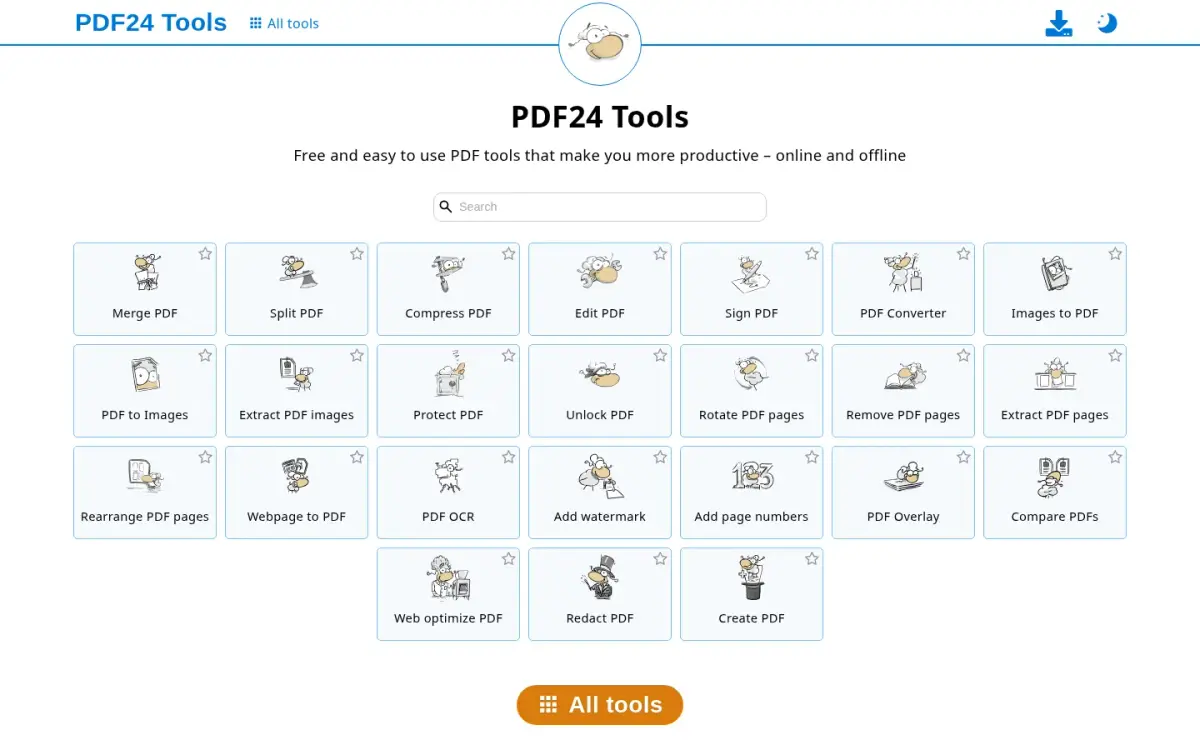
PDF24 has two routes. The web tools upload the file to servers in the EU. PDF24 Creator is a free Windows app that keeps files on your PC. The pages we read do not say whether Creator itself can unlock a PDF, so check before you install it. The web tool list includes both Protect PDF and Unlock PDF, alongside Compress, Merge, Split, Sign, Edit, OCR, Redact and Compare.
For the web tools, the privacy policy says uploads are usually deleted one hour after upload or after the result is created. The help centre gives the same figure, one hour on the server, after which everything related to the request is deleted. Files travel over SSL.
That is a fair deal for a free tool, but it is still an upload. If the PDF is a signed contract or a medical record, the Creator app or a browser-only tool is the safer route. The policy also describes an optional AI invoice recognition feature as an exception to the EU processing rule.
The Creator app is the main reason to pick PDF24. It is free, and no paid plan was found on the pages we read. It is Windows only, so Mac users are left with the web tools. The Creator page shows advertisement labels. Whether the installed app shows ads is not stated.
PDF24 is run by geek software GmbH in Berlin, and the project dates from 2006. The about page names Stefan Ziegler as the driver of the project and does not name founders. It says the tools are used by millions of people, and gives no exact figure.
We found no free size limit or daily limit for Unlock PDF on the pages we read, so the comparison table says not stated.
- Price
- Free (PDF24 Creator); no paid plan found on pages read tools.pdf24.org
- Where the file is processed
- Creator: local on PC. Web tools: upload to EU servers tools.pdf24.org
- File retention
- Web uploads usually deleted one hour after upload or result creation pdf24.org
- Offline version
- Yes, but Windows only tools.pdf24.org
- Founded
- 2006 pdf24.org
- Headquarters
- Berlin, Germany (geek software GmbH) pdf24.org
Best suited for: PDF24 suits Windows users who want an offline PDF app and are happy to install software, once they have confirmed it covers unlocking. It also suits people comfortable with a one-hour server copy on EU servers.
4. iLovePDF, best for a familiar hosted tool for occasional unlocks
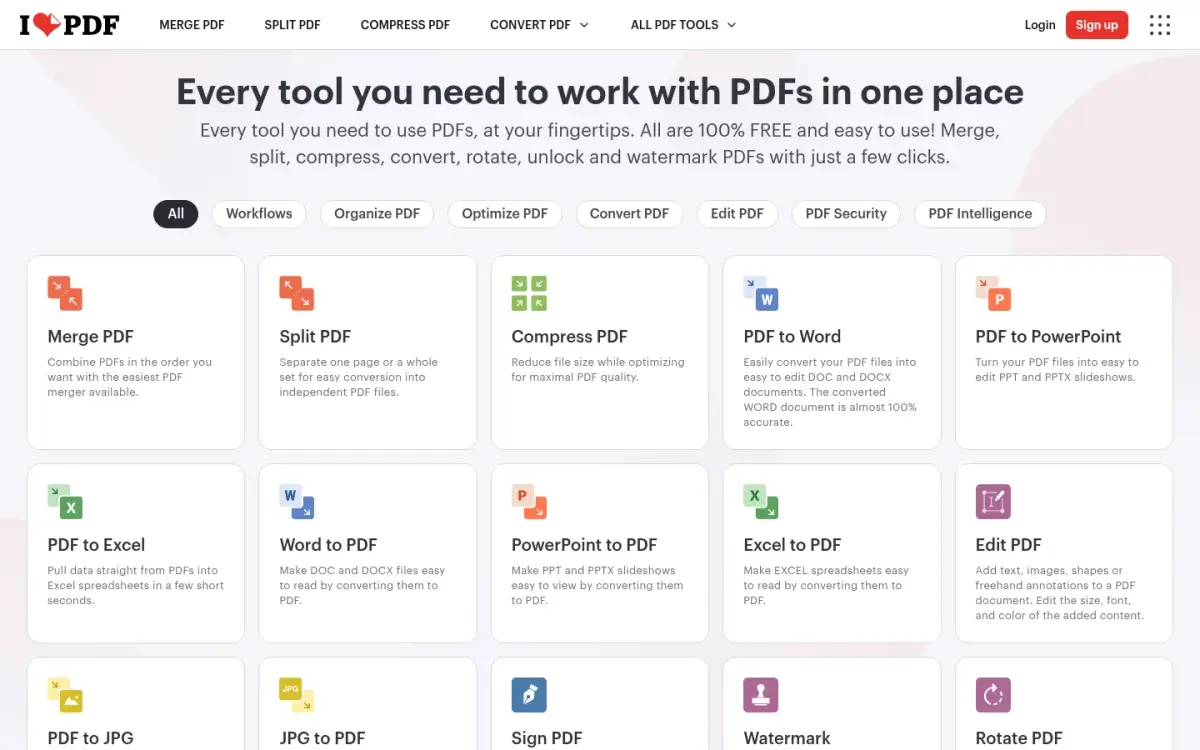
iLovePDF is a hosted suite that reports a large daily volume. Files are uploaded to and processed on its servers, not in the browser. They are deleted automatically within two hours of processing, and you can delete them yourself from the download screen.
On the free Basic plan, the pricing page lists a 100 MB limit for Unlock and 2 files per task. Premium raises most limits to 4 GB and 10 files per task. The free plan shows ads, and removing them is a Premium benefit.
Premium was priced at 11 AUD a month billed monthly, or 84 AUD billed annually, which the page presents as 7 AUD a month and 42% off. The page appeared to be showing Australian dollars based on location, and we did not verify a US dollar price. Students and academic professionals can get a free year of Premium.
Where iLovePDF beats ToAny is breadth and integration. It offers an API called iLoveAPI for developers, with integrations including Zapier, Make and WordPress. It has desktop apps for Mac and Windows, and mobile apps for iOS and Android. ToAny has none of these. The language selector lists 26 options.
On trust, it is ISO/IEC 27001:2022 certified and says it is fully GDPR compliant. It reports 16.5 million documents processed every day and a 4.9 average rating on Trustpilot. Both figures are self-reported on its own pricing page, and Trustpilot itself returned an error when we checked.
iLovePDF was founded in 2010 and is based in Barcelona. The trade-off is the one every hosted tool has: your PDF leaves your device, even briefly, and you rely on the stated deletion time.
- Free max file size (Unlock)
- 100 MB per task; Premium 4 GB for most tools ilovepdf.com
- Free files per task (Unlock)
- 2; Premium 10 for most tools ilovepdf.com
- Premium price
- 11 AUD per month billed monthly; 84 AUD billed annually ilovepdf.com
- File retention
- Deleted within two hours of processing ilovepdf.com
- Documents processed
- 16.5 million every day (self-reported) ilovepdf.com
- Founded
- 2010, Barcelona ilovepdf.com
Best suited for: Pick iLovePDF if you unlock a few ordinary PDFs and want a well-known site with mobile and desktop apps. It is a poor fit for confidential files or for batches, since the free plan allows 2 files per task.
5. Smallpdf, best for a polished hosted suite with a daily cap
Smallpdf is a hosted suite made in Switzerland. Files are uploaded to servers in Ireland. On the free tools they are deleted after 1 hour. Account storage is kept until you delete it, then removed within 1 hour.
The free plan has limits. The pricing page lists limited document downloads, and Protect, Unlock and Flatten each carry a daily download limit. The exact daily number is not shown on the page. A help article says free use covers 30+ tools with unspecified daily limitations, and that you wait 24 hours for the reset.
That makes Smallpdf awkward when you have several files, because you cannot tell in advance how many you will get. A 7-day free trial of the paid plan is offered, and you can cancel at any time, after which you go back to the free plan. The yearly plan is 25% cheaper per month than the monthly one. We could not read absolute prices in the page source, so we do not quote any.
Smallpdf is ISO/IEC 27001 certified and says it complies with GDPR, CCPA and nFADP. It claims 40+ million monthly users, 100+ million monthly tasks and 24 languages. It was founded in 2013 and the company is Smallpdf AG, with teams in Zurich and Belgrade.
On Trustpilot it shows a 4.8 rating from 5,277 reviews. It has web, desktop and mobile versions, and its footer links to developer resources, though we did not read the API terms.
Free-tier ads are implied rather than stated, while Pro users see none. Like the other hosted tools, it needs an upload.
- Free limit
- Daily download limit on Protect, Unlock and Flatten; number not shown smallpdf.com
- Where the file is processed
- Server upload; servers in Ireland (EU) smallpdf.com
- File retention
- Free tools: files deleted after 1 hour smallpdf.com
- Free trial
- 7 days, cancel anytime smallpdf.com
- Trustpilot
- 4.8 from 5,277 reviews trustpilot.com
- Users claimed
- 40+ million monthly users smallpdf.com
Best suited for: Smallpdf fits people who unlock one file now and then and also want editing and signing tools in the same suite. It is not for batches or for sensitive files you would rather not upload.
6. PDF2Go, best for quick no-account hosted unlocks
PDF2Go is a hosted tool run by QaamGo Web GmbH in Radolfzell, Germany. Unlock PDF accepts files up to 50 MB without an account. A free account or a paid plan raises the limit, and the Starter and Pro plans list 64 GB files.
The vendor is explicit that unlock needs the current password and cannot break encryption, which is useful to know before you start. On-site ratings show 4.4 out of 5 from 13,201 votes for Unlock. These are the site's own votes, not a third-party review platform.
Be careful with the wording on the tool pages. Pages for its tools headline that the work happens in your browser, but the same pages describe uploading to PDF2Go servers. The security page confirms that files go over TLS to servers stored in Europe. So this is a browser interface, not browser-side processing.
Retention is the longest on this list. Downloads are allowed up to 10 times, the download link is blocked after 24 hours, and files are physically deleted after at most 72 hours. Database backups are kept for up to 60 days, though not backups of the transmitted files. The vendor says the pipeline is automated and nobody reads or copies files, and that files are not used for AI training.
Free use shows ads, and an ad-free experience starts at the Starter plan. A desktop app is included on Pro and Business only, so it is no use as a free offline option. Additional seats on a paid plan cost EUR 5 per user per month, and paid plans carry a 14-day money-back guarantee.
It offers 25 languages and a separate REST API, which ToAny does not have.
- Free max file size (Unlock)
- 50 MB without an account pdf2go.com
- Needs the password
- Yes; it cannot break encryption pdf2go.com
- Where the file is processed
- Server-side; uploaded over TLS and stored in Europe pdf2go.com
- File retention
- Link blocked after 24 hours; files deleted after at most 72 hours pdf2go.com
- Unlock on-site rating
- 4.4/5 from 13,201 votes (on-site, not third-party) pdf2go.com
- Extra seat price
- EUR 5 per additional user per month on any paid plan pdf2go.com
Best suited for: PDF2Go suits people who have the password, a file under 50 MB and no objection to a copy on a European server for up to 72 hours. It is not suited to confidential files or to anyone who wants offline use without paying.
7. Soda PDF, best for very small one-off jobs
Soda PDF is a desktop and web suite; the site names Avanquest Software as the trademark owner. Its free online tools are the tightest on this list. The free tier is 2 files per day, and the unlock page states a 3 MB cap, the same as the compress page.
A 3 MB limit is tight for scans and image-heavy PDFs. If your PDF is larger, you will need the paid software or a different tool. The compress page also says password-protected PDFs must be unlocked first, so unlocking is treated as a separate step.
Online tools upload the file to Soda's servers over TLS. The merge page states files are deleted from servers within 24 hours. The compress page confirms no account is required and no watermark is added, though we read those claims on the compress page and not on the unlock page.
The paid side is where Soda PDF competes. Plans are Pro, Team (3 to 19 licences, with a 10% discount per licence) and Business, and there is no perpetual licence. Dollar prices were not visible in the page source, so we cannot quote a price. The web app works on Mac, Linux, iOS and Android, with Windows deployment options for businesses.
Soda PDF claims more than 425,000 users, a figure that is self-reported. Trustpilot shows 4.2 from 1,841 reviews. The footer offers 15 site languages.
It is a capable suite for people who already pay for it. As a free unlocker, the limits make it the weakest choice.
- Free daily limit
- 2 files per day on free online tools sodapdf.com
- Free max file size
- 3 MB; the unlock page states the same cap sodapdf.com
- File retention
- Deleted from servers within 24 hours sodapdf.com
- Trustpilot
- 4.2 from 1,841 reviews trustpilot.com
- Users claimed
- More than 425,000 users (self-reported) sodapdf.com
- Account required
- No (stated for the compress tool) sodapdf.com
Best suited for: Soda PDF suits people who already use its paid desktop software and have a very small file to unlock. It is the wrong pick for anything over 3 MB or for more than 2 files in a day.
Side-by-Side Comparison
Each column below is one of the seven criteria from the methodology. Where a vendor does not state a value on the pages we read, the cell says so. ToAny loses the rows for free max file size and offline version.
| Product | Where the file is processed | Free max file size | Free daily limit | Needs the password | Account required | File retention on the vendor server | Offline version |
|---|---|---|---|---|---|---|---|
| ToAny | Browser | 300 MB per run (100 MB on touch) | No daily limit | Yes | No | None, not uploaded | No |
| PDFgear | Browser | No limit stated | Unlimited | Yes, if strongly encrypted | No | None, not uploaded | Yes (Windows, Mac) |
| PDF24 | Web: EU servers. Creator: your PC | Not stated | Not stated | Not stated | Not stated | About 1 hour (web) | Yes (Windows only) |
| iLovePDF | Vendor server | 100 MB | 2 files per task | Not stated | Not stated | Within 2 hours | Desktop apps (Mac, Windows) |
| Smallpdf | Vendor server (Ireland) | Not stated | Daily download limit, number not shown | Not stated | Not stated | 1 hour | Desktop app listed |
| PDF2Go | Vendor server (Europe) | 50 MB | Not stated | Yes | No | Deleted after at most 72 hours | Pro and Business plans only |
| Soda PDF | Vendor server | 3 MB | 2 files per day | Not stated | No (compress tool) | Within 24 hours | Desktop software listed |
Which PDF unlocker fits your use case
Match your situation to the tool. The choice mostly comes down to privacy, file size and whether you need software on your machine.
| If you are… | Pick | Why |
|---|---|---|
| Unlocking a contract, statement or payslip | ToAny | Browser only, no upload, no account |
| Unlocking a very large PDF | PDFgear | States no size, number or page limit |
| On Windows and want an offline app | PDF24 | Creator is a free Windows app that keeps files on your PC (check it covers unlock) |
| On Mac and want an offline app | PDFgear | Free desktop app for Mac |
| Unlocking one ordinary file and not worried about uploads | iLovePDF | Familiar tool, 100 MB free, deleted within two hours |
| Unlocking a tiny file for a one-off | Soda PDF | Works if the file is under 3 MB, 2 files a day |
What results look like with ToAny
We have not published measured timings for unlock runs, so we will not invent any. Instead, this shows measured results for a related job, shrinking a PDF. The figures come from our research tests, not from user telemetry.
- Scanned book (Internet Archive)6,528 KB420 KBBalanced setting in the research prototype, a 93.6% saving. Measured with the research prototype in Node on an Apple M4 Pro, not a re-run of the live page.
- Slide deck (Jeff Dean slides)493 KB101 KBBalanced level, a 79.5% saving. Same research measurement.
- Slide deck (NASA telerobotics)10,553 KB2,376 KBBalanced level, a 77.5% saving. Forcing a 1 MB target gave 911 KB, at the cost of image quality.
- Tagged report (irs-p17)3,016 KB3,016 KBNo method shrank it, so ToAny returns the original rather than a larger file. Some PDFs do not compress.
Frequently Asked Questions
How do I remove a password from a PDF I know the password for?
Open an unlocker, add the file, type the password and download the copy. In ToAny this happens in your browser, so the file is not uploaded. Your original file stays as it was.
What if I forgot the PDF password?
None of the tools on this list says it can recover it. PDF2Go says its unlock cannot break encryption, and PDFgear says strongly encrypted files need the password. Look for the password in the email or system that issued the file.
Is it safe to unlock a PDF online?
It depends on where the file is processed. A browser tool such as ToAny or PDFgear's Unlock PDF does not upload it. Hosted tools upload it and state deletion times from about 1 hour to 72 hours.
How can I tell whether an unlocker uploads my file?
Open your browser's Network panel before you add the file. If the tool uploads it, you will see a large request to the vendor's server. A browser-side tool shows no such request.
What is the difference between a PDF password and a restriction?
A password stops anyone opening the file without it. A restriction lets people open the file but limits printing, copying or editing. ToAny's unlocker handles both when you can supply what the file asks for.
How big a PDF can I unlock for free?
It varies a lot. Soda PDF allows 3 MB, PDF2Go 50 MB and iLovePDF 100 MB, while ToAny allows 300 MB per run on desktop. PDFgear states no limit for its online unlock tool.
Does ToAny's Unlock PDF work offline or have an API?
No. ToAny needs a browser and a page load, and it has no offline app and no API. PDFgear and PDF24 offer offline software, and iLovePDF and PDF2Go offer APIs.
What does ToAny cost?
ToAny is free, with no account, email or sign-up, and no paid tier exists. No ads are shown at the time of writing, though the terms say the site may display advertising later.
Try ToAny for free (no account required)
Unlocking a PDF should not mean handing it to a stranger's server. ToAny opens it in your browser tab, with the password you already hold.
There is no account, no email and no payment. You can unlock your first PDF now in a few clicks.
If the file is huge or you need an offline app, the comparison above shows where PDFgear or PDF24 fits better. For everyone else, it is a private option with nothing to install.