Best Image Compressors in 2026: the buyer's shortlist

By Thien · Maker of ToAny
Published
The best image compressor depends on whether you want to upload your photos. ToAny is our number one because it compresses JPG, PNG, WebP and SVG in your browser, with no daily limit and no account. Five alternatives follow: one more browser tool, three desktop apps and one hosted service. We ranked all six on seven measurable criteria, and we say where ToAny falls short.
Want to see the result before reading on? ToAny's free tool shrinks your images on your own device, with no account. Compress images in your browser
Key Takeaways
- ToAny is the pick for private, bulk work. Images are compressed in your browser, one or hundreds at a time, with levels and a fit-under-size target. There is no daily limit and no account.
- Squoosh is the best second browser tool. It comes from Google Chrome Labs, is open source under Apache License 2.0 and lets you compare codecs. We found no batch feature described, and its README says Google Analytics records the before and after size.
- Desktop apps beat browsers on automation. Caesium has a command-line tool and Compresto watches folders, and ImageOptim sells an HTTP API. ToAny has none of these.
- Free tiers are small. Caesium's online version takes 20 MB per file and 10 files at a time, and ShortPixel's free online tool stops at 10 MB without a login. Compresto's web demo stops at 5 MB.
- Savings depend on the file. In our tests a PNG shrank by 50.2 percent and an SVG by 58 percent. A JPEG that is already well compressed may not shrink at all, and ToAny then keeps the original.
What image compressors actually are (and what they are not)
Choosing the best image compressor starts with knowing what the job is. An image compressor makes a picture file smaller so it loads faster, fits an email or meets an upload limit. It does this in one of two ways. Lossless compression rewrites the file more efficiently and leaves every pixel unchanged. Lossy compression throws away detail the eye is unlikely to miss, which saves far more bytes but cannot be undone.
The format decides how much there is to gain. A JPEG saved at maximum quality has a lot of slack. A JPEG that someone has already compressed has very little. PNG is lossless, so savings are modest unless the tool also reduces colours, which ToAny covers on its PNG compressor. SVG is text, so a compressor mostly strips editor leftovers; see the SVG compressor.
Tools differ in where the work happens. A hosted compressor uploads your image to the vendor's server and sends back the result. A browser compressor does the work on your device, so the picture does not leave it. A desktop app does the same offline and usually adds batch features and automation.
An image compressor is not an editor. It does not crop, retouch or fix colour. It is also not a resizer, although shrinking the pixel dimensions is the biggest saving of all and some tools offer it separately. Finally, no tool can promise a fixed percentage. Be wary of any headline figure, including the vendor claims quoted below, and test with your own files.
This shortlist covers six tools you can use today, from a free web page to a paid Mac app. We judge them on what the vendors publish about processing, limits, price, formats and batches.
How We Ranked These Image Compressors
We ranked each tool on seven criteria, using only what the vendor, its repository or a review platform publishes, plus our own tests for ToAny. Where a number is not stated, the table says so rather than guessing. Prices are quoted as displayed, with currency and billing period.
- Criterion 1Where the file is processedBrowser, local app or vendor server
- Criterion 2PriceFree, or the cheapest paid price as displayed
- Criterion 3Free-tier file limitsSize or count limits on the free tier
- Criterion 4Formats compressedFormats named by the vendor
- Criterion 5Batch handlingBatch size or folder support
- Criterion 6Platforms and automationDesktop, CLI, API or plugin
- Criterion 7Size savedPercent saved, labelled as vendor claim or our own tests
The Best Image Compressors in 2026
The ranking follows the criteria above and puts privacy and free limits first. ToAny leads for in-browser, bulk compression with no daily limit. It does not lead on every row, and the table shows where the others win. Each competitor entry quotes only what the vendor or its public repository publishes.
1. ToAny, best for private bulk compression with a size target
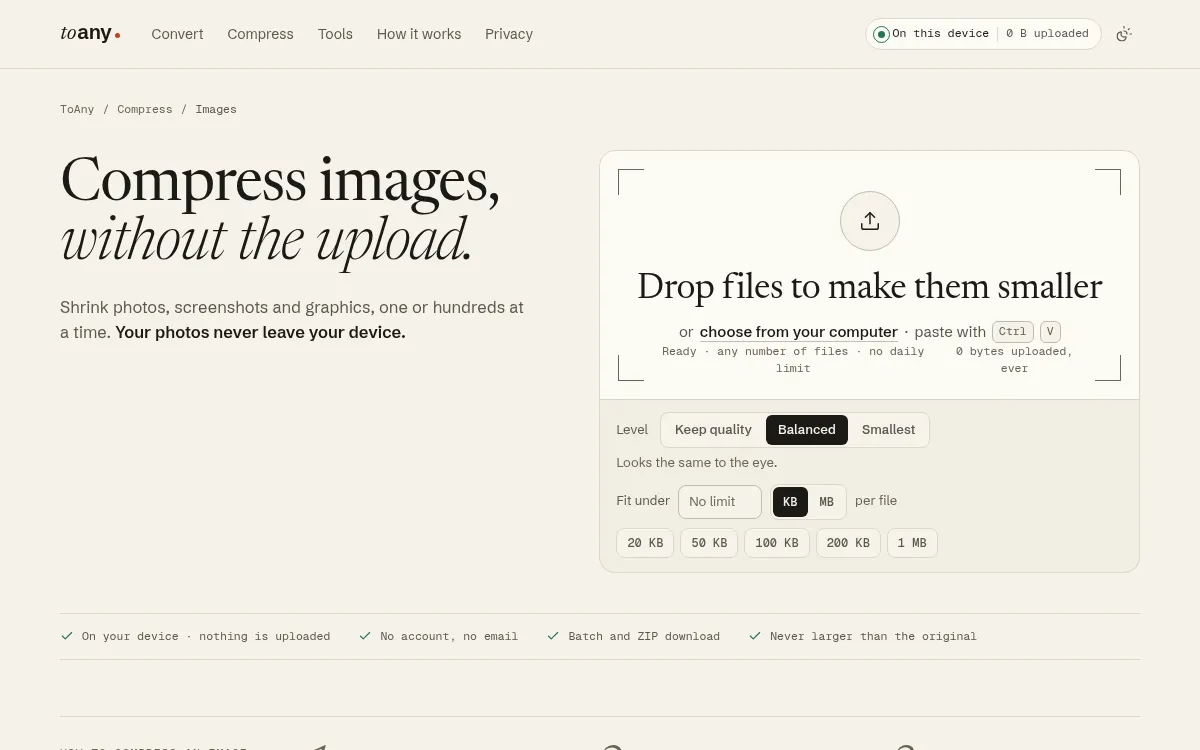
For private, bulk work, ToAny is the best image compressor on this list. It compresses JPG, PNG, WebP and SVG files in your browser, and there are dedicated pages for JPG and WebP. A few other formats come back as another one: HEIC and JP2 as JPG, and BMP and similar as PNG. You drop one image or hundreds, choose Keep quality, Balanced or Smallest, or type a size to fit under per file, and download the results one by one or as a ZIP. The page states that nothing is uploaded and shows a counter of bytes sent.
There is no daily limit and no account. ToAny refuses a single picture larger than 120,000,000 pixels. It never returns a file larger than the one you gave it. If an image cannot shrink, you get the original back with a reason.
Compression always runs on your device. ToAny does have a server engine, but it is used only for 16 conversion pairs, such as old Word formats, and only after you consent for each upload. The only thing reported about a browser conversion is an anonymous count of the format pair.
The weak spots are real. ToAny has no GIF compression, no API, no command line, no folder or watch-folder support and no cloud import. Large batches are limited by your device's memory, which can bite harder on a phone. A JPEG above 40 megapixels only gets a lossless re-pack, which saves about 7 percent in our tests.
ToAny also converts 190 formats in 1,195 pairs and offers PDF tools, so it can stay your one tab for file jobs.
- Processing
- In your browser; compress never uses the server engine toany.io
- Price
- Free, no sign-up toany.io
- Daily limit
- None (page states: any number of files, no daily limit) toany.io
- Formats compressed
- JPG, PNG, WebP and SVG; no GIF toany.io
- Levels
- Keep quality, Balanced, Smallest, plus Fit under a size toany.io
- Picture size limit
- 120,000,000 pixels per picture toany.io
Best suited for: People who want to shrink many photos or screenshots without uploading them or creating an account. It is less suited to anyone who needs GIF support, an API or an automated watch folder.
2. Squoosh, best for side-by-side codec comparison
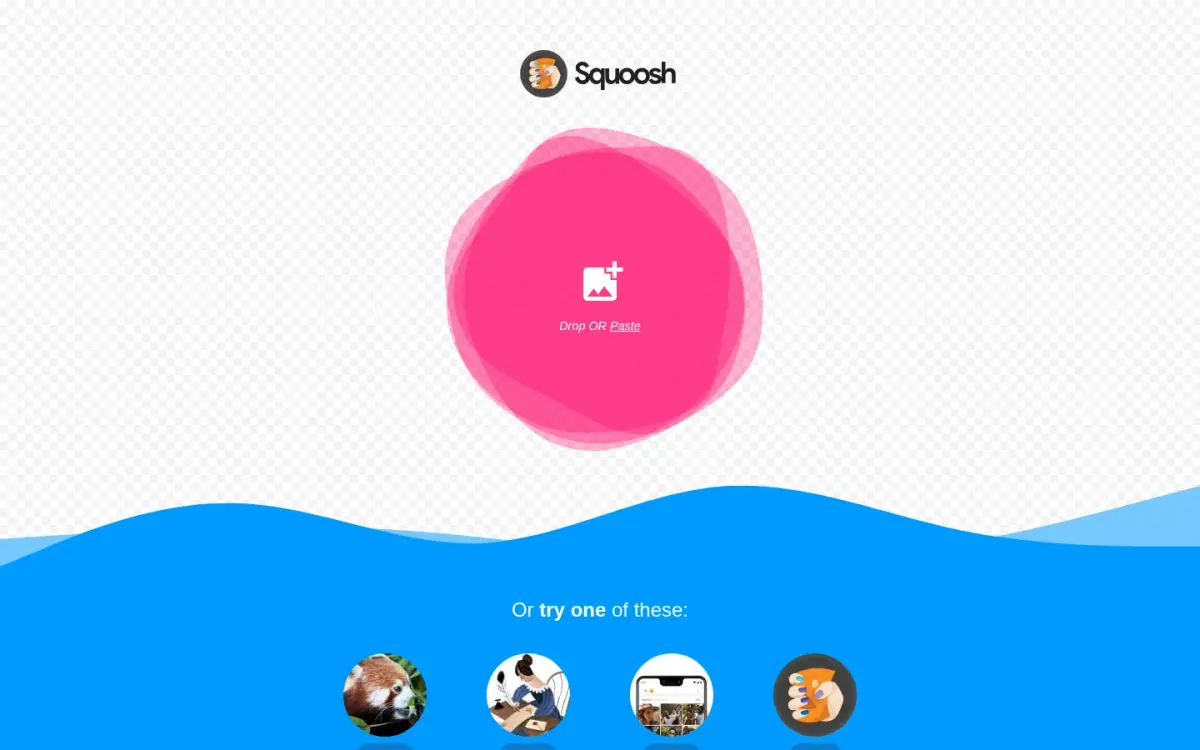
Squoosh is the other in-browser option, built by Google Chrome Labs. Its own description is an image optimizer that lets you compress and compare images with different codecs in your browser. You drop one image, pick a codec and settings, and watch the result next to the original.
The privacy position is close to ToAny's. The project README says Squoosh does not send your image to a server and that all compression happens locally. It also says Google Analytics collects basic visitor data, the before and after image size value, and PWA install type and time. No file content is mentioned.
Squoosh is open source under Apache License 2.0. The GitHub repository was created on 2018-03-07 and showed 26,033 stars when we read it on 2026-10-17. The last push was two days earlier, so it is maintained. The page can also be installed as a progressive web app.
In the sources we read, Squoosh states no file-size limit, price, batch feature or list of supported formats. Its design is about examining the trade-off between quality and size on an image. That is a strength for a designer or a developer picking a codec. We found no batch feature described, so check before you bring a whole folder of photos.
Its pages state no price, so we do not claim one.
If you only ever compress one picture at a time and like to see the difference before you save it, Squoosh is hard to beat.
- Processing
- In-browser (local); no image sent to a server raw.githubusercontent.com
- Telemetry
- Google Analytics collects basic visitor data, before/after image size value, and PWA install type/time raw.githubusercontent.com
- Licence
- Apache License 2.0, open source raw.githubusercontent.com
- Vendor
- Google Chrome Labs api.github.com
- Repository created
- 2018-03-07 api.github.com
- GitHub stars
- 26,033 (read 2026-10-17) api.github.com
- Platforms
- Web app, installable as a PWA squoosh.app
Best suited for: Designers and developers who want to compare codecs on a single image and keep everything in the browser. It suits anyone who values an open-source tool from a well-known vendor.
3. Caesium, best for a free open-source desktop app
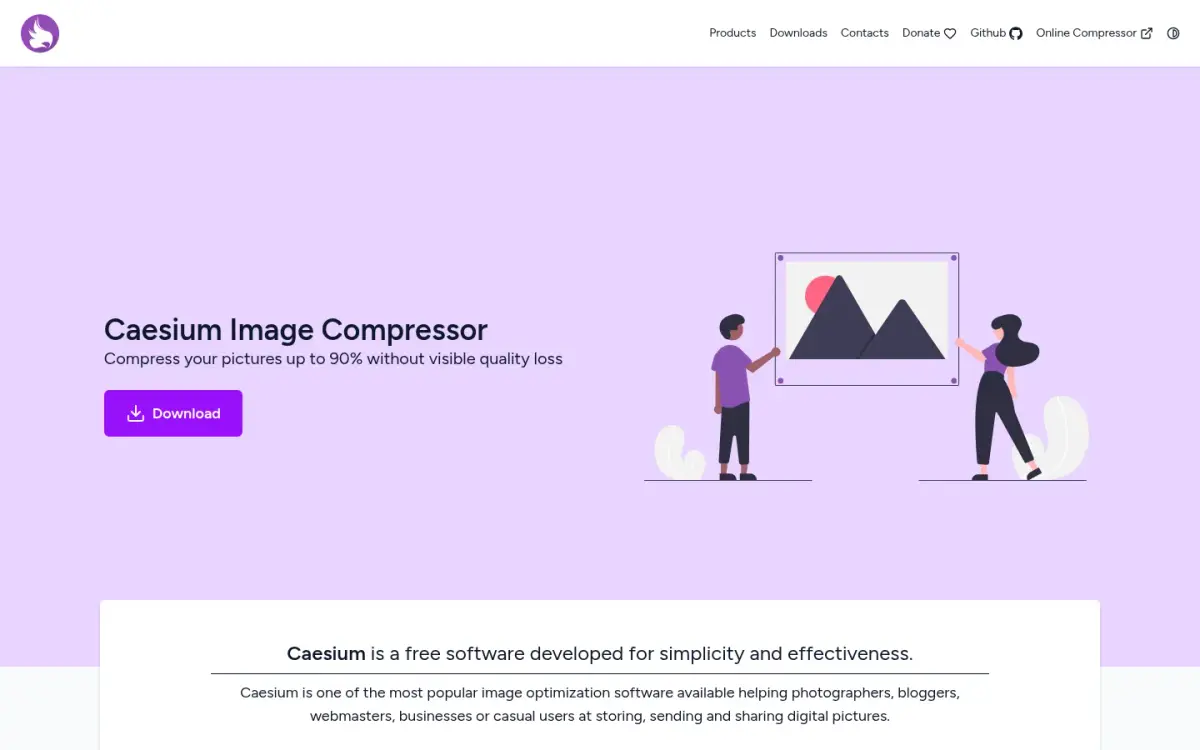
Caesium is a free image compressor from SaeraSoft, with Matteo Paonessa named as the copyright holder. The vendor describes it as one of the most popular image optimisation programs available and claims it can compress pictures up to 90 percent without visible quality loss. That is a vendor claim, not a measurement.
The desktop app, version 2.8.5, comes as a Windows installer, a portable zip and a macOS disk image. According to its GitHub page it runs on Windows 10 (build 1809 and later), macOS 12 and later, and Linux, tested on Ubuntu 22.04 and Manjaro. It supports JPG, PNG, WebP and TIFF. The source is under GPL-3.0 and the repository shows 6,403 stars.
Caesium also has an online version that says images never leave your device. Its limits are tight: 20 MB per file and 10 files at a time. It supports three formats, JPG, PNG and WebP. We found no daily limit.
For automation, Caesium offers a command-line tool, which the vendor calls the heart of the program. We found no hosted API. The landing page loads Google AdSense, so expect ads on the vendor's pages.
Caesium wins over ToAny on offline use, TIFF support in the desktop app and the command line. It loses on the online limits, which are lower than ToAny's, where the stated cap is 120,000,000 pixels per picture and no daily limit.
We found no paid plan, although the site links to a donation page.
- Price
- Free (no paid plan found; donate page linked) saerasoft.com
- Online limits
- 20 MB per file; 10 files at a time caesium.app
- Formats
- Online: 3 (JPG, PNG, WebP). Desktop: 4 (JPG, PNG, WebP, TIFF) github.com
- Platforms
- Windows 10 (build 1809+), macOS 12+, Linux, plus web version github.com
- Compression claim
- Up to 90% without visible quality loss (vendor claim) saerasoft.com
- Licence
- GPL-3.0, open source github.com
- Automation
- Command-line tool; no hosted API found saerasoft.com
Best suited for: People who prefer a free, installed app that works offline on Windows, macOS or Linux. It also suits anyone who wants a command-line tool for scripting.
4. ImageOptim, best for a free Mac app bundling MozJPEG and pngquant
ImageOptim is a Mac app created by Kornel Lesiński. The vendor says it is free and open source, and it combines MozJPEG, pngquant, Pngcrush, 7zip, SVGO and Google Zopfli behind one drop target. Version 1.9.3 requires macOS 11 or later, and the vendor states plainly that the app only works on Macs.
It applies lossy compression to JPEG, SVG, animated GIF and PNG files. By default it removes EXIF metadata, such as GPS position and a camera's serial number, with an option to keep it. That matters if you publish photos. We found no format count or typical saving stated, so we cannot quote one.
The Mac app runs on your machine. The separate online uploader is different: the page says it uses the ImageOptim API, so files go to the web service. The API terms say images are temporarily cached on ImageOptim's servers and on those of its content delivery networks, with no deletion period stated.
The API is the paid product. The cheapest plan is $12 per month for 2,000 optimizations per month, then $49 per month for 16,000 and $245 per month for 100,000, with dedicated plans from $850. Cached requests are free and count once. The API also offers a free trial, with no limits stated.
The Mac app is available in 19 languages. ImageOptim Ltd is registered in England and Wales, with its registered office in London.
ImageOptim beats ToAny on GIF support, default metadata removal and an API for developers. It loses for anyone not on a Mac.
- Mac app price
- Free and open source (donate option) imageoptim.com
- API price
- From $12 per month (2,000 optimizations per month); $49 per month for 16,000; $245 per month for 100,000 imageoptim.com
- Formats
- JPEG, SVG, animated GIF and PNG imageoptim.com
- Platforms
- Mac only; version 1.9.3 requires macOS 11+ imageoptim.com
- Online uploader
- Built on the hosted ImageOptim API (files go to the web service) imageoptim.com
- Creator
- Kornel Lesiński imageoptim.com
- UI languages
- 19 imageoptim.com
Best suited for: Mac users who want a free, local optimiser that also removes metadata. It also suits developers who need an HTTP API for optimising images on a web server.
5. ShortPixel, best for sites that run on WordPress
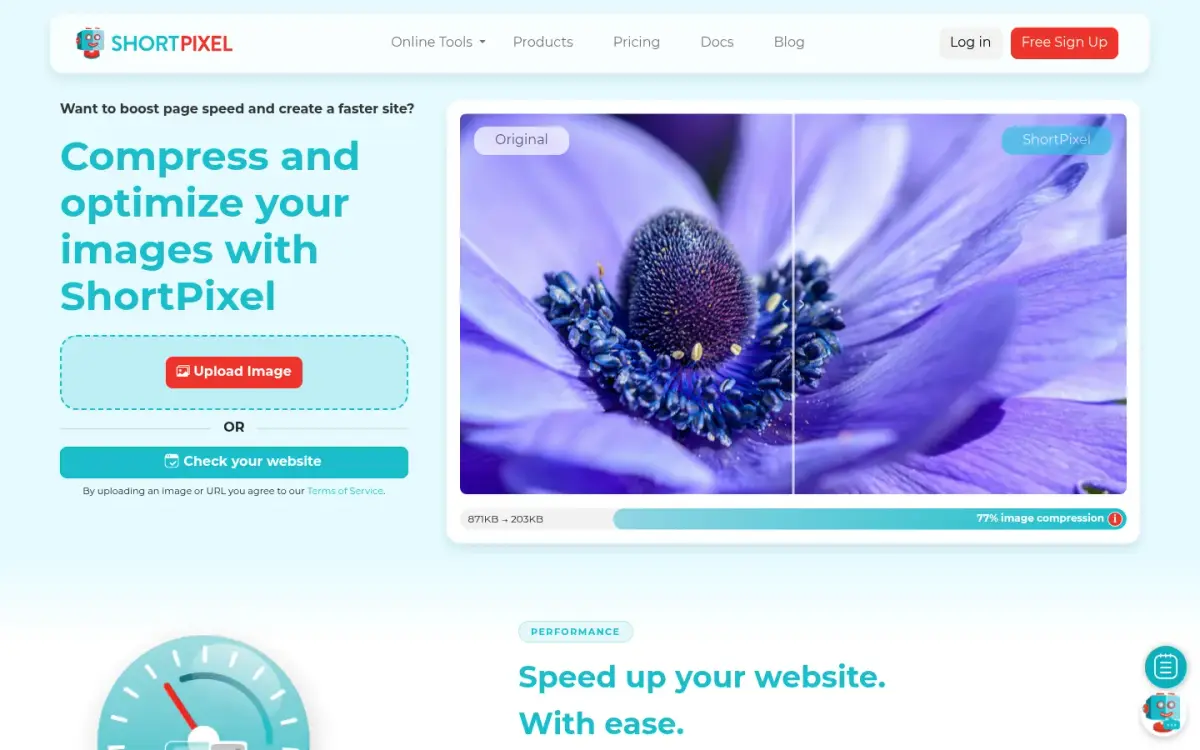
ShortPixel is a hosted service made in Bucharest, Romania. ShortPixel is a trademark of ID Scout SRL. It compresses JPG (including JPEG 2000 and XR), PNG, GIF, including animated ones, and PDF. HEIC files are converted to JPG, and it can convert images to WebP and AVIF. No total format count is stated.
The free online tool takes files up to 10 MB without logging in, and a login removes the restriction. The free plan includes 100 credits per month. Yearly billing is labelled 2 months free, but the plan amounts are not shown in the static page, so we do not quote a price.
Processing is on ShortPixel's cloud, so your images are uploaded. No single retention period is stated for standard optimisation. The privacy policy says data is kept only as long as needed for its purpose. If you cannot upload client or personal photos, that settles it.
The strength is the WordPress integration. ShortPixel offers plugins, Image Optimizer and Adaptive Images, with WP-CLI, multisite, WooCommerce, NextGEN Gallery and Cloudflare support. The vendor claims 1 million plus websites and 600,000 users worldwide.
The WordPress.org listing for the main plugin shows 4.5 out of 5 from 828 ratings, with 712 five-star and 75 one-star, and 20,337,543 downloads. Those are public counts, though they measure the plugin rather than the online tool.
Next to ToAny, ShortPixel wins on GIF, on conversion to WebP and AVIF, and on plugin automation. It loses on privacy and on the 10 MB free cap.
- Free credits
- 100 per month (free plan) shortpixel.com
- Free online size limit
- 10 MB without login; login removes the restriction shortpixel.com
- Formats
- JPG, PNG, GIF (incl. animated) and PDF; converts to WebP and AVIF shortpixel.com
- Processing
- Server-side (ShortPixel's cloud) shortpixel.com
- Users claimed
- 1 Million+ websites; 600,000 users worldwide (vendor claim) shortpixel.com
- WordPress.org rating
- 4.5/5 from 828 ratings api.wordpress.org
- Plugin downloads
- 20,337,543 api.wordpress.org
Best suited for: WordPress site owners who want images optimised automatically as they are uploaded. It also suits people who need GIF compression and are happy to use a hosted service.
6. Compresto, best for offline Mac batches on a one-time price
Compresto is a paid Mac app for compressing images, video and PDF files offline. The vendor says all processing happens on your Mac and files never leave your device. The copyright holder is named as Dinh Quang Hieu, and we found no founding year.
It handles PNG, JPEG, HEIC, WebP, TIFF and GIF images, MP4 and MOV video, and standard PDFs. The vendor claims typical reductions of 50 percent to 90 percent depending on source format, codec and quality preset. That is a vendor claim, and we have not tested it.
Batch handling is its headline feature. You can drop hundreds of files or entire folders, and they are processed in parallel with progress tracking. Folder monitoring is also offered. ToAny has nothing equivalent, so for a photographer clearing a large backlog on a Mac, Compresto is the stronger tool.
Pricing is a $49 one-time payment for 1 macOS device with lifetime updates, or $69 for 2 devices, shown against a struck-through $98. A yearly subscription also exists, but its price is not in the static page. There is a 3-day money-back guarantee and a 40 percent educational discount.
The app is macOS only, for Intel and Apple Silicon on macOS 13 and later. The homepage links a Windows waitlist while the FAQ says there are no current plans for Windows or Linux.
Compresto's free web demo accepts PNG, JPEG and WebP up to 5 MB. It runs on the vendor's server, which the page says stores nothing. The vendor's own page markup shows 4.8 from 100 ratings, which is self-published, not a review platform.
- Price
- $49 one-time (1 macOS device, lifetime updates); $69 one-time for 2 devices compresto.app
- Web demo limit
- 5MB (PNG, JPEG, WebP); compressed on the vendor's server compresto.app
- Processing
- Mac app: offline on device compresto.app
- Batch
- Hundreds of files or entire folders, in parallel; folder monitoring compresto.app
- Compression claim
- 50% to 90% typical (vendor claim) compresto.app
- Users claimed
- 11,024+ (vendor claim) compresto.app
- Platforms
- macOS only (Intel and Apple Silicon, macOS 13+) compresto.app
Best suited for: Mac users who compress large batches of images and video and prefer to pay once. It is a poor fit for anyone on Windows or Linux.
Side-by-Side Comparison
This table restates the seven criteria for all six tools. Cells say Not stated where the vendor gives no figure. Rows where ToAny does not win are left in.
| Product | Where the file is processed | Price | Free-tier file limits | Formats compressed | Batch handling | Platforms and automation | Size saved |
|---|---|---|---|---|---|---|---|
| ToAny | Your browser | Free | No daily limit; 120 MP per picture | JPG, PNG, WebP, SVG; HEIC and JP2 come back as JPG | Hundreds at once, ZIP download; no folders | Web only; no API | Our tests: 13.2% to 80% (JPEG), 50.2% (PNG), 58% (SVG) |
| Squoosh | Your browser | Not stated | Not stated | Not stated | Not stated | Web app, PWA | Not stated |
| Caesium | Desktop app or your browser | Free | Online: 20 MB, 10 files at a time | Online: JPG, PNG, WebP. Desktop adds TIFF | 10 files at a time (online) | Windows, macOS, Linux; CLI | Up to 90% (vendor claim) |
| ImageOptim | Mac app; online uploader is hosted | App free; API from $12 per month | Not stated | JPEG, SVG, GIF, PNG | Not stated | Mac only; HTTP API | Not stated |
| ShortPixel | Vendor server | 100 free credits per month | 10 MB without login | JPG, PNG, GIF, PDF; converts to WebP and AVIF | Not stated | Web; WordPress plugins, WP-CLI | Not stated |
| Compresto | Mac app; web demo is hosted | $49 one-time | Web demo: 5 MB | PNG, JPEG, HEIC, WebP, TIFF, GIF, plus video and PDF | Hundreds of files or folders; folder monitoring | macOS only | 50% to 90% (vendor claim) |
Which image compressor fits your use case
Match the tool to the job. If privacy is the deciding factor, start with the first two rows.
| If you are... | Pick | Why |
|---|---|---|
| Shrinking private photos or screenshots in bulk | ToAny | Runs in your browser, hundreds at a time, no daily limit and no account |
| Choosing a codec for one image | Squoosh | Compare codecs side by side, all in the browser |
| On Windows or Linux and want an offline app | Caesium | Free desktop app with a command-line tool |
| On a Mac and want free and local | ImageOptim | Free open-source app that also strips EXIF metadata |
| Running a WordPress site | ShortPixel | Plugins with WP-CLI and multisite support, plus 100 free credits a month |
| Clearing a huge Mac backlog, including video | Compresto | Folders, hundreds of files and folder monitoring, $49 one-time |
What results look like with ToAny
These figures come from our own compression research, run in Node on an Apple M4 Pro with the same library versions the site ships. They are measurements on specific files, not user statistics, and they are not a re-run of the live page. Your files will differ.
- JPEG photo, lossless re-pack1,128 KB980 KB (13.2% smaller)A 2205 by 1240 photo with pixels unchanged. Across six JPEGs in our tests, the lossless re-pack saved 6.5% to 17.3%.
- Same JPEG, re-encoded at quality 751,128 KB230 KB (80% smaller)Measured similarity (SSIM) was 0.987. The source was saved at near-maximum quality, which is why the saving is so large.
- PNG gradient artwork743 KB370 KB (50.2% smaller)A 1921 by 870 image, pixel-exact. In the same test a screenshot went from 444 KB to 394 KB (11.3%), and a logo from 40 KB to 38 KB.
- SVG illustration256 KB107 KB (58% smaller)A Figma export, optimised with SVGO. The saving on the wire is smaller because gzip had already reduced it to 89 KB.
- A JPEG that should not be touched181 KB181 KB (original returned)Re-encoding a quality 60 JPEG at quality 75 grew it to 199 KB. ToAny returns the original instead of a larger file.
Frequently Asked Questions
What is the best image compressor?
It depends on whether you will upload your files. For private, bulk work in the browser, ToAny is our number one. Mac users who want a free local app should look at ImageOptim, and WordPress owners at ShortPixel.
How do I compress images without uploading them?
Use a browser-based or desktop tool. ToAny and Squoosh process images on your device, and Caesium, ImageOptim and Compresto have local apps. Hosted tools such as ShortPixel upload your file.
How much can an image compressor reduce file size?
It depends on the file. In our tests a PNG shrank by 50.2 percent, an SVG by 58 percent and a high-quality JPEG by up to 80 percent. A JPEG that is already compressed may not shrink at all.
What is the difference between lossless and lossy compression?
Lossless compression keeps every pixel and saves less. Lossy compression discards some detail to save much more, and you cannot undo it. ToAny's Keep quality level repacks the file without changing what you see, and Balanced aims to look the same to the eye in a clearly smaller file.
How many images can I compress at once for free?
ToAny accepts any number of files with no daily limit, bounded by your device's memory. Caesium's online version allows 10 files at a time, and the paid Compresto Mac app handles hundreds. We found no batch feature described for Squoosh.
What are the limits of ToAny's image compressor?
It has no GIF compression, no API, no command line and no folder watching. Very large batches depend on your device's memory, and a JPEG above 40 megapixels only gets a lossless re-pack. It also refuses a single picture above 120,000,000 pixels.
Is my image safe when I use an online compressor?
With a browser tool the image stays on your device. ToAny and Squoosh both say so, though Squoosh reports before and after sizes to Google Analytics. With a hosted tool the file is uploaded, so read its retention terms first.
Try ToAny for free (no account required)
Drop in your photos, screenshots or graphics and pick a level. ToAny shrinks them on your own device and never gives you a larger file.
You can compress one image or hundreds. Type a size to fit under if you have an upload limit to meet.
There is no daily limit and nothing to install. Compress your first image now and see the saving before you commit to anything.